Online Courses for Kids

Course Catalog

Explore All Courses

Find the perfect online class for your child's age and interests.

Showing 1–12 of 13

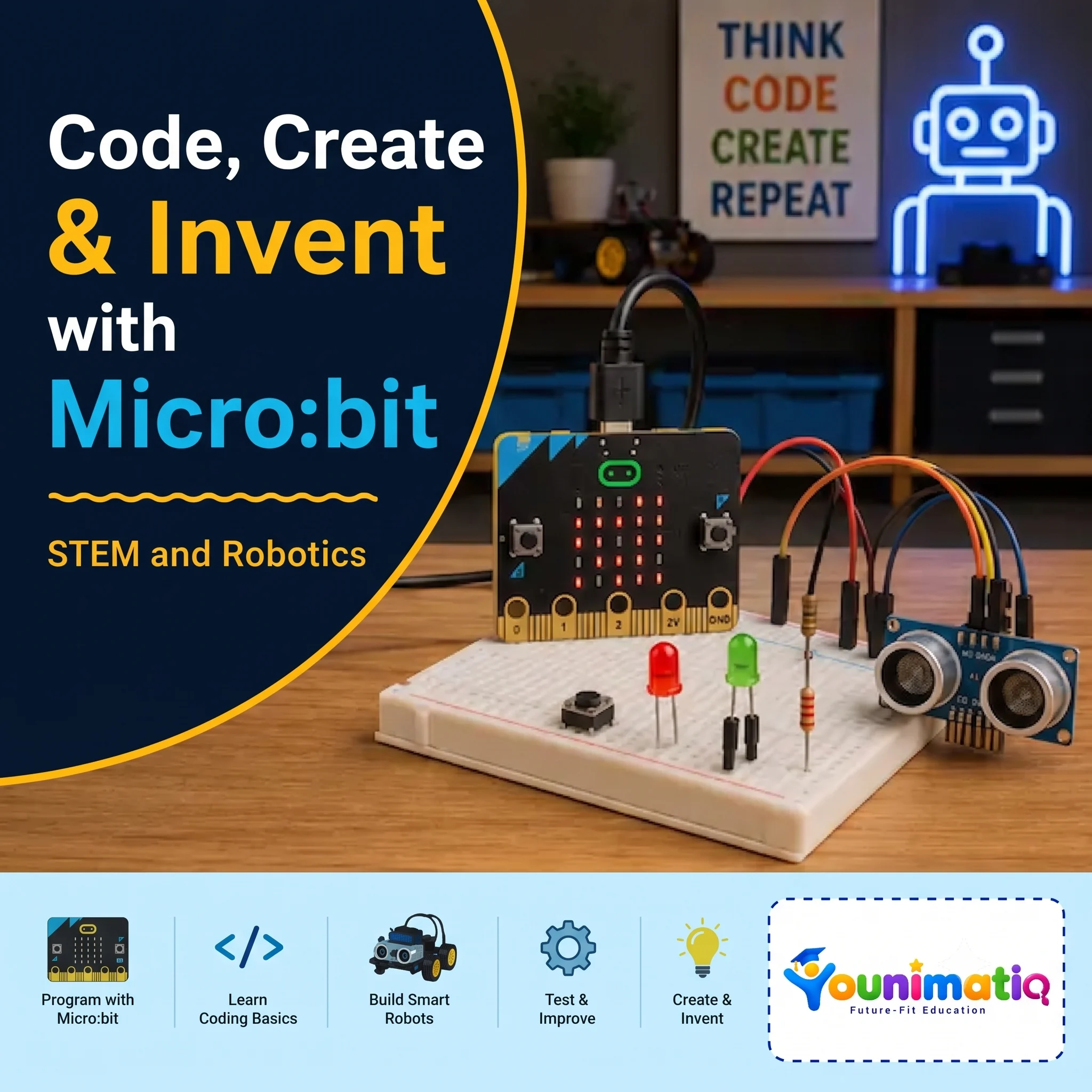
Code, Create & Invent with Micro:bit
Live Class Coding AI & Robotics Game Design Robotics

Code, Create & Invent with Micro:bit

Micro:bit Coding & Innovation is a hands-on course where students learn coding, electronics, sensors, and game design through creative micro:bit projects. They progress from basic programming to building interactive games, sensor-based projects, wearable technology, data visualizations, and electronic creations.By the end of the course, students develop coding, problem-solving, computational thinking, and engineering skills while turning their ideas into working projects.Class 1: Ahoy! – Introduction to micro:bitDiscover the micro:bit's LEDs, buttons, battery, and sensors while creating your first interactive program.Class 2: Light the Way – LEDs & CoordinatesLearn how LED coordinates work and create custom images and patterns on the micro:bit display.Class 3: Wireless – Communicating with micro:bitExplore wireless communication by sending messages between the micro:bit and interactive characters on the Tynker Stage.Class 4: High Rollers – Variables & Random NumbersLearn how variables store information and use random numbers to build a digital dice roller.Class 5: π-rates – Number Guessing GameUse variables, expressions, loops, conditions, and random numbers to create an interactive number-guessing game.Class 6: Two Sides of a Coin – Booleans & GesturesExplore true/false logic and micro:bit gestures while creating a shake-powered coin toss simulator.Class 7: M-oceanography – Arrays & LoopsLearn to store and manipulate data in arrays while using loops to create an animated wave project.Class 8: Game Night – Sprites & RadioBuild a fast-paced micro:bit Racer game while learning about sprites, game events, variables, and radio communication.Class 9: Sensory Overload – SensorsExplore the micro:bit's accelerometer, temperature sensor, and compass while creating an interactive Tag game.Class 10: Pins – Digital & Analog ElectronicsDiscover how micro:bit pins work with digital and analog signals while controlling external LEDs using alligator clips.Class 11: Devices – Motors & SpeakersConnect motors and speakers to the micro:bit and combine coding, sound, and motion to create a spinning prize wheel.Class 12: FUNctions – Reusable CodeLearn how functions, parameters, and conditional logic make programs more organized while building a Rock, Paper, Scissors game.Class 13: Soarin' Dragon – Game DesignTurn the micro:bit into a game controller and build a complete dragon game with movement, obstacles, scoring, and Game Over logic.Class 14: Glow Shoes – Wearable TechnologyUse the accelerometer, variables, pins, and LEDs to create a wearable project that responds to movement.Class 15: Grapher – Sensor Data VisualizationCollect sensor data from the micro:bit and turn it into plotted points to explore coding, data collection, and graphing.Class 16: Piano – Build a Paper PianoCombine coding, electronics, and creativity to build a playable paper piano using aluminum foil, pins, and the micro:bit.
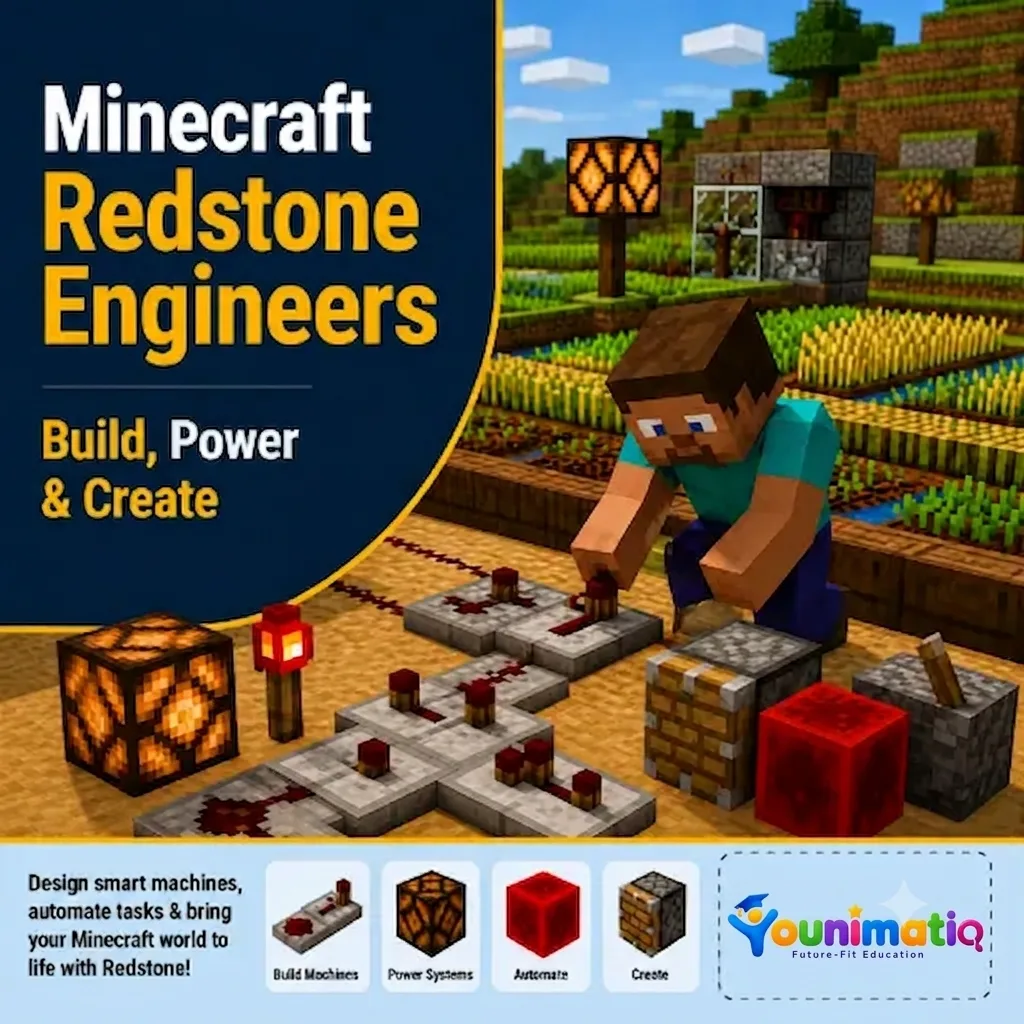
Minecraft Redstone Mania: Lights, Doors & Fireworks!
Live Class Game Design Minecraft

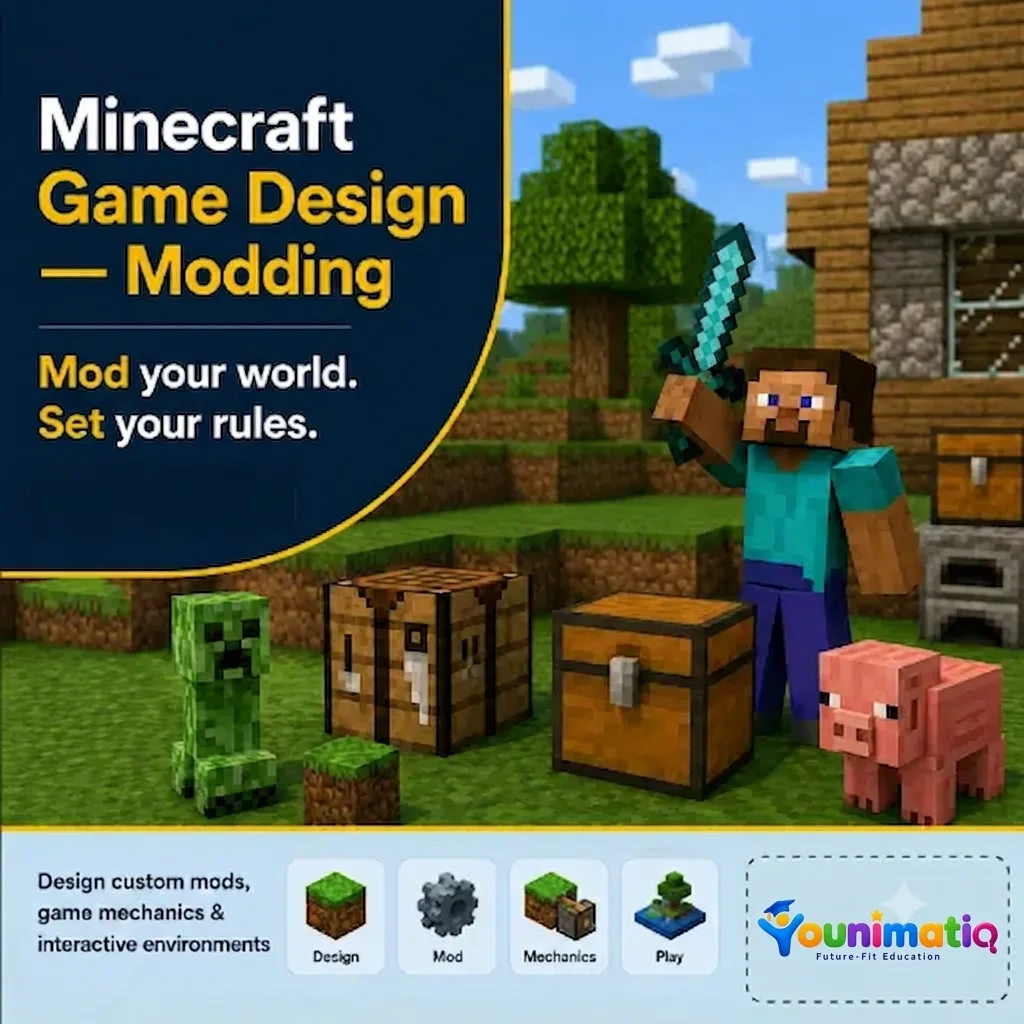
Minecraft Redstone Mania: Lights, Doors & Fireworks!

Minecraft Redstone Mania takes students on an exciting journey into the world of circuits, machines, and automation. This Minecraft course for kids uses hands-on Minecraft projects to explore how Redstone components interact to create lights, secret passages, transportation systems, and automated inventions. Each class encourages creativity, experimentation, and design thinking while helping learners develop engineering skills, logical reasoning, problem-solving abilities, and confidence in building smart, interactive worlds.Class 1: Redstone Academy – Power Up!Discover the basics of Redstone by learning how signals travel and how switches can power circuits and devices.Class 2: Light Up the Night – Redstone LampsBuild interactive lighting systems using Redstone lamps, buttons, levers, and pressure plates.Class 3: Instant Armor StationCreate an automated armor station that equips players instantly using dispensers and Redstone activation.Class 4: Secret Agent HeadquartersDesign hidden entrances and secret doors using pistons, switches, and clever Redstone mechanisms.Class 5: Auto Farm EngineersBuild automated farming systems that use Redstone to plant, harvest, and manage resources efficiently.Class 6: Minecart ExpressEngineer an exciting transportation system using powered rails and detector rails to control minecart movement.Class 7: Rainbow Lights & Billboard BuildersCreate dazzling displays and interactive attractions using beacons, colorful lights, and Redstone-powered effects.Class 8: Fireworks Festival EngineersBring together your Redstone skills to build an automated fireworks show with synchronized launches and special effects. 

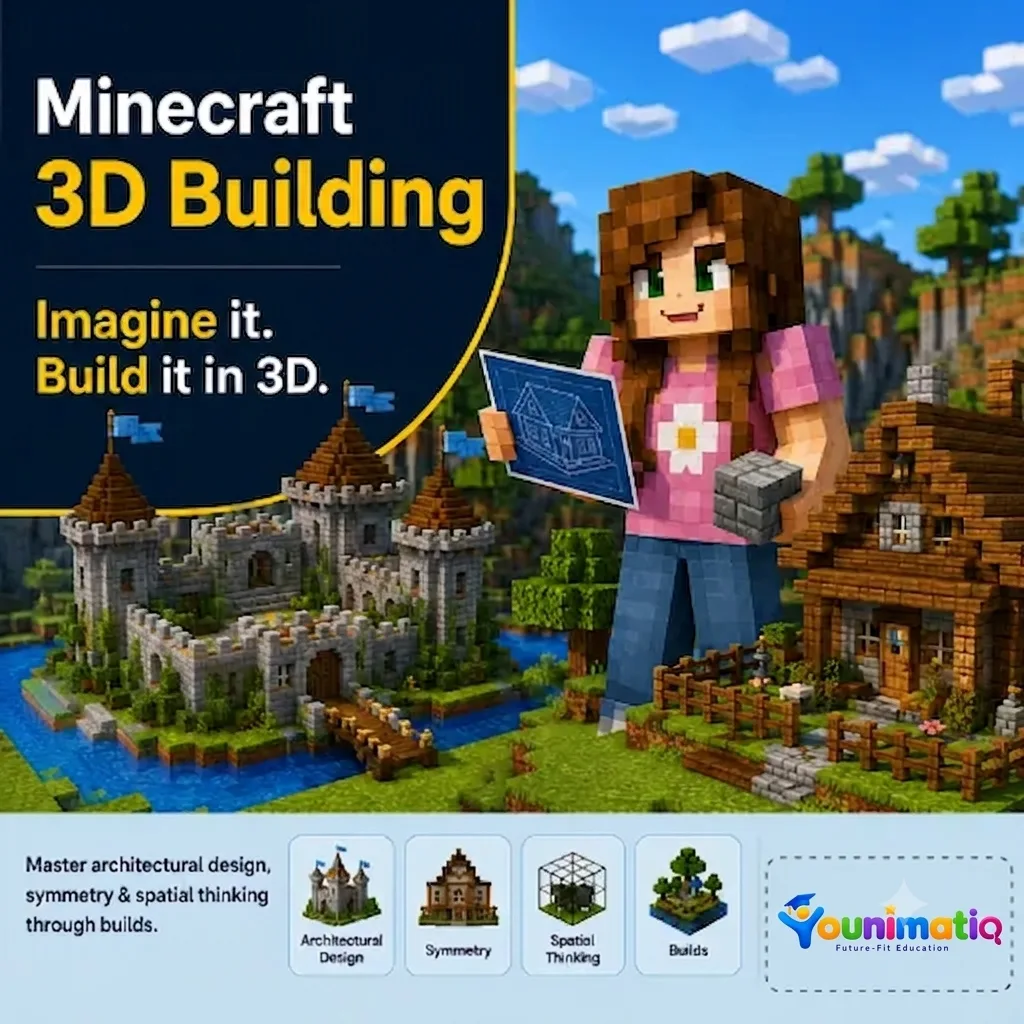
Minecraft Builder Adventures: Dream, Design & Construct
Live Class Game Design Minecraft

Minecraft Builder Adventures: Dream, Design & Construct

Minecraft Master Adventures is an engaging Minecraft Building Course that invites young builders to become Minecraft architects as they design incredible homes and imaginative worlds inspired by deserts, oceans, forests, castles, and futuristic cities. Through creative building challenges, students explore architecture, landscaping, symmetry, and design techniques while developing spatial awareness, problem-solving skills, and confidence in bringing their ideas to life. Class 1: Desert Paradise RetreatsDesign a luxurious desert home complete with palm trees, fountains, and beautiful gardens.Class 2: Ocean Crystal MansionsCreate a stunning underwater glass mansion with aquariums, tunnels, and panoramic ocean views.Class 3: Nature Nest HideawaysBuild an eco-friendly home that blends seamlessly with nature using gardens and natural materials.Class 4: Sky-High Cliff CastlesConstruct a spectacular cliffside mansion with balconies, waterfalls, and breathtaking mountain scenery.Class 5: Treetop Explorer KingdomDesign an interconnected network of giant treehouses linked by bridges and elevated walkways.Class 6: Dragonstone Castle AdventureBecome a royal architect by building a magical castle filled with towers, courtyards, and secret rooms.Class 7: Futureopolis: City of TomorrowTravel into the future and create a modern city with skyscrapers, futuristic homes, and innovative designs.Class 8: Ultimate Builder ShowcaseBring together your creativity and building skills to design and showcase your very own dream home and world.

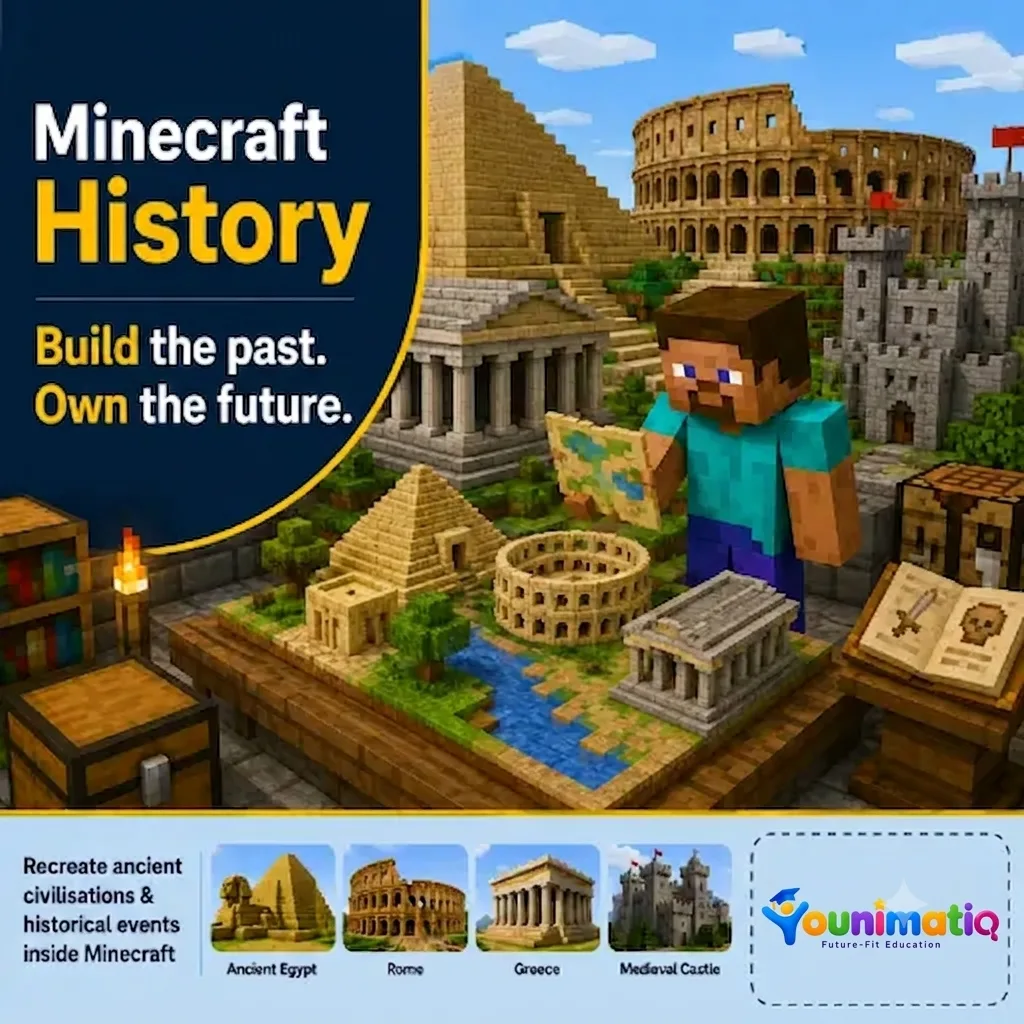
Minecraft Time Travelers Fun Course: Wonders of the World
Live Class Game Design History Minecraft

Minecraft Time Travelers Fun Course: Wonders of the World

Minecraft Time Travelers Fun Course: Wonders of the World takes students on an exciting journey across continents and centuries as they recreate some of history's most famous landmarks in Minecraft. Through hands-on building projects, Minecraft Time Travelers helps learners explore the stories, cultures, and engineering behind iconic structures while developing creativity, planning, spatial reasoning, and architectural design skills.Class 1: Dragon's Wall – The Great Wall of ChinaTravel to Ancient China and build sections of the Great Wall while discovering how massive defensive structures protected entire kingdoms.Class 2: Pharaoh's Treasure – The Pyramids of GizaJourney to Ancient Egypt and construct a pyramid complex while exploring the mysteries and engineering of the pharaohs.Class 3: Tower of Lights – The Eiffel TowerVisit Paris and recreate the Eiffel Tower while learning about symmetry, height, and innovative structural design.Class 4: Liberty Rising – The Statue of FreedomBuild the Statue of Liberty and explore how monuments can represent ideas of freedom, hope, and friendship.Class 5: Gladiator Arena – The Roman ColosseumStep into Ancient Rome and construct a grand arena while uncovering the engineering and entertainment of the Roman Empire.Class 6: Lost City in the Clouds – Machu PicchuExplore the mountain city of Machu Picchu and discover how the Incas adapted their architecture to challenging landscapes.Class 7: The Jewel of India – Taj MahalRecreate the Taj Mahal while learning about its beautiful symmetry, gardens, and the story behind this iconic monument.Class 8: Skyscraper Challenge – Burj KhalifaTravel to modern Dubai and design the world's tallest skyscraper while exploring the principles of vertical engineering and construction.

Roblox Mini Game Maker: Build 8 Real Games in Roblox Studio!
Live Class Game Design Roblox

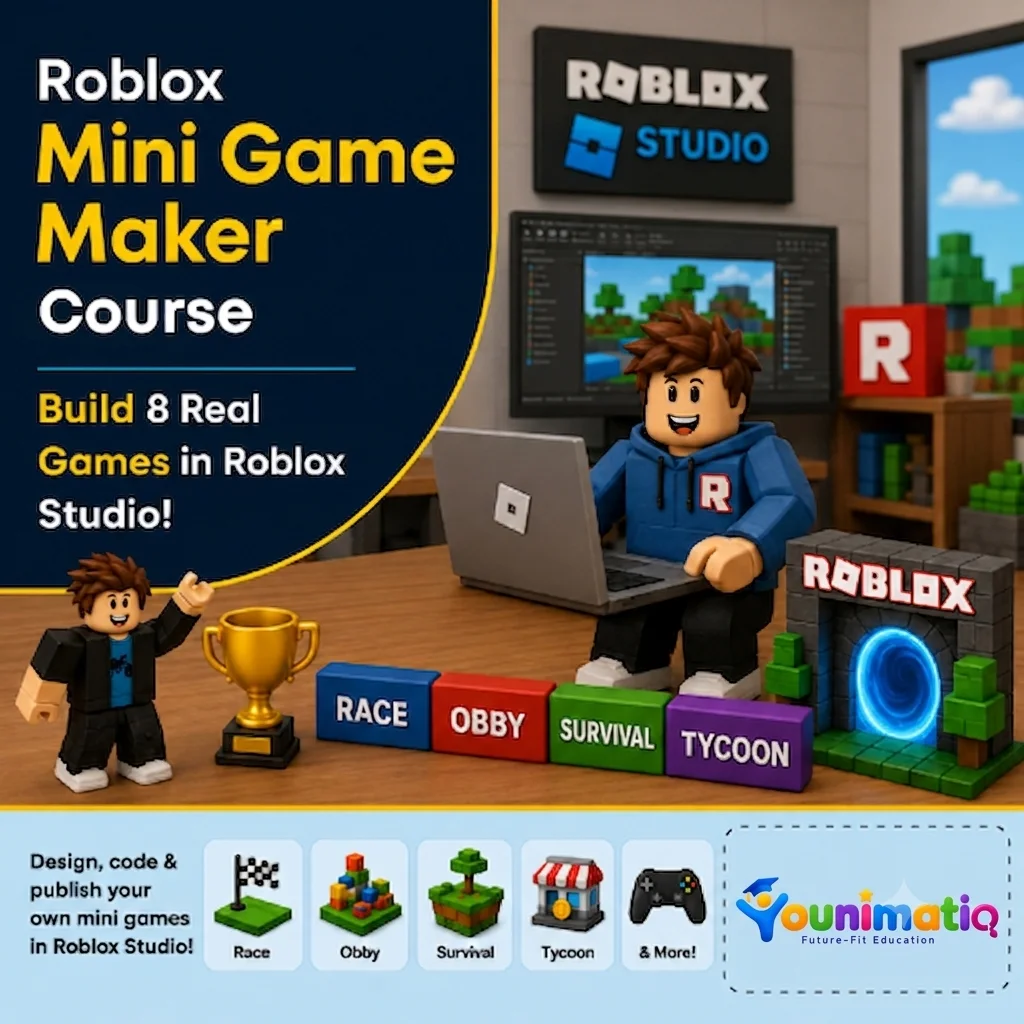
Roblox Mini Game Maker: Build 8 Real Games in Roblox Studio!

Roblox Mini Game Maker: Build 8 Real Games in Roblox Studio! gives students the exciting opportunity to become game developers by creating a new playable mini game in every class. Using Roblox Studio and beginner-friendly Lua scripting, learners design racetracks, battle arenas, shooting games, and survival challenges while developing coding logic, game design skills, creativity, and problem-solving abilities. By the end of the camp, students will have built eight original games and gained the confidence to think and create like real game developers.Class 1: Coin Collector FrenzyBuild your first Roblox game by collecting coins, tracking scores, and creating a countdown timer.Class 2: Speed Race TrackDesign an exciting race course and add finish lines, timers, and winning conditions.Class 3: Target Shooting RangeCreate an interactive shooting gallery where players score points by hitting targets.Class 4: Monster TagDevelop a multiplayer tag game where players chase, freeze, and avoid elimination.Class 5: Leaderboard Battle ArenaBuild an action-packed arena with live scoring, leaderboards, and winner announcements.Class 6: Floor is Lava!Design a survival challenge where disappearing platforms and rising lava test players' reactions.Class 7: Maze Escape ChallengeConstruct a maze filled with traps and create a timed escape adventure with a scripted exit.Class 8: Grand Mini Game ShowdownPlay, debug, improve, and showcase your mini games while celebrating your journey as a Roblox game creator.

Roblox Game Design: Build Your Own 3D World with Zero Coding
Live Class Game Design Roblox

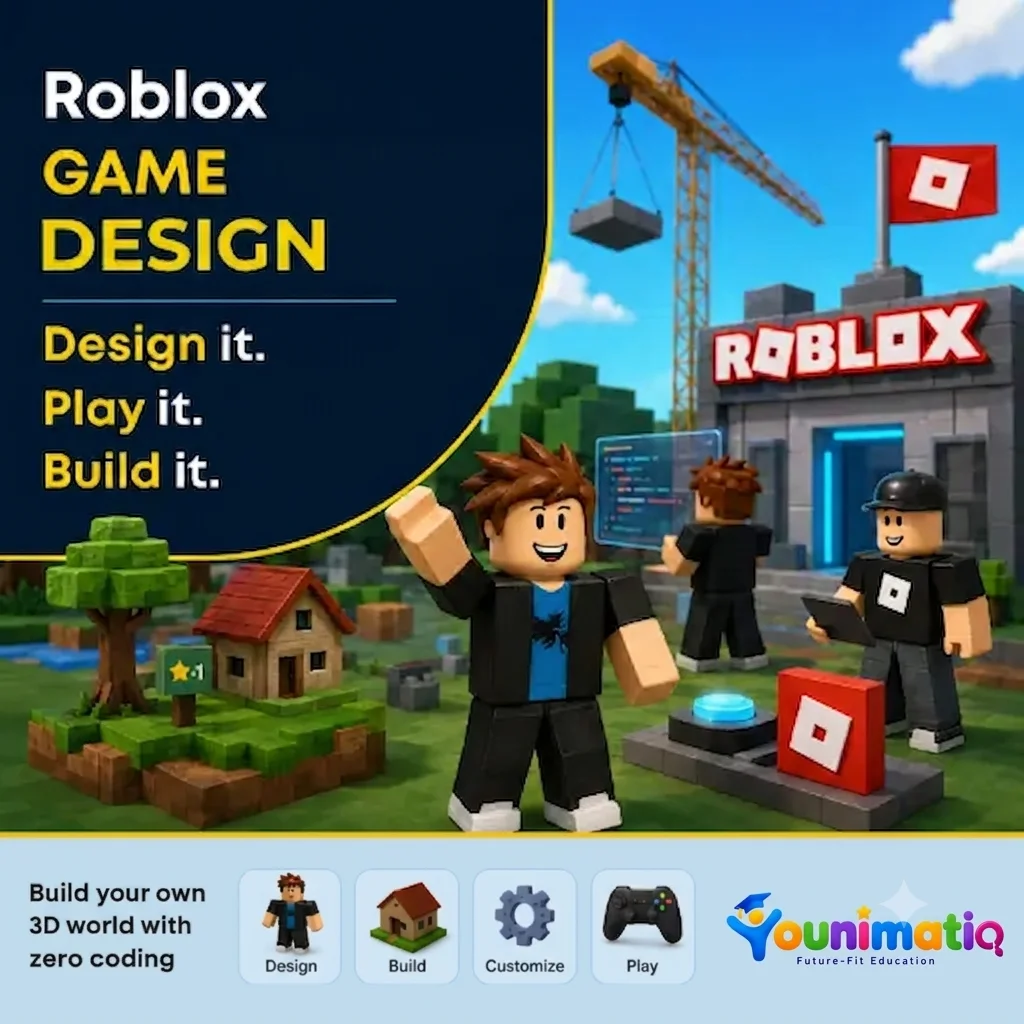
Roblox Game Design: Build Your Own 3D World with Zero Coding

Roblox Game Design: Build Your Own 3D World with Zero Coding gives young creators the opportunity to become game designers using Roblox Studio. Through hands-on building challenges, students learn to design landscapes, create structures, add props and lighting, and transform their ideas into immersive 3D worlds—all without writing a single line of code. The camp encourages creativity, design thinking, and confidence as students' progress from Roblox players to world builders.Class 1: Roblox Studio Setup & Creating 3D ModellingExplore Roblox Studio, learn essential tools and controls, and build your first 3D structures.Class 2: Terrain CreationUse terrain tools to sculpt mountains, hills, rivers, and landscapes that form the foundation of your world.Class 3: Build & DesignCreate unique buildings and environments using parts, colors, materials, and creative design techniques.Class 4: Create and Travel the Summer World ThemeChoose a theme and begin designing a cohesive world inspired by your imagination and storytelling ideas.Class 5: Props & DetailsBring your world to life by adding decorations, objects, and environmental details that make it feel realistic and engaging.Class 6: Lights & AtmosphereExperiment with lighting and visual effects to create different moods and enhance the overall experience.Class 7: Polish & PerfectRefine your designs, improve details, and add the finishing touches to prepare your world for presentation.Class 8: Showcase DayPresent your completed 3D world, explore classmates' creations, and celebrate your journey as a Roblox game designer.

Obby Master Course: From Player to Game Designer
Live Class Game Design Roblox

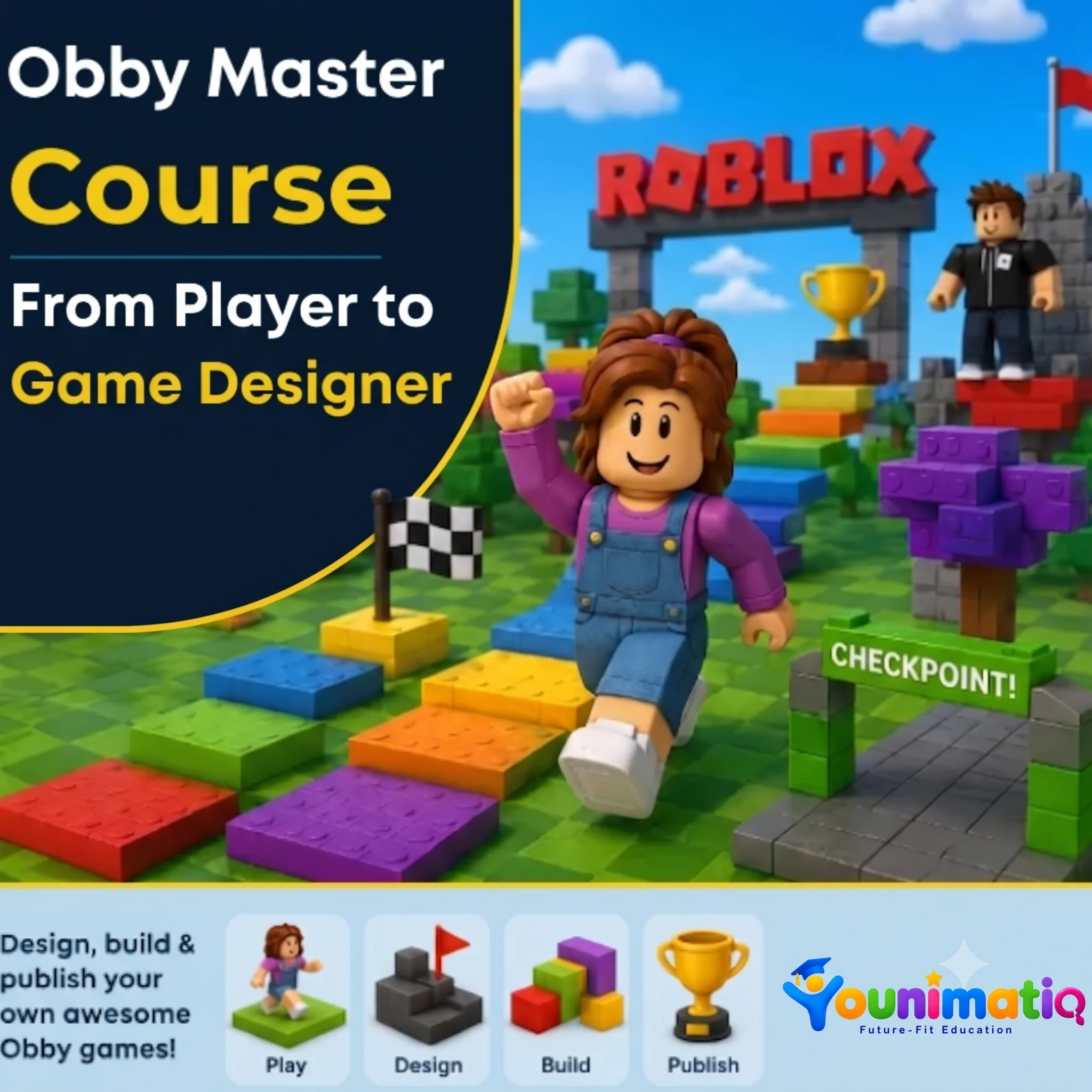
Obby Master Course: From Player to Game Designer

Obby Master Course: From Player to Game Designer transforms young Roblox fans into game designers as they build their very own obstacle course game from scratch. Through hands-on challenges, students learn level design, create exciting obstacles, build immersive themed worlds, and improve their games through testing and refinement. By the end of the camp, each learner will have designed, polished, and published a unique Roblox obby that showcases their creativity, problem-solving, and game design skills.Class 1: Welcome to the StudioExplore Roblox Studio, learn essential building tools, and create your first obstacle as a game designer.Class 2: The Art of the JumpDesign fun and challenging platform sequences by experimenting with jumps, spacing, and player movement.Class 3: Danger Zone — Traps & HazardsBuild exciting hazards such as lava pits, moving obstacles, and collapsing platforms to make gameplay more thrilling.Class 4: Checkpoint EngineeringCreate checkpoints and learn how smart progression systems keep players motivated and engaged.Class 5: Level ArchitecturePlan and organize multiple stages to create a complete and enjoyable obstacle course experience.Class 6: Theme Your WorldBring your obby to life by designing imaginative themed environments such as volcanoes, underwater worlds, or futuristic cities.Class 7: The Finishing TouchPlaytest your game, improve its design, and add final details that enhance the player experience.Class 8: Game Launch & ShowcasePublish your obby, explore classmates' creations, and celebrate becoming a Roblox game designer.

Book a Free Class

Tell us a bit about your child to book a free demo class for the selected course.

how_to_reg All tutors are background-checked