Ages Grades 3 - 5
Grades 3–5 Program
Courses designed for Grades 3–5 (ages Grades 3 - 5) — interactive, age-appropriate learning adventures.
Showing 1–12 of 39
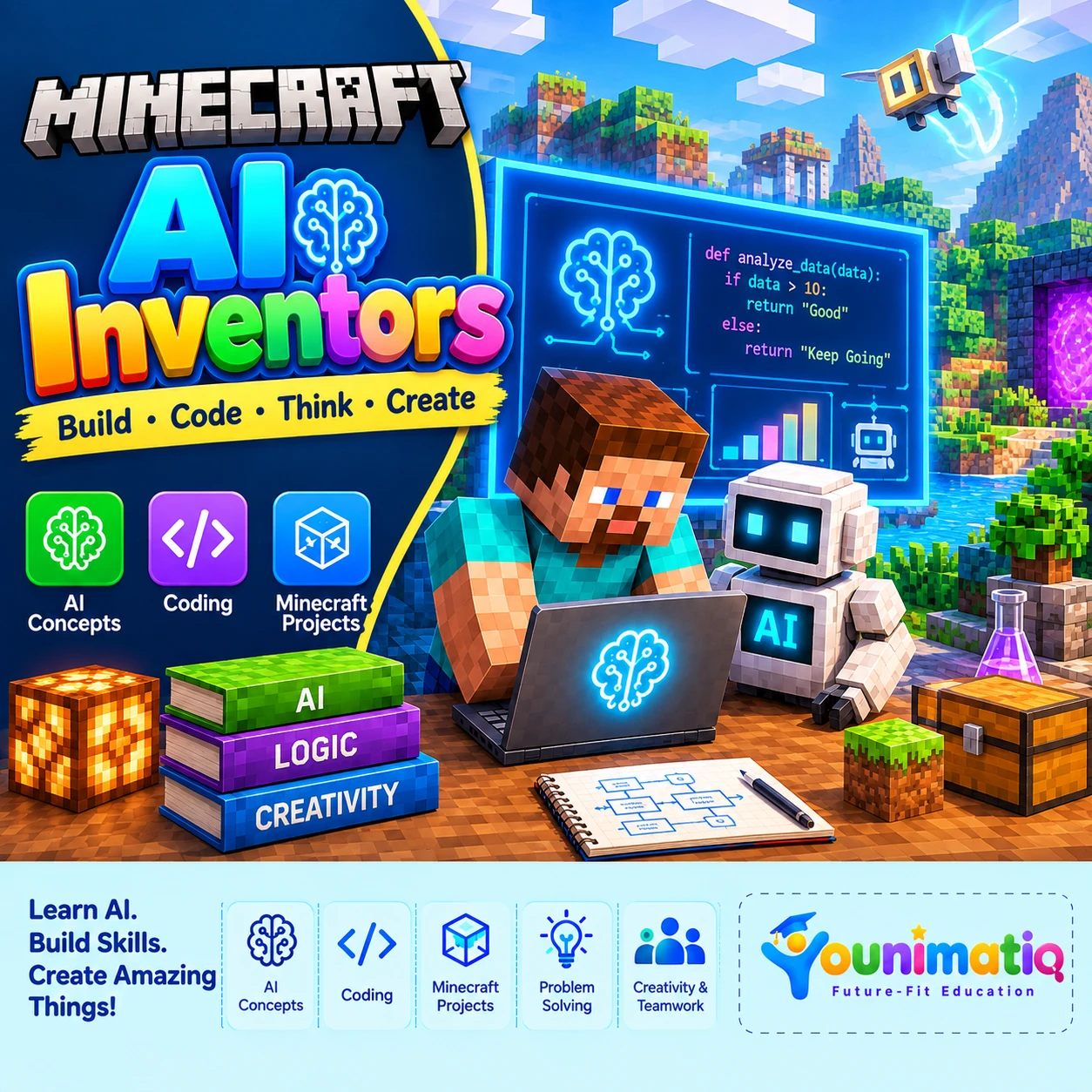
Minecraft AI Inventors
Minecraft AI Inventors is an engaging project-based course that introduces students to the exciting world of Artificial Intelligence through Minecraft Education. Students learn how AI systems recognize patterns, work with data, make decisions, and solve problems while building and coding inside Minecraft.The course begins with AI fundamentals and computational thinking, then gradually moves into Minecraft Agent programming, algorithms, conditions, loops, variables, functions, debugging, and automation. In the final stage, students become AI inventors by identifying a problem, designing an AI-inspired solution, building their Minecraft environment, programming an Agent, testing their solution, and presenting their final project.Through hands-on challenges, students develop AI literacy, coding skills, problem-solving, data thinking, creativity, computational thinking, and responsible AI awareness.Level 1: AI FoundationsClasses 1–8Students explore the basics of Artificial Intelligence through Minecraft by learning about patterns, data, classification, algorithms, and decision-making while completing hands-on Agent challenges.Level 2: AI + CodingClasses 9–16Students progress from AI concepts to coding, programming Minecraft Agents using commands, coordinates, conditions, loops, variables, functions, and debugging to create automated systems.Level 3: AI InventorsClasses 17–24Students apply their AI and coding skills to solve a problem of their choice by collecting data, designing an AI-inspired solution, building and programming an Agent, testing and improving their project, and presenting their final invention.
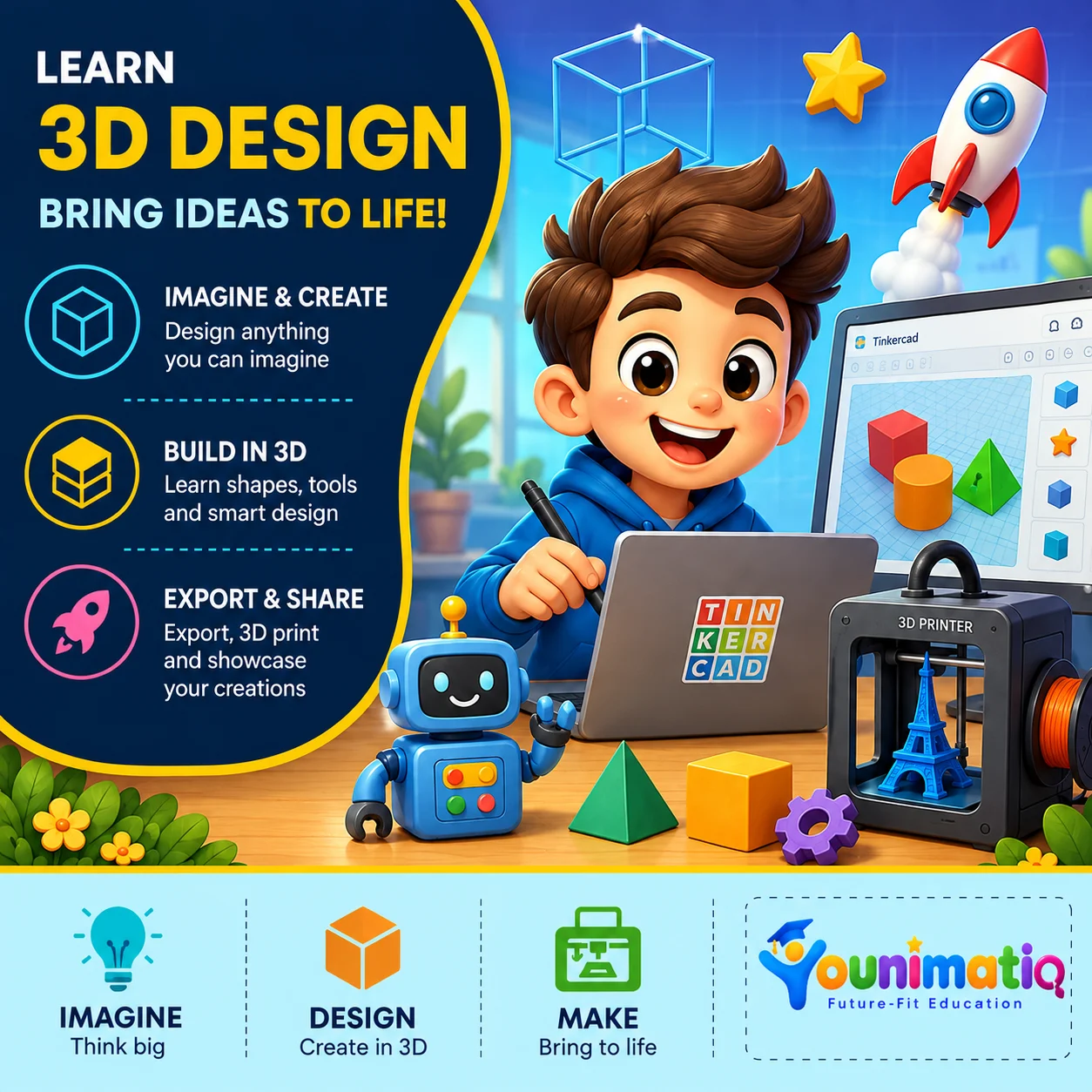
3D Design: Bring Ideas, Robots to Life
The 3D Design course introduces students to the exciting world of 3D modelling, digital design, and creative problem-solving. Using Tinkercad's beginner-friendly design tools, students learn how simple shapes can be transformed into imaginative 3D creations. Throughout the course, they explore geometric shapes, resizing, grouping, alignment, holes, duplication, rotation, and advanced design techniques while building fun projects such as characters, objects, structures, and personalised models. By the end of the course, students will have the confidence to turn their imagination into digital 3D designs and understand the basics of preparing models for real-world applications such as 3D printing.Class 1: Welcome to the World of 3D DesignStudents explore the Tinkercad workspace and create their first model using basic 3D shapes.Class 2: Shape Builders: Move, Resize & RotateStudents learn to transform basic shapes by moving, resizing, and rotating them in 3D space.Class 3: Shape Fusion: Grouping & Combining ObjectsStudents combine simple shapes to construct more detailed and creative 3D objects.Class 4: Design with Precision: Align & DuplicateStudents use precision tools to create balanced designs with repeated and symmetrical elements.Class 5: The Power of Holes: Cut & CarveStudents discover how hole shapes can be used to carve, cut, and transform 3D objects.Class 6: Character Creator: Build a 3D CharacterStudents bring imagination to life by designing their own unique 3D character.Class 7: Cool Creations: Designing Everyday ObjectsStudents apply their design skills to create functional objects inspired by everyday life.Class 8: Architects in 3D: Build a Mini StructureStudents become young architects by designing a creative structure in a 3D environment.Class 9: Minecraft-Inspired 3D Design ChallengeStudents create a fun game-inspired 3D model by transforming basic shapes into a detailed character or object.Class 10: Duplicate Like a Designer: Patterns & RepetitionStudents use duplication and repetition to create complex patterns quickly and efficiently.Class 11: From Digital Model to Real World: Introduction to 3D PrintingStudents discover how digital 3D models can be transformed into real physical creations through 3D printing.Class 12: Ultimate 3D Design Challenge: Imagine, Design & ShowcaseStudents design and showcase an original 3D creation that brings together everything learned throughout the course.
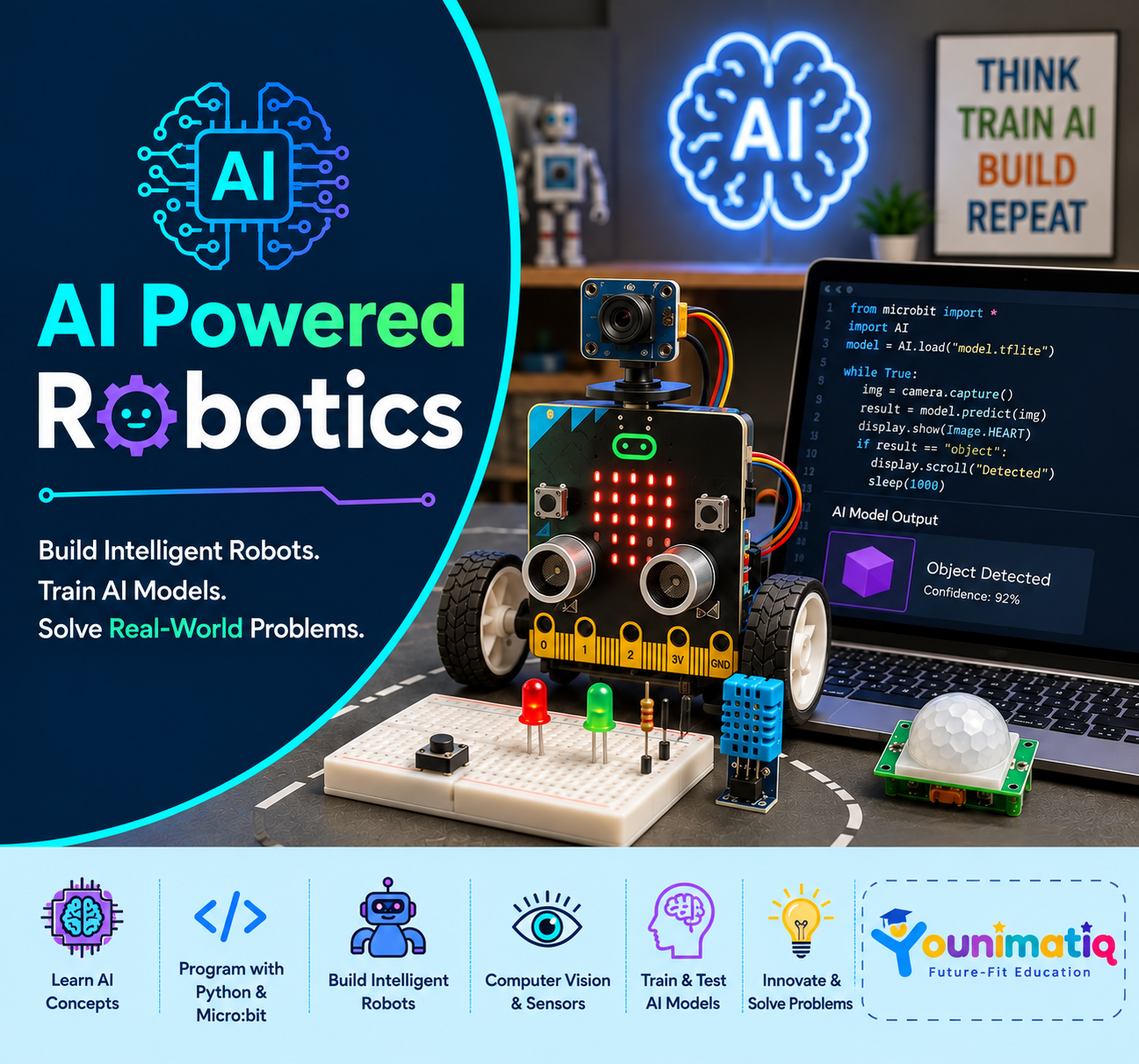
AI-Powered Robotics
Design, build, and program real robots — where AI meets engineering.
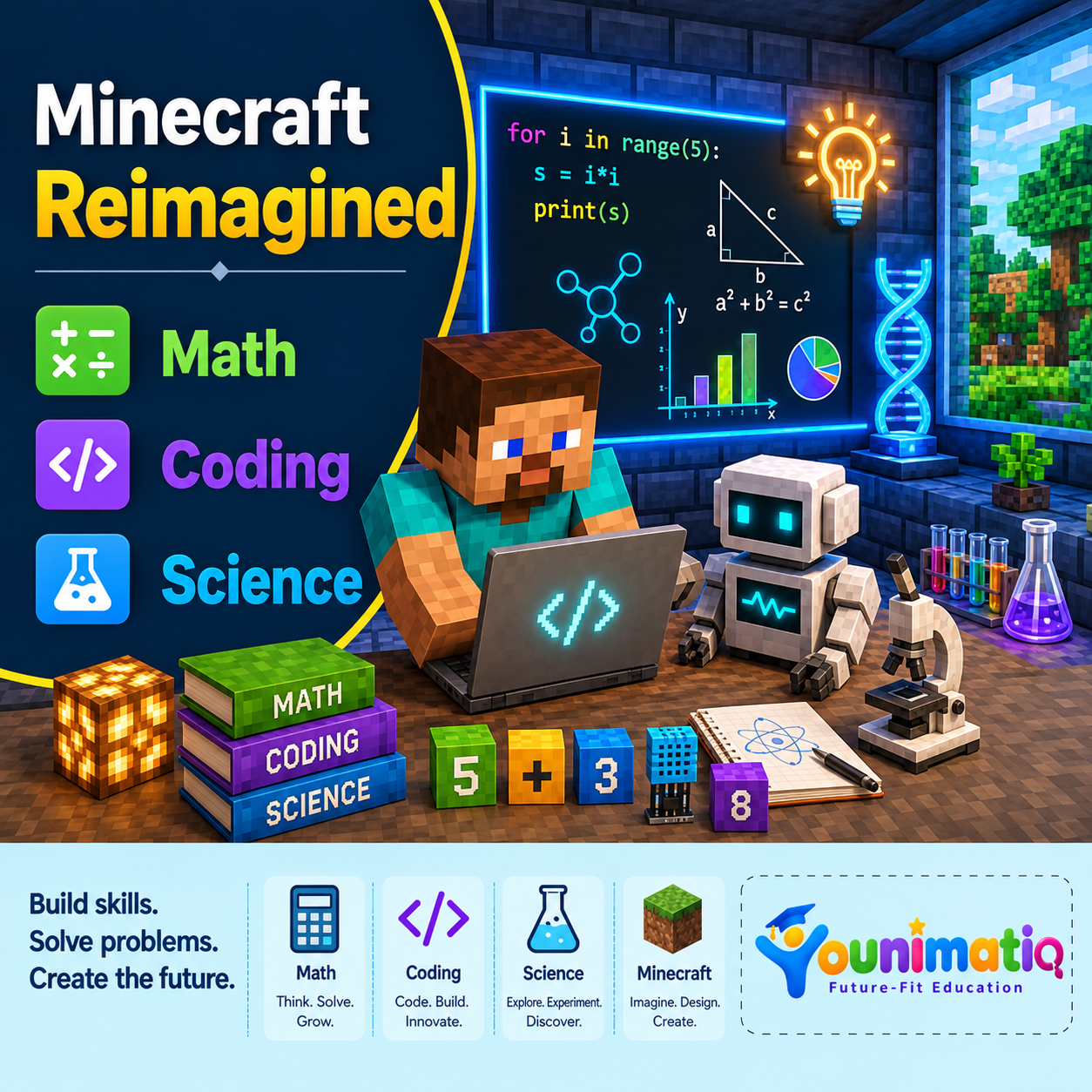
Minecraft, Reimagined
The game they already love, Minecraft Reimagined, turned into a classroom for math and English.
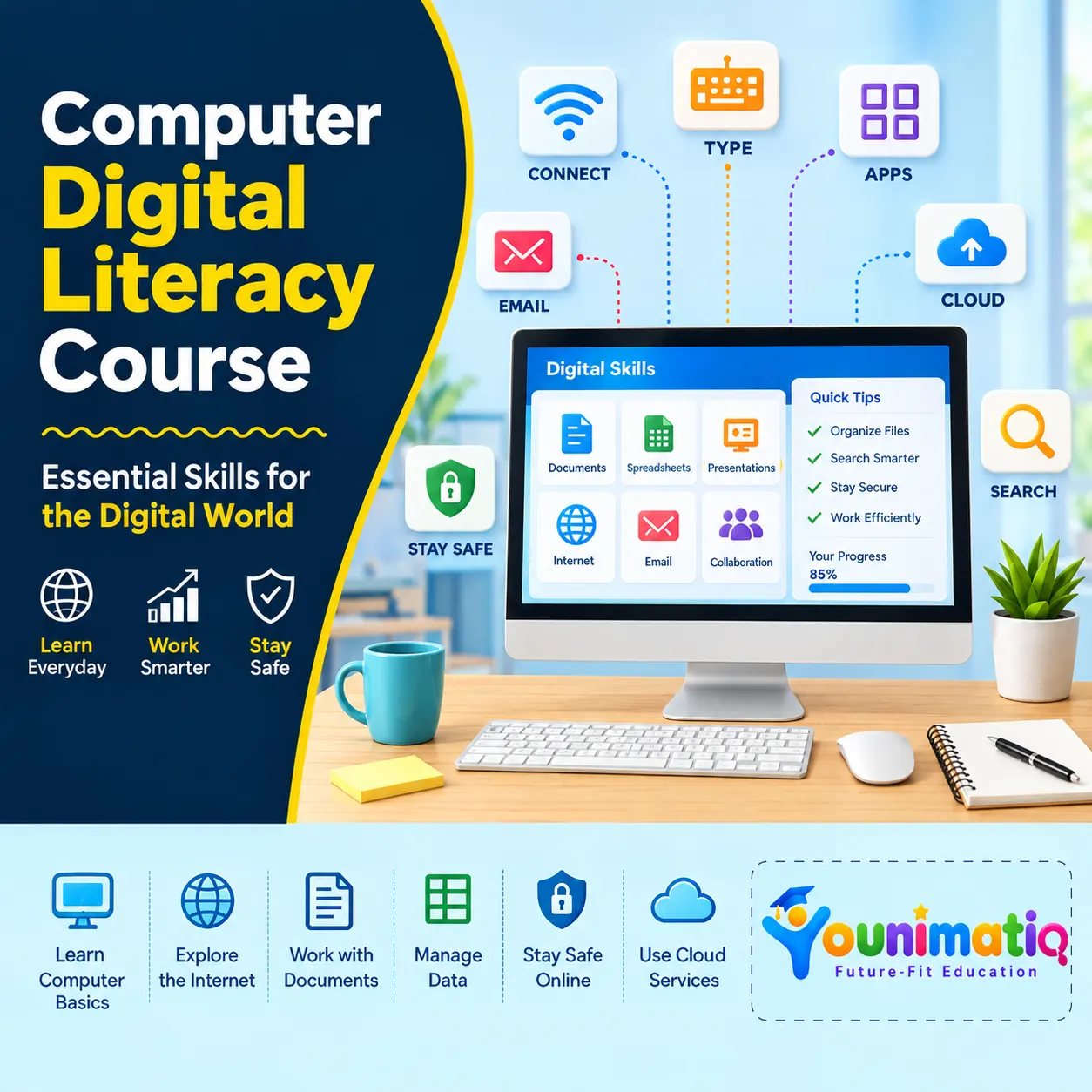
Computer & Digital Literacy Course - Level 1
Computer Literacy Course – Level 1 helps students build a strong foundation in how computers work, how information is stored and processed, and how to manage digital files effectively. This computer literacy course also teaches students how to search for reliable information, stay safe online, protect their personal information, and understand their digital footprint. The level begins with an engaging binary and logic challenge and gradually develops practical computer and digital citizenship skills through hands-on activities and a final Digital Citizenship Audit. Level 1: Computer Systems & Digital CitizenshipTrial Class: Crack the CodeDecode binary messages, create a binary name badge, design a yes/no algorithm with a flowchart, and turn it into a working Python program using if, else, and print().Class 1: How a Computer Processes a TaskLearn how computers process information through the Input–Process–Output–Storage cycle and practice troubleshooting common problems.Class 2: File Systems, Cloud Storage & Version ControlLearn to organize files using naming conventions while understanding the difference between local storage, cloud synchronization, and version control.Class 3: Advanced Keyboarding & Workflow EfficiencyImprove typing speed and accuracy while learning keyboard shortcuts and window-management techniques for faster computer workflows.Class 4: Advanced Search & Source EvaluationLearn to use Boolean search operators and evaluate online sources for credibility, bias, and currency.Class 5: Cybersecurity FundamentalsLearn how to recognize phishing attempts and create a personal password-safety plan using strong passwords, 2FA, and password-management strategies.Class 6: Digital Footprint + Unit Wrap-UpExplore how online activity can affect digital reputation and demonstrate learning through a Digital Citizenship Audit and quiz.
Minecraft Redstone Mania: Lights, Doors & Fireworks!
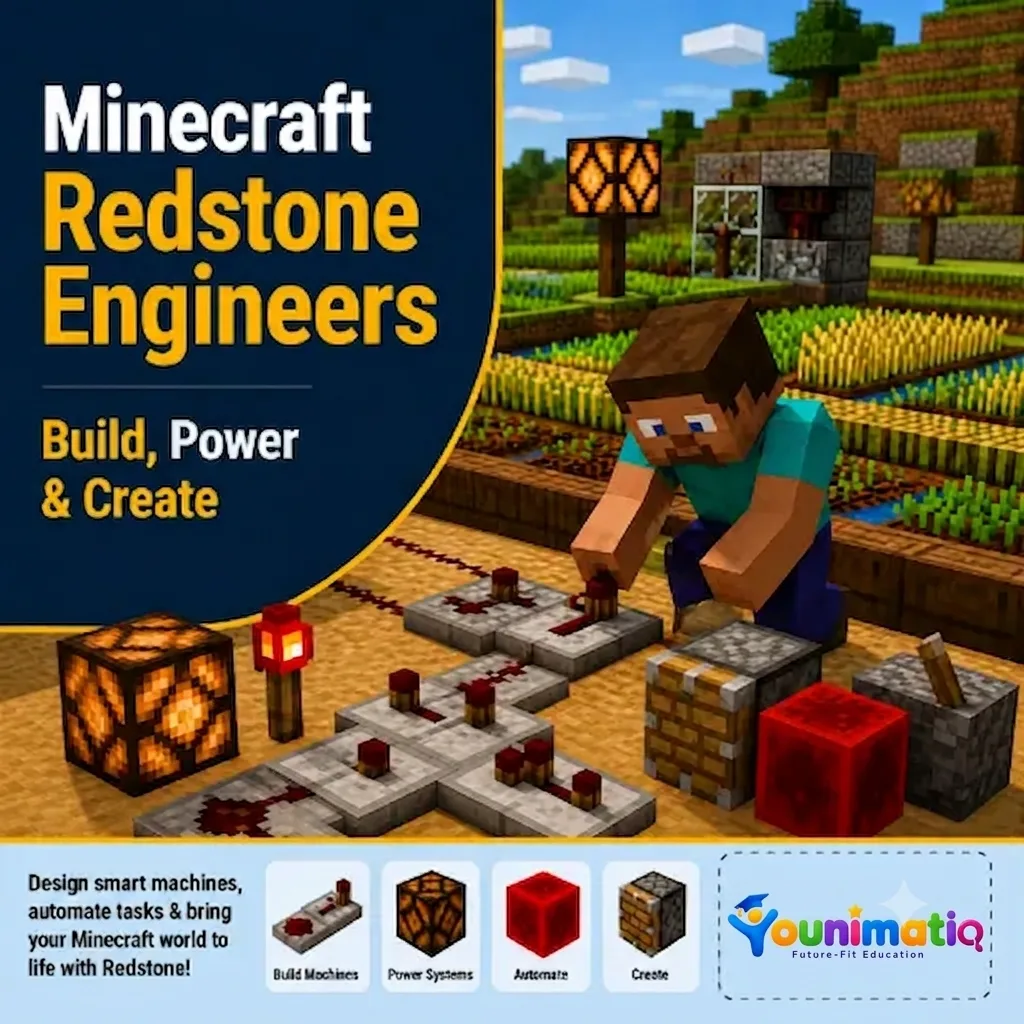
Minecraft Redstone Mania takes students on an exciting journey into the world of circuits, machines, and automation. This Minecraft course for kids uses hands-on Minecraft projects to explore how Redstone components interact to create lights, secret passages, transportation systems, and automated inventions. Each class encourages creativity, experimentation, and design thinking while helping learners develop engineering skills, logical reasoning, problem-solving abilities, and confidence in building smart, interactive worlds.Class 1: Redstone Academy – Power Up!Discover the basics of Redstone by learning how signals travel and how switches can power circuits and devices.Class 2: Light Up the Night – Redstone LampsBuild interactive lighting systems using Redstone lamps, buttons, levers, and pressure plates.Class 3: Instant Armor StationCreate an automated armor station that equips players instantly using dispensers and Redstone activation.Class 4: Secret Agent HeadquartersDesign hidden entrances and secret doors using pistons, switches, and clever Redstone mechanisms.Class 5: Auto Farm EngineersBuild automated farming systems that use Redstone to plant, harvest, and manage resources efficiently.Class 6: Minecart ExpressEngineer an exciting transportation system using powered rails and detector rails to control minecart movement.Class 7: Rainbow Lights & Billboard BuildersCreate dazzling displays and interactive attractions using beacons, colorful lights, and Redstone-powered effects.Class 8: Fireworks Festival EngineersBring together your Redstone skills to build an automated fireworks show with synchronized launches and special effects.
AI Coding for Kids: Build Smart Apps, Games & More
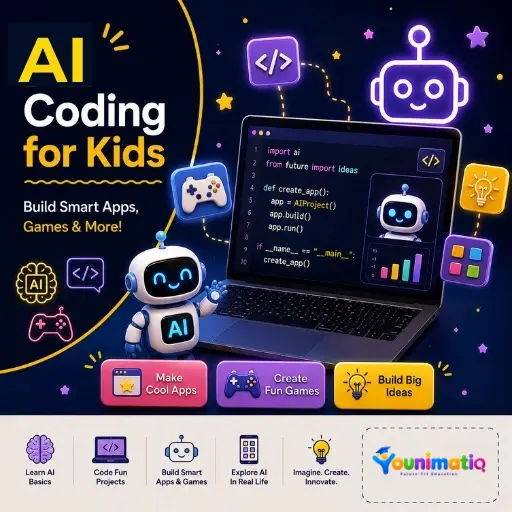
Build Smart Apps, Games & More! Designed for 9-14 years. In this Younimatiq live class, students learn through projects, games, and guided practice with expert educators. Highlights include: Learn AI Basics, Code Fun Projects, Build Smart Apps & Games, Explore AI in Real Life. Book a $1 demo class to experience Younimatiq live teaching.
Scratch AI: Imagine, Code & Create
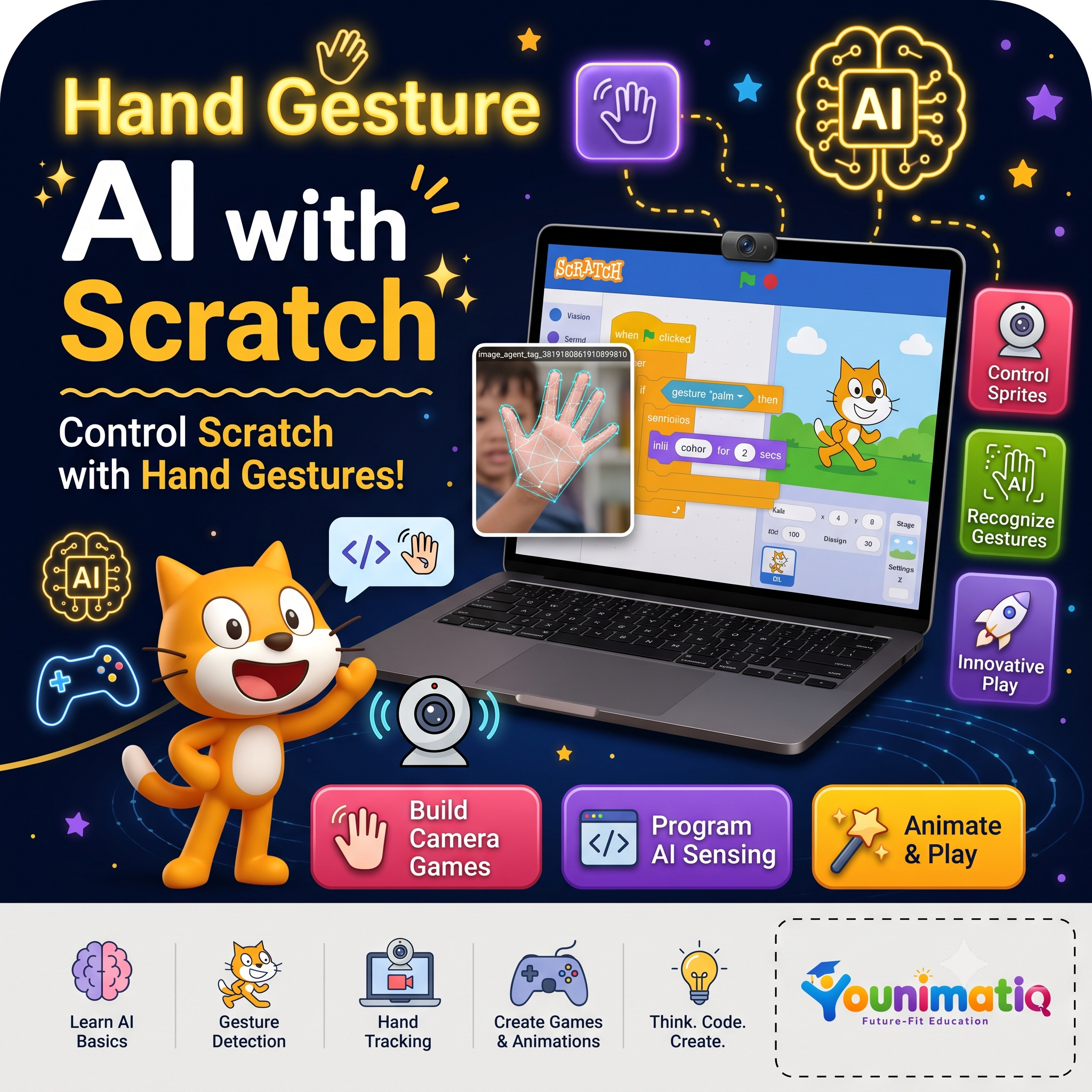
AI & Scratch Fun Camp: Imagine, Code & Create introduces young learners to the fascinating world of artificial intelligence through playful, hands-on projects using Scratch and beginner-friendly AI tools. Children discover how computers learn, recognize images, respond to sounds, understand simple conversations, and make decisions while creating games, chatbots, and interactive experiences. Each session combines creativity, coding, and exploration, helping students develop problem-solving skills and confidence as young technology creators.Class 1: What Is AI? Humans vs ComputersDiscover what artificial intelligence is by comparing how humans think and how computers follow instructions to create a responsive Scratch character.Class 2: Rules vs Smart BehaviourBuild a Smart Pet that reacts to different actions and explore how computers use rules to appear intelligent.Class 3: Can Computers Listen?Create a clap-controlled or voice-reactive game and learn how computers can use sound as data.Class 4: Teaching a Computer with PicturesTrain your first AI model to recognize animals or objects using pictures and explore how machines learn from examples.Class 5: When AI Makes MistakesTest and challenge AI models to understand why computers sometimes make incorrect predictions.Class 6: Body as an Input: Pose AIUse body movements to control a Scratch game by training an AI to recognize different poses.Class 7: Talking with a ComputerBuild a friendly chatbot that can greet users and respond to simple questions and phrases.Class 8: How AI Makes DecisionsDesign a Smart Traffic Light or decision-based game that demonstrates how AI uses information to make choices.
AI Projects Weekly Lab
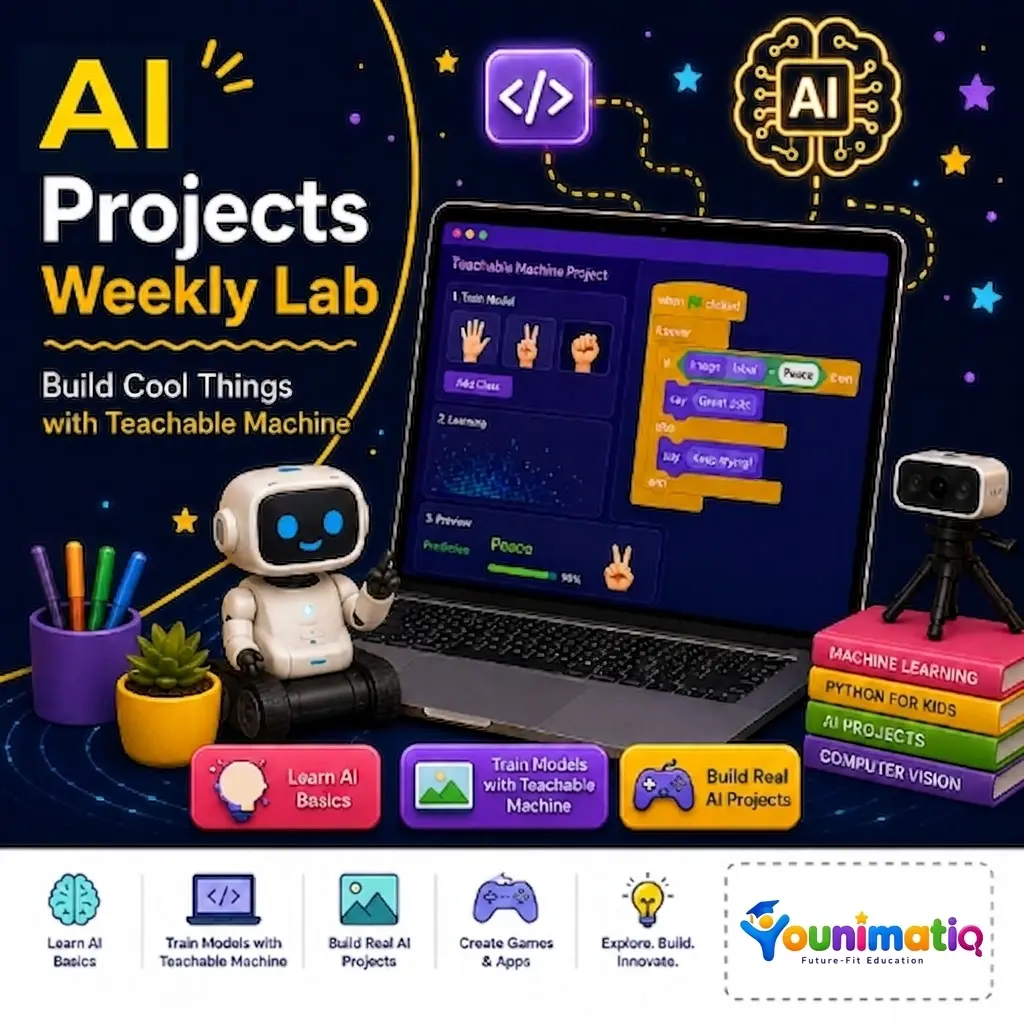
Build Cool Things with Teachable Machine Designed for 8-14 years. In this Younimatiq live class, students learn through projects, games, and guided practice with expert educators. Highlights include: Learn AI Basics, Train Models with Teachable Machine, Build Real AI Projects, Create Games & Apps. Book a $1 demo class to experience Younimatiq live teaching.
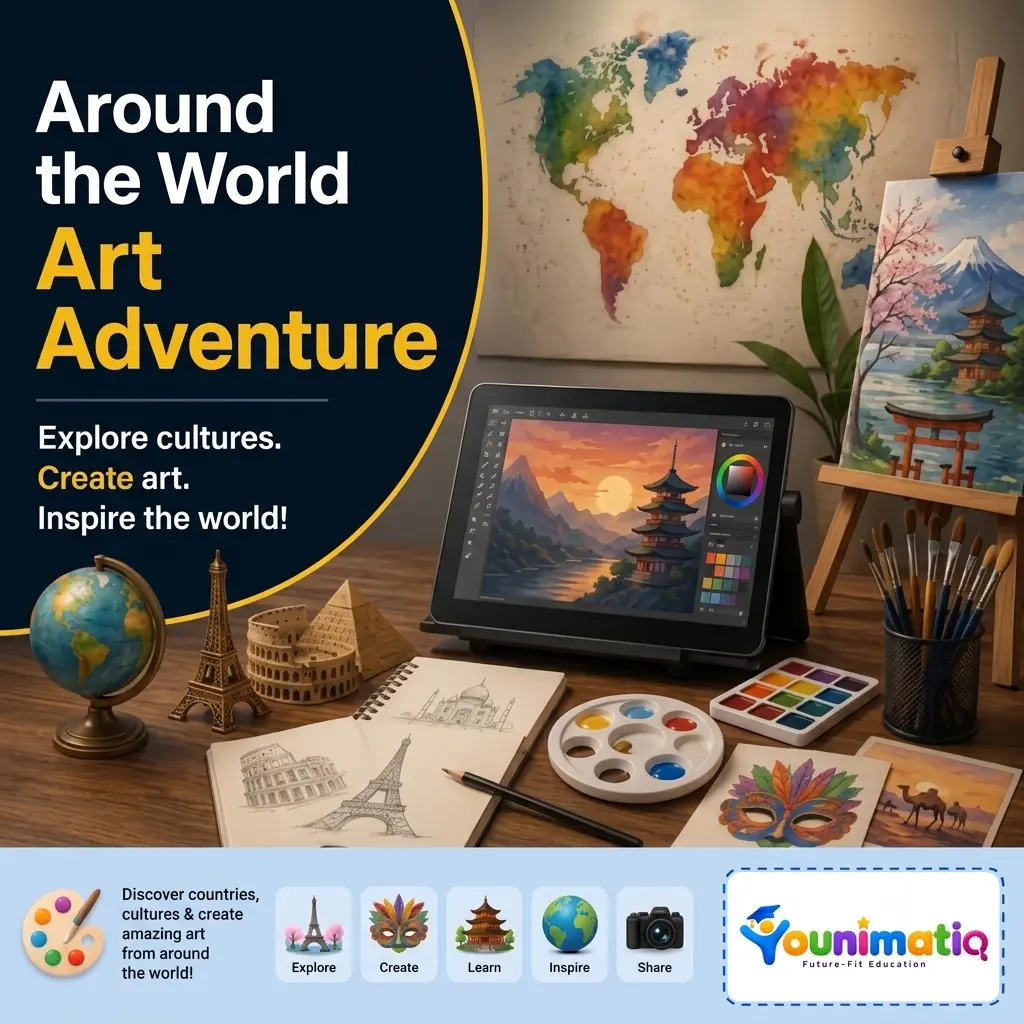
Around the World Art Adventure
Explore cultures. Create art. Inspire the world! Designed for 8-12 years. In this Younimatiq live class, students learn through projects, games, and guided practice with expert educators. Highlights include: Explore, Create, Learn, Inspire, Share. Book a $1 demo class to experience Younimatiq live teaching.
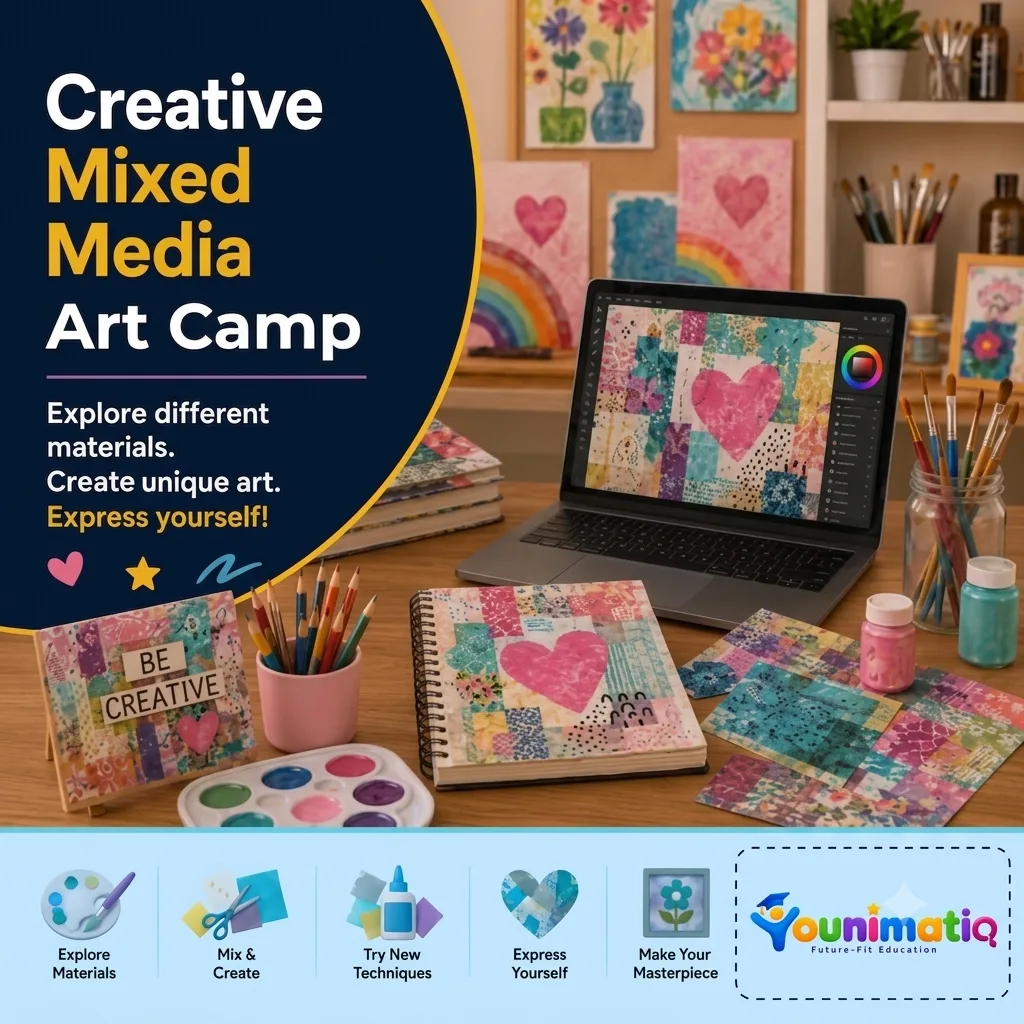
Creative Mixed Media Art Camp
Explore different materials. Create unique art. Express yourself! Designed for 7-12 years. In this Younimatiq live class, students learn through projects, games, and guided practice with expert educators. Highlights include: Explore Materials, Mix & Create, Try New Techniques, Make Your Masterpiece. Book a $1 demo class to experience Younimatiq live teaching.
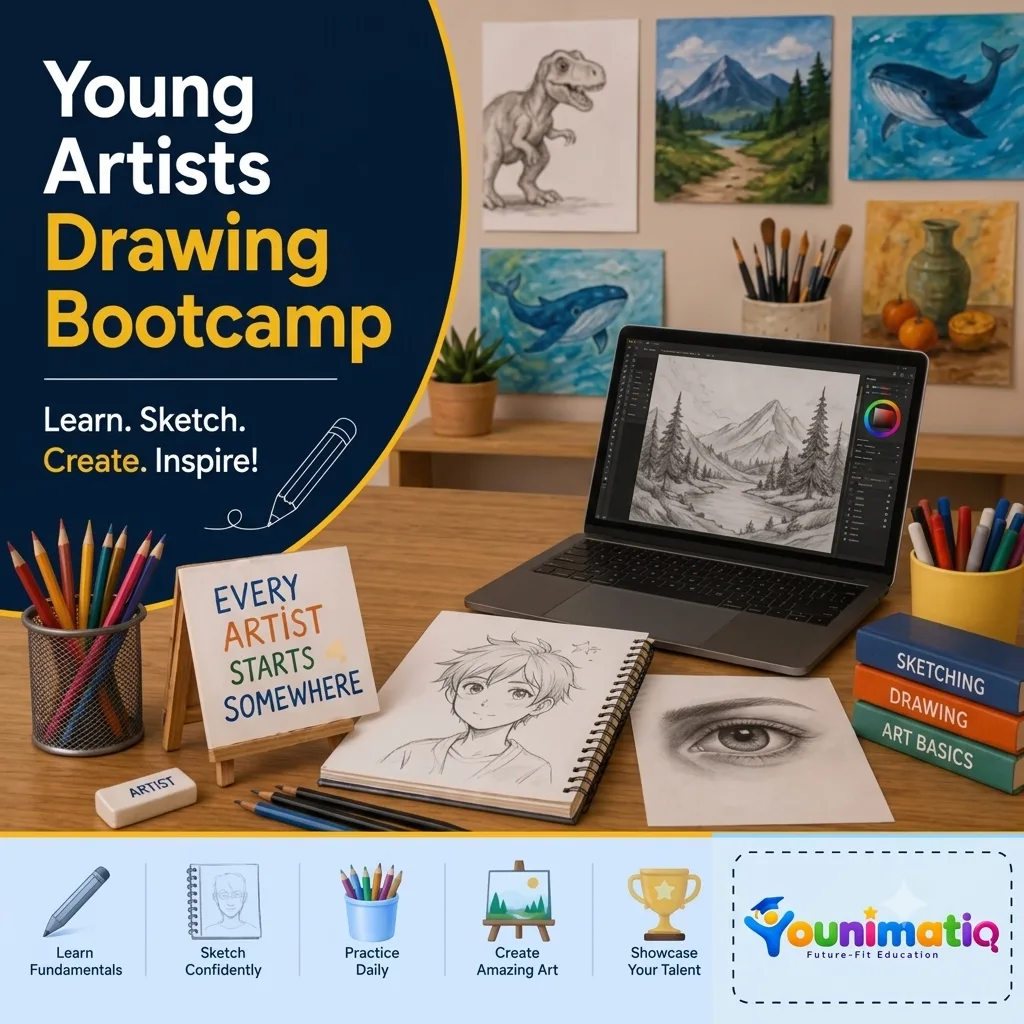
Young Artists Drawing Bootcamp
Learn. Sketch. Create. Inspire! Designed for 7-14 years. In this Younimatiq live class, students learn through projects, games, and guided practice with expert educators. Highlights include: Learn Fundamentals, Sketch Confidently, Practice Daily, Showcase Your Talent. Book a $1 demo class to experience Younimatiq live teaching.