3D Modelling
3D Modelling Courses
Showing 1–4 of 4
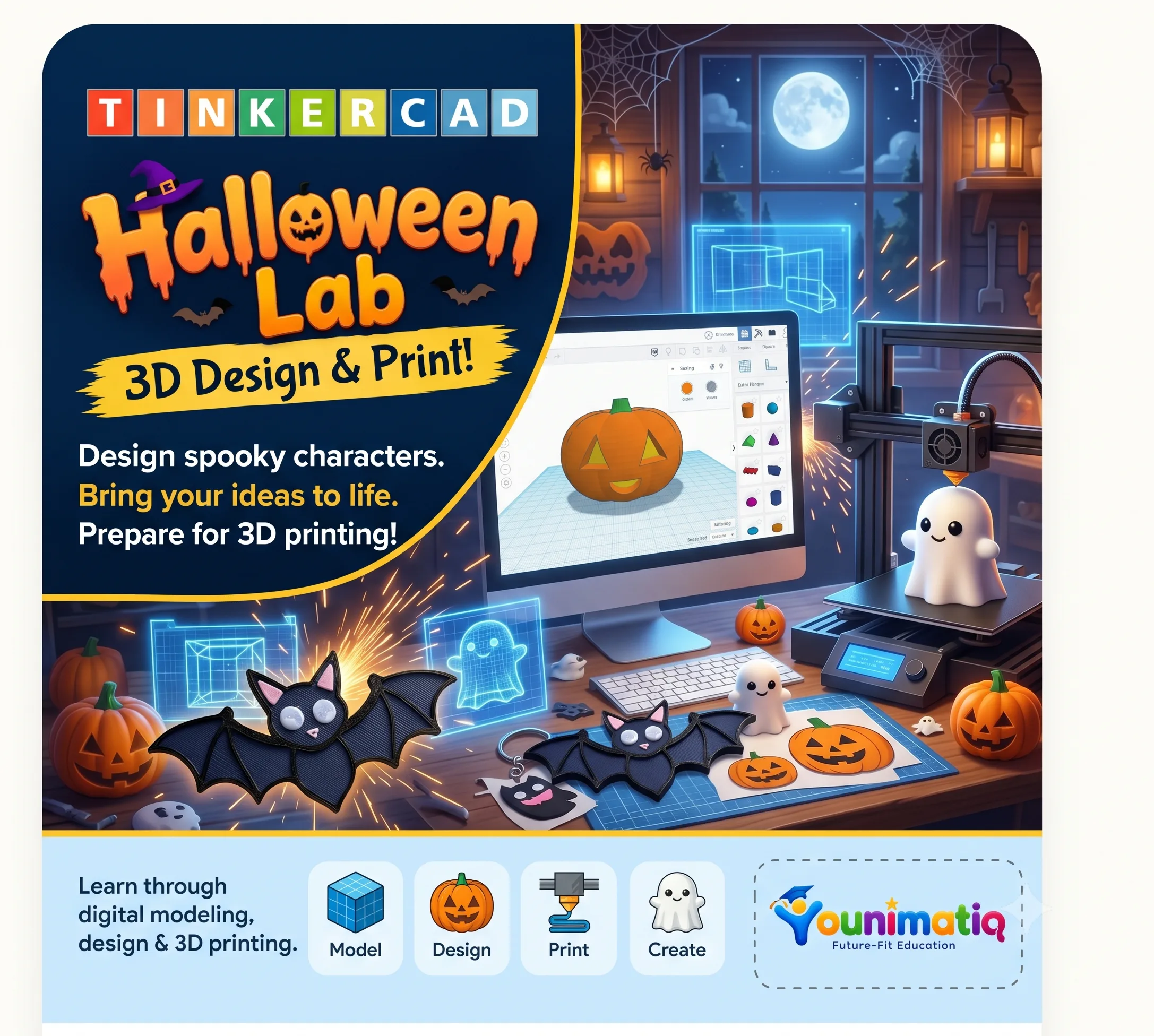
Tinkercad Halloween 3D Design & Print Lab
Children become Halloween product designers. They use Autodesk Tinkercad to create original 3D models, combine basic shapes, learn beginner CAD skills, and prepare selected designs for 3D printing.The course follows one design journey: Imagine → Model → Customise → Test → Print → Showcase.
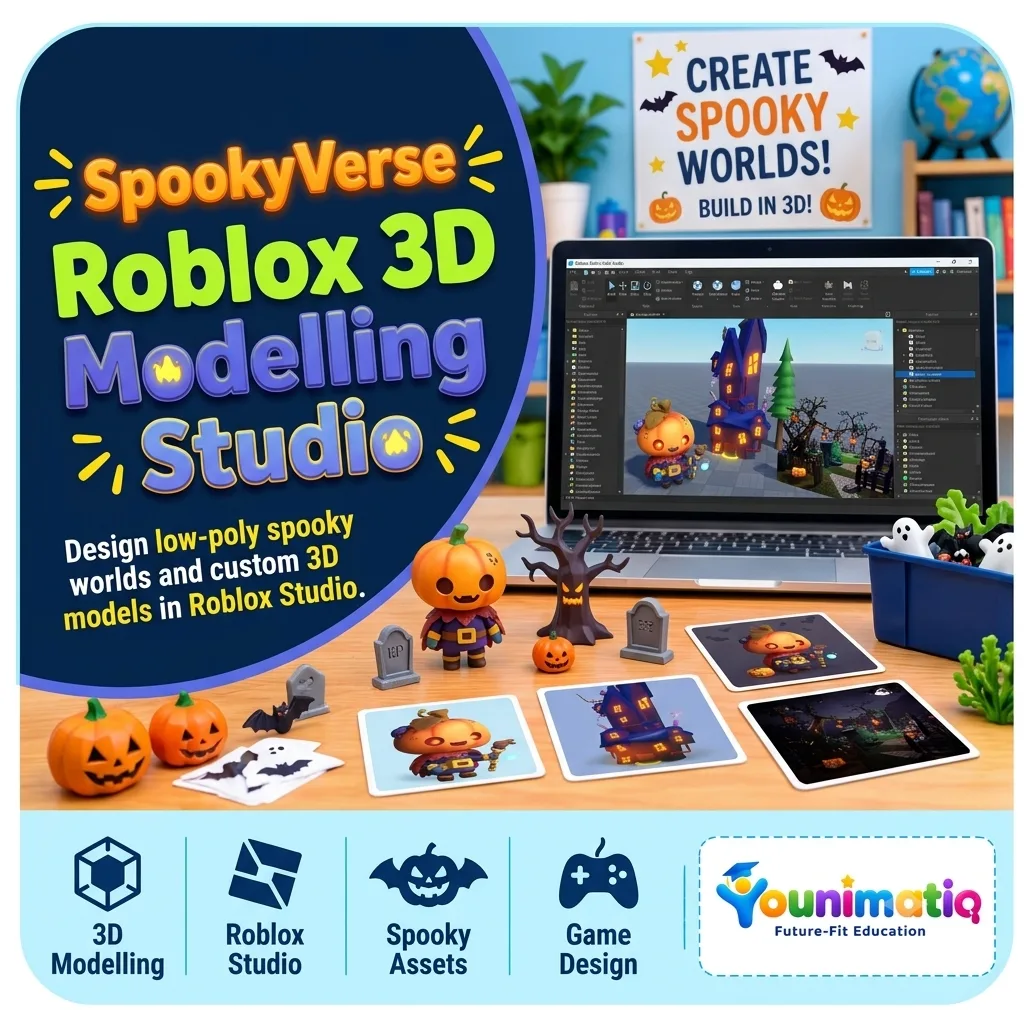
SpookyVerse: Roblox 3D Modelling Studio
By the end of 8 classes, every learner will have designed and built a personalised Halloween world in Roblox Studio, complete with original 3D props, a haunted environment, and a final showcase.Learning outcomesBuild 3D objects using Roblox Studio Parts, shapes, scaling, rotation, and materials.Understand basic 3D modelling concepts: form, proportion, colour, texture, and composition.Create original Halloween-themed props and architectural elements.Design a cohesive, navigable haunted world using lighting, terrain, and environmental storytelling.Present a finished 3D creation and explain their design decisions.
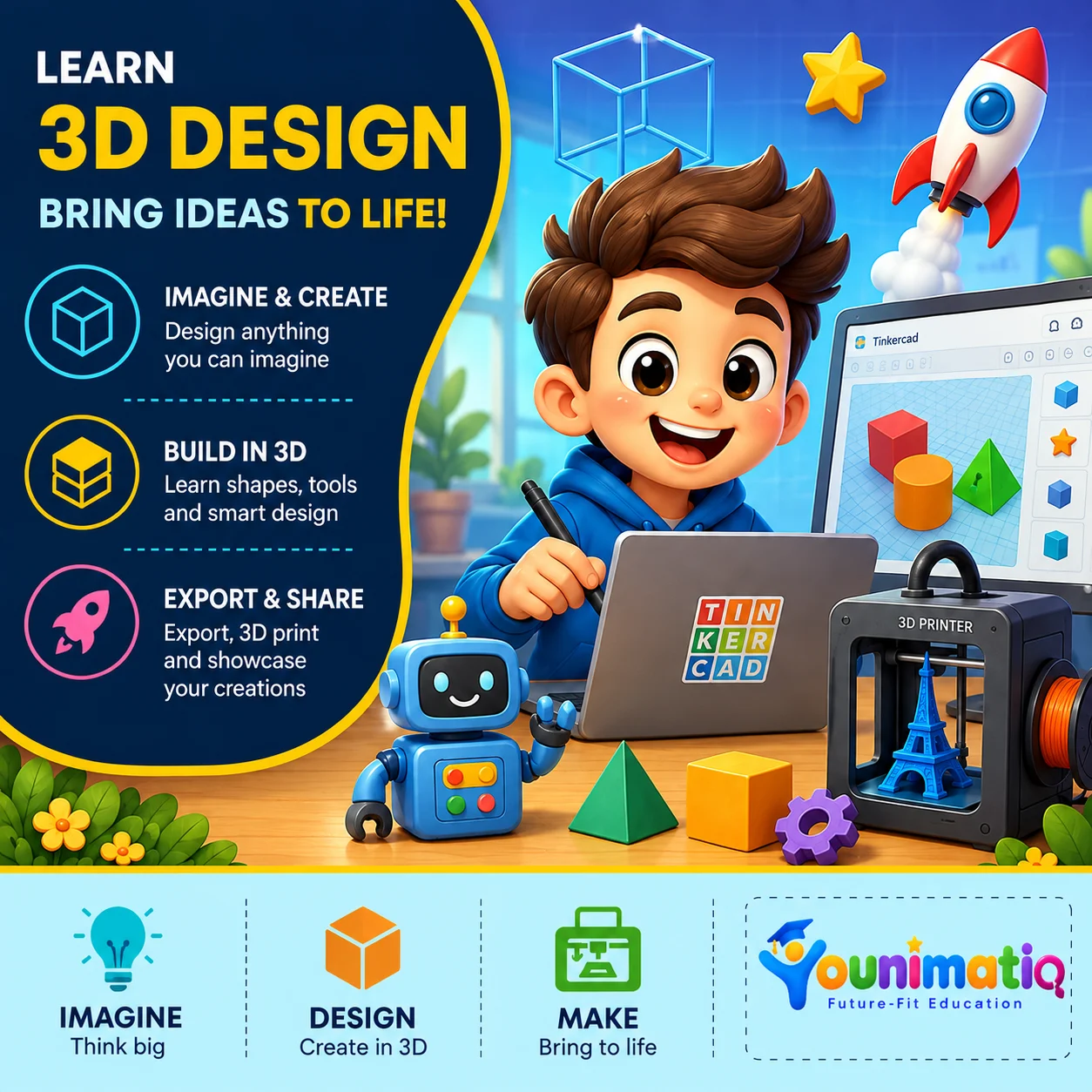
3D Design: Bring Ideas, Robots to Life
The 3D Design course introduces students to the exciting world of 3D modelling, digital design, and creative problem-solving. Using Tinkercad's beginner-friendly design tools, students learn how simple shapes can be transformed into imaginative 3D creations. Throughout the course, they explore geometric shapes, resizing, grouping, alignment, holes, duplication, rotation, and advanced design techniques while building fun projects such as characters, objects, structures, and personalised models. By the end of the course, students will have the confidence to turn their imagination into digital 3D designs and understand the basics of preparing models for real-world applications such as 3D printing.Class 1: Welcome to the World of 3D DesignStudents explore the Tinkercad workspace and create their first model using basic 3D shapes.Class 2: Shape Builders: Move, Resize & RotateStudents learn to transform basic shapes by moving, resizing, and rotating them in 3D space.Class 3: Shape Fusion: Grouping & Combining ObjectsStudents combine simple shapes to construct more detailed and creative 3D objects.Class 4: Design with Precision: Align & DuplicateStudents use precision tools to create balanced designs with repeated and symmetrical elements.Class 5: The Power of Holes: Cut & CarveStudents discover how hole shapes can be used to carve, cut, and transform 3D objects.Class 6: Character Creator: Build a 3D CharacterStudents bring imagination to life by designing their own unique 3D character.Class 7: Cool Creations: Designing Everyday ObjectsStudents apply their design skills to create functional objects inspired by everyday life.Class 8: Architects in 3D: Build a Mini StructureStudents become young architects by designing a creative structure in a 3D environment.Class 9: Minecraft-Inspired 3D Design ChallengeStudents create a fun game-inspired 3D model by transforming basic shapes into a detailed character or object.Class 10: Duplicate Like a Designer: Patterns & RepetitionStudents use duplication and repetition to create complex patterns quickly and efficiently.Class 11: From Digital Model to Real World: Introduction to 3D PrintingStudents discover how digital 3D models can be transformed into real physical creations through 3D printing.Class 12: Ultimate 3D Design Challenge: Imagine, Design & ShowcaseStudents design and showcase an original 3D creation that brings together everything learned throughout the course.