About this Course
Children become Halloween product designers. They use Autodesk Tinkercad to create original 3D models, combine basic shapes, learn beginner CAD skills, and prepare selected designs for 3D printing.
The course follows one design journey: Imagine → Model → Customise → Test → Print → Showcase.
Who this course is for
- child_care Kids and teens ready for guided live learning who enjoy creative, hands-on projects.
- psychology Beginners and intermediate students interested in Halloween — no prior expert knowledge required.
- diversity_3 Parents looking for structured, live online classes with clear progress and a final showcase.
What you’ll need
- laptop_mac A laptop or desktop with a stable internet connection
- headphones Headphones or a quiet space for live sessions
- mic Working microphone and camera for interaction
- schedule Consistent attendance for the live class schedule
Course Curriculum
Welcome to the Spooky 3D Design Lab
Meet Your Friendly 3D Ghost
Bat-tastic Keychain Designer
Build a Haunted House
Spooky Accessories & 3D Text
Our Guarantee
Expert designed Curriculum
Designed by MIT, Harvard Experts keeping kids in mind
2
100% Satisfaction Guarantee
expand_more
100% Satisfaction Guarantee
Expert teachers
World class, background checked, certified and highly trained teachers with 5+ years of experience in their fields.
Downloadable certificate
Show the world you did it !! You really did it!!
Certificate of Completion
Students who complete the modules and final project receive a Younimatiq certificate they can share with family, teachers, and future programs — a real milestone for their learning journey.
Frequently Asked Questions
Common questions about live classes and enrollment.
Most students attend 1-2 sessions per week, 45–55 minutes each. Schedules flex around school, sports, and family commitments.
Related Courses
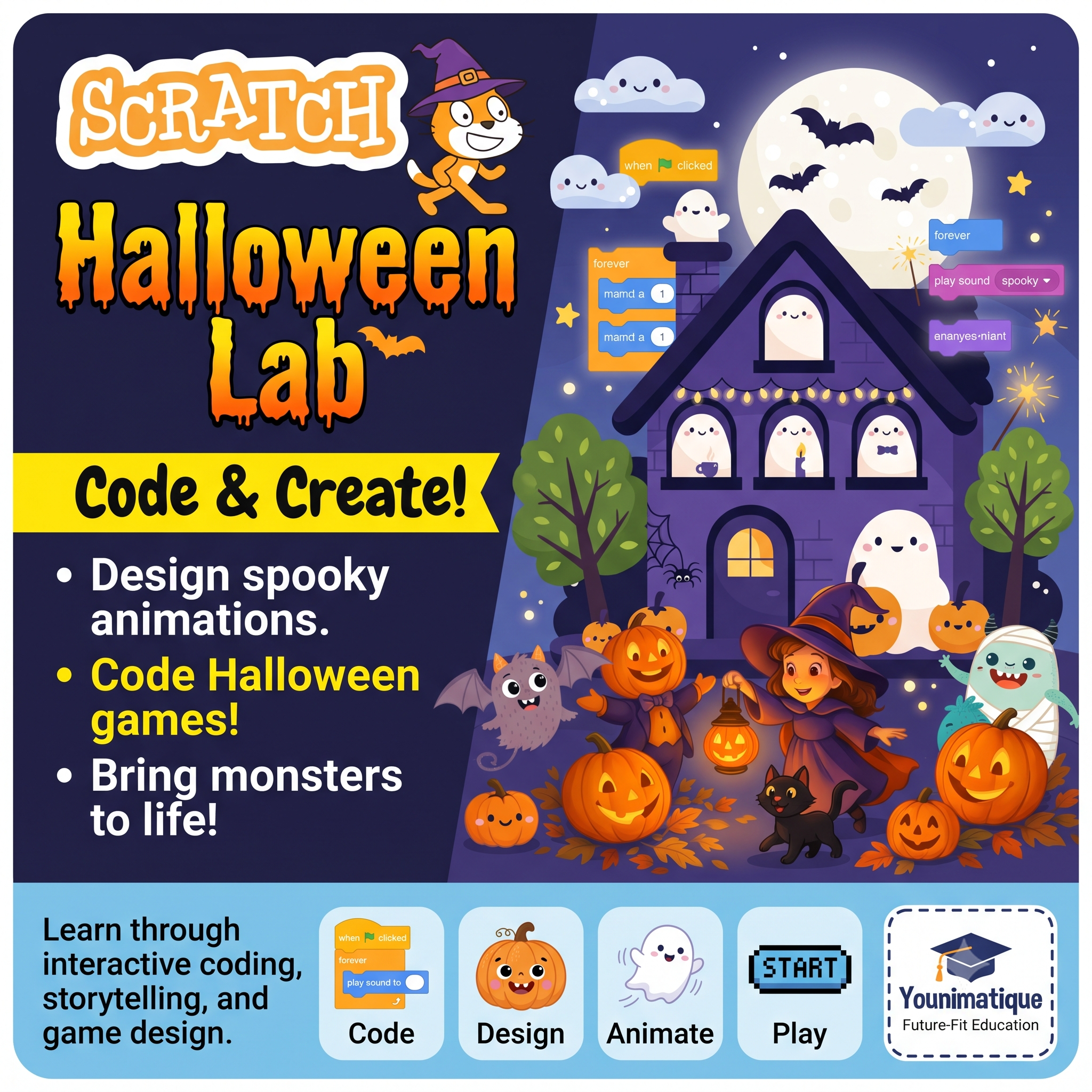
Scratch Halloween StoryLab: Spooky Stories, Animation & Coding
A Halloween-themed storytelling and coding course where children create a spooky-but-fun animated adventure in Scratch. Students invent characters, write dialogue, animate ghosts and pumpkins, design haunted settings, and code interactive choices to move their story forward. Learning outcomesBy the end of the course, students will be able to:Tell a story: Create characters, settings, dialogue, a central problem, a plot twist, and an ending.Animate creatively: Use sprites, costumes, movement, backdrops, sound, and timing to create 2D animations.Code in Scratch: Apply events, sequences, loops, conditions, broadcasts, sensing, and variables.Build interactive experiences: Create a story with choices, puzzles, and a simple playable mini-game.Think like a creator: Debug problems, improve their work, and present a completed digital project.
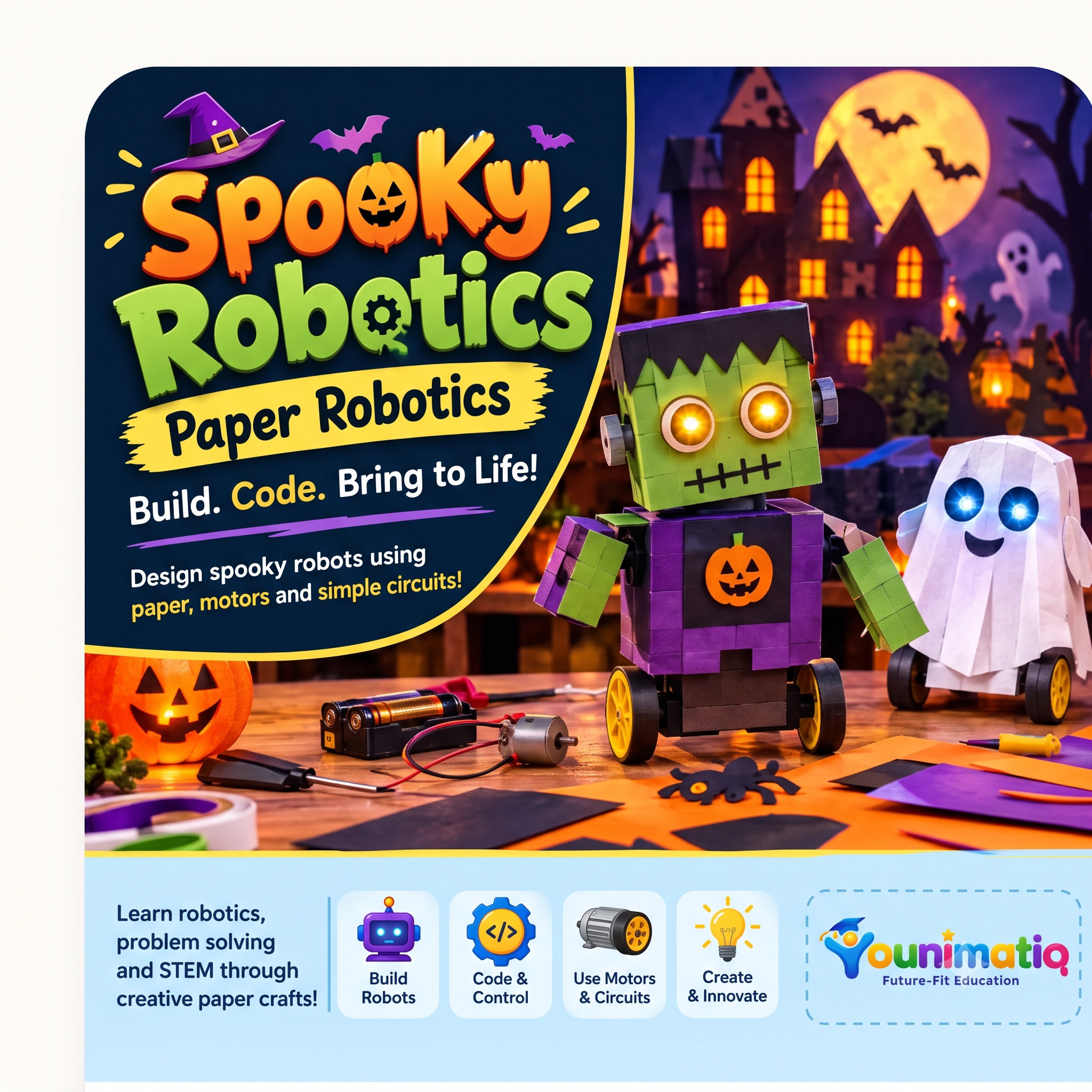
Spooky Robotics: Build, Create & Animate!
Spooky Circuits introduces students to electronics through Halloween-themed paper crafts. Students learn how circuits work by building glowing pumpkins, haunted houses, interactive greeting cards, and other spooky creations using LEDs, conductive tape, batteries, and switches. Each project combines creativity with practical STEM learning, helping students develop circuit-building, troubleshooting, design, and problem-solving skills.
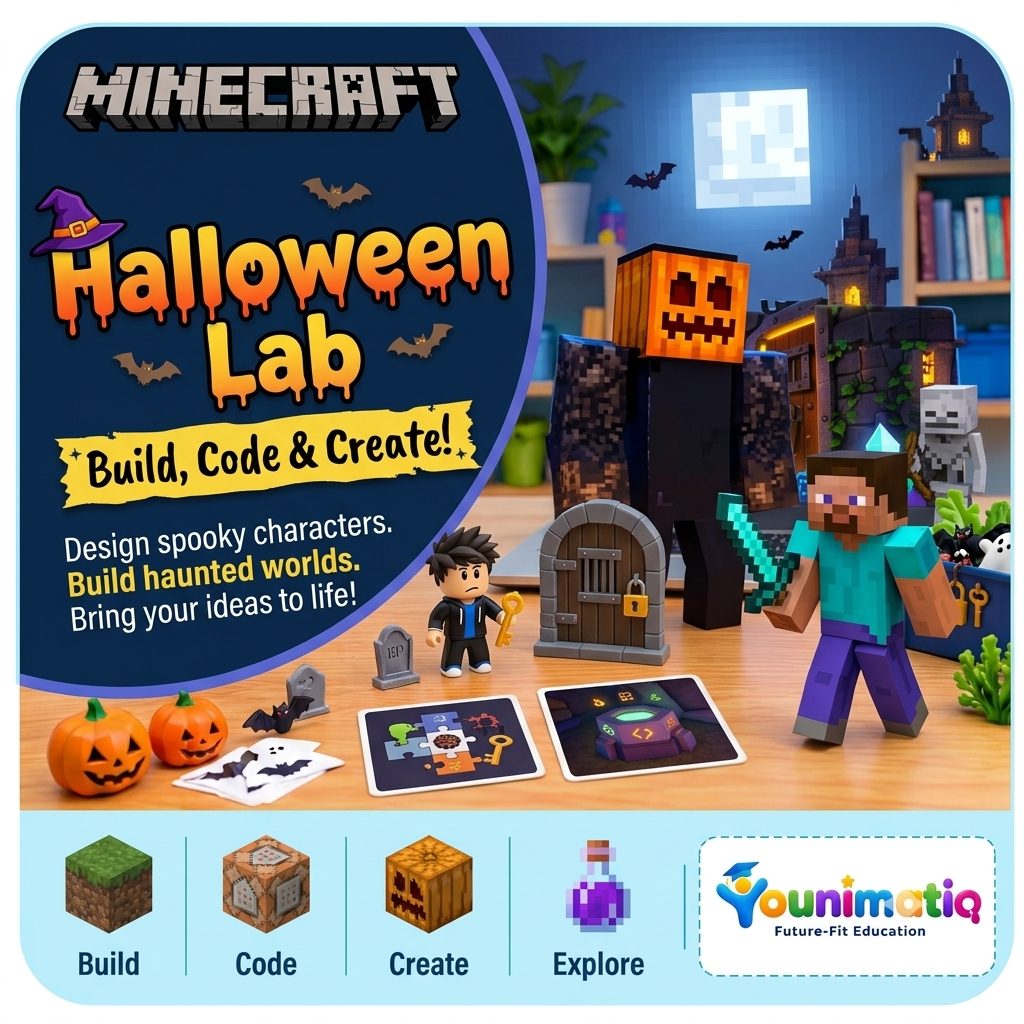
Minecraft Halloween Lab: Build, Code & Create!
Students enter a Halloween-themed Minecraft world where they design pumpkin characters, build haunted settings, experiment with spooky effects, and create interactive experiences. Through creative construction, storytelling, and optional MakeCode programming, they develop spatial reasoning, computational thinking, collaboration, and digital creativity.
