Course Catalog
Explore All Courses
Find the perfect online class for your child's age and interests.
Filter By Category
Showing 1–3 of 3
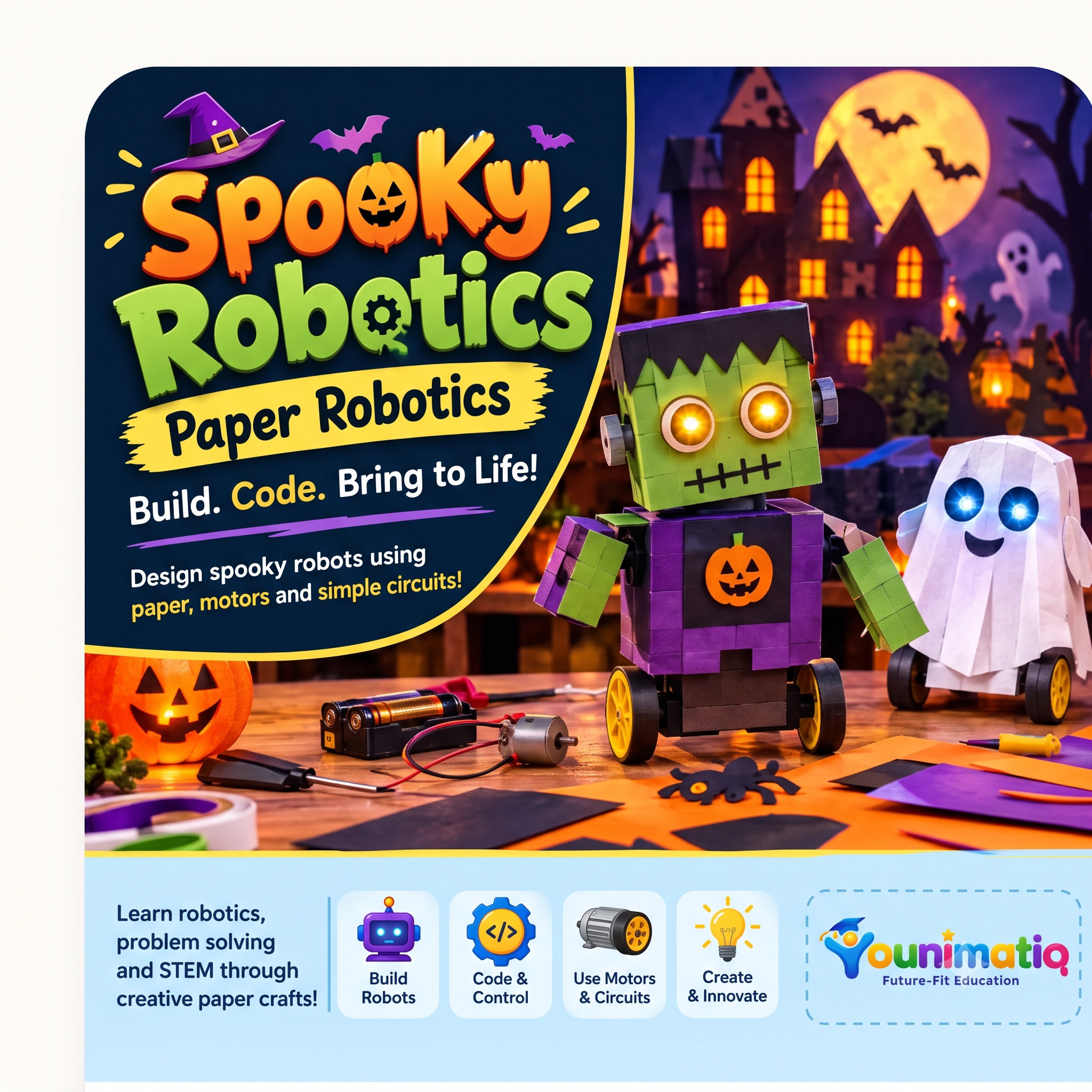
Spooky Robotics: Build, Create & Animate!
Spooky Circuits introduces students to electronics through Halloween-themed paper crafts. Students learn how circuits work by building glowing pumpkins, haunted houses, interactive greeting cards, and other spooky creations using LEDs, conductive tape, batteries, and switches. Each project combines creativity with practical STEM learning, helping students develop circuit-building, troubleshooting, design, and problem-solving skills.
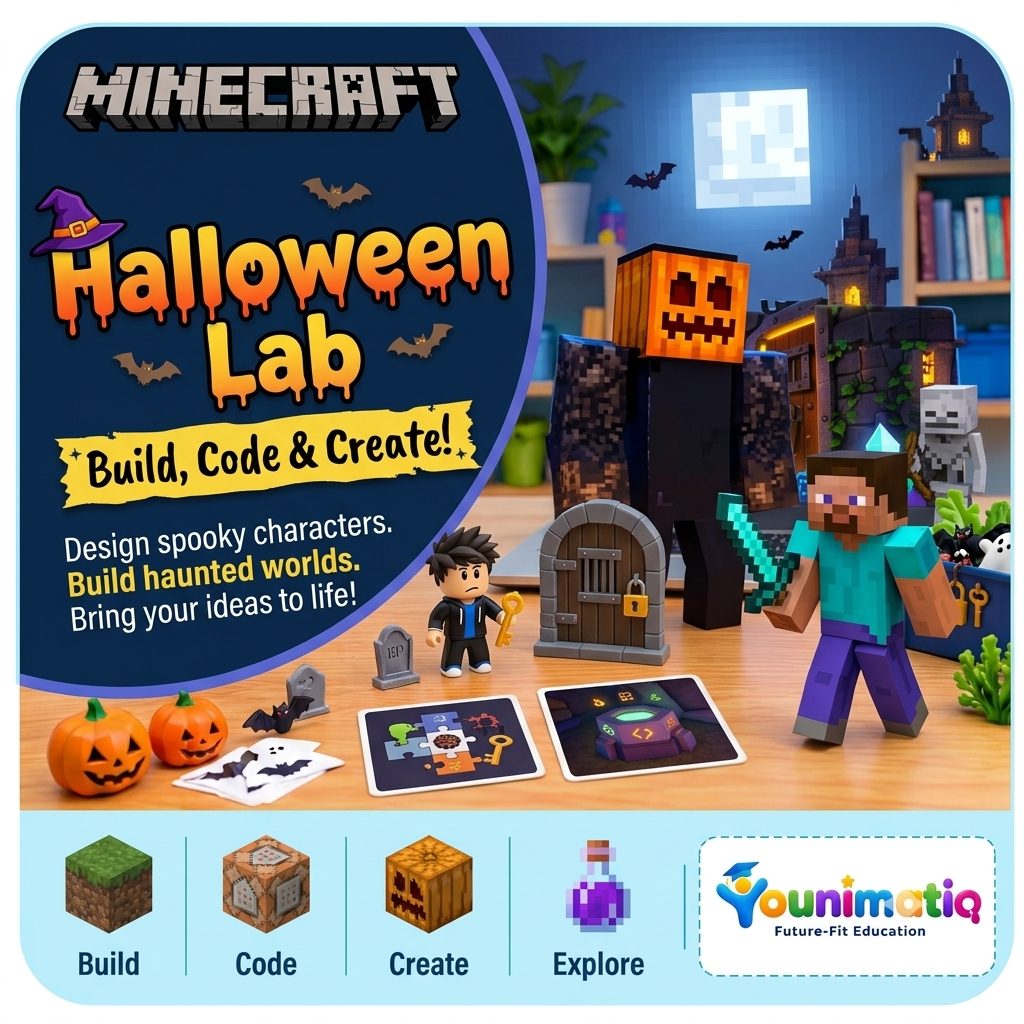
Minecraft Halloween Lab: Build, Code & Create!
Students enter a Halloween-themed Minecraft world where they design pumpkin characters, build haunted settings, experiment with spooky effects, and create interactive experiences. Through creative construction, storytelling, and optional MakeCode programming, they develop spatial reasoning, computational thinking, collaboration, and digital creativity.
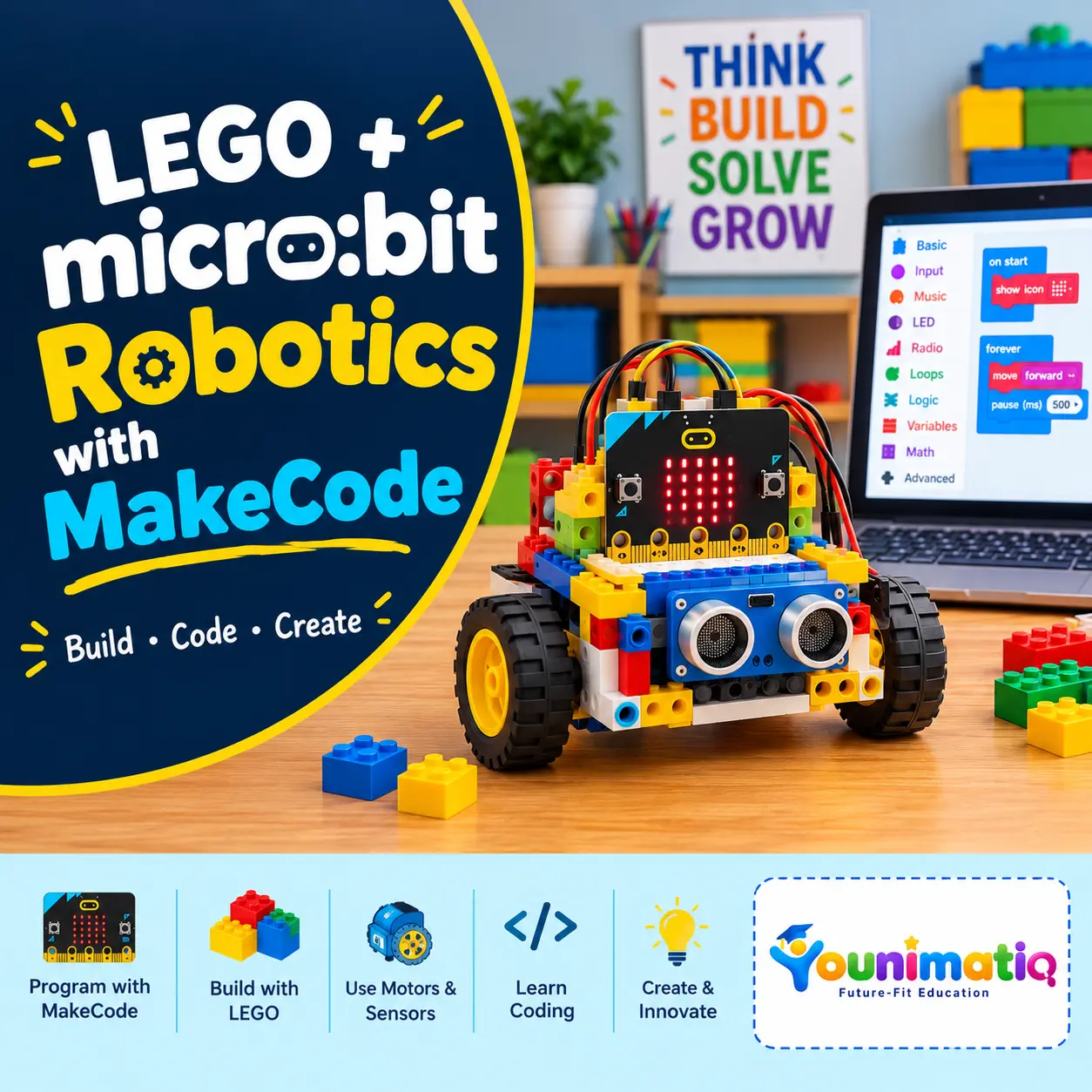
LEGO + micro:bit Robotics
LEGO + micro:bit Robotics with MakeCode is an 8-class beginner robotics program where students learn coding, engineering, and robotics by building interactive LEGO creations controlled by the micro:bit. Students progress from simple MakeCode programs and LEGO projects to motors, sensors, autonomous robots, and real-world robotics challenges—developing problem-solving, logical thinking, coding, and engineering skills along the way.Class 1: Meet micro:bit & MakeCode – Interactive LEGO Name BadgeExplore the micro:bit and MakeCode by creating an interactive LEGO name badge using buttons, LEDs, and animations.Class 2: Inputs, Outputs & Logic – LEGO Reaction GameLearn how inputs, outputs, events, and simple conditions work by building and coding a LEGO reaction game.Class 3: Smart LEGO Traffic Light – Mini Smart City JunctionBuild a mini city junction and program a LEGO traffic light using events, timing, and multiple outputs.Class 4: Build Your First Robot – LEGO micro:bit Robot CarBuild your first micro:bit-powered LEGO robot and program it to move forward, backward, and respond to commands.Class 5: Robot Navigation – LEGO Maze ChallengeUse motors, turns, loops, and step-by-step algorithms to program a robot through a LEGO maze.Class 6: Smart Sensor Robot – Obstacle-Avoiding RobotAdd sensors and IF/ELSE logic to create a robot that can detect obstacles and make autonomous decisions.Class 7: Robotics Mission – LEGO Delivery RobotCombine motors, sensors, loops, and problem-solving to build a robot that completes a real-world-inspired delivery mission.Class 8: Young Roboticist Challenge – Build Your Own Smart RobotDesign, build, code, debug, and present an original smart robot that solves a robotics challenge.