Course Catalog
Explore All Courses
Find the perfect online class for your child's age and interests.
Filter By Category
Showing 13–24 of 26
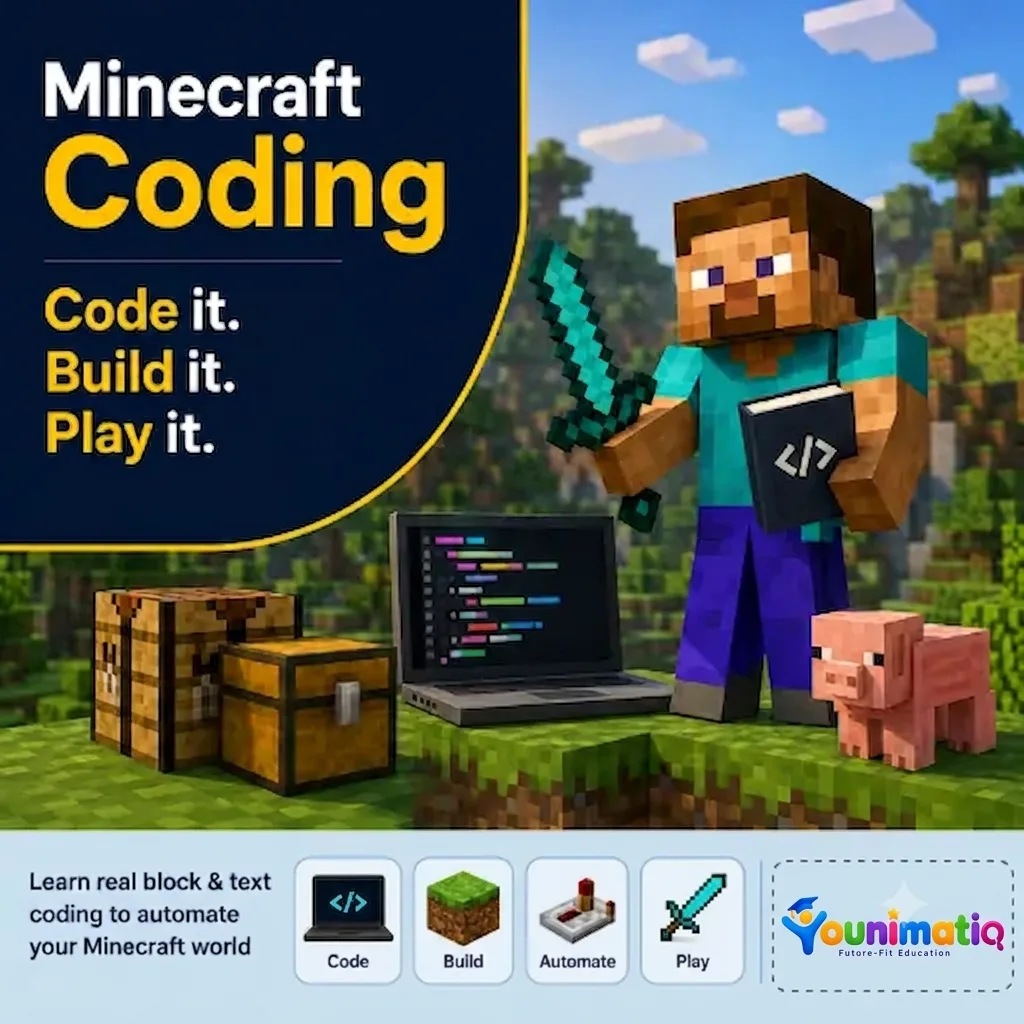
Minecraft Coding Odyssey: Build, Create & Erupt!
Minecraft Coding Odyssey is an exciting journey into the world of coding, where students build amazing creations, automate tasks, and design interactive Minecraft worlds using MakeCode. Through fun, hands-on projects, they develop essential coding, problem-solving, and computational thinking skills while becoming confident digital creators.Class 1: Robot Builder Rescue MissionMeet the Minecraft Agent and learn how step-by-step instructions help a robot build and solve challenges.Class 2: Magic Roads & Mystery GardensUse loops and patterns to automatically create colorful roads, gardens, and repeating designs.Class 3: Architect Academy: Dream Mansion ChallengeBecome a master builder by coding a dream mansion with walls, windows, and a pyramid roof.Class 4: Ocean Explorer: Aquarium AdventureBuild an underwater aquarium using code to create tanks, add water, and spawn sea creatures.Class 5: Rainbow Kingdom & Beacon of LightGenerate giant rainbows and colorful beacon towers by using loops and repeating sequences.Class 6: Farmer Tycoon: Mega Farm BuilderDesign and automate a large farm by creating organized layouts, irrigation systems, and crop fields.Class 7: Thrill Ride EngineersCode an exciting roller coaster filled with twists, turns, drops, and creative track designs.Class 8: Volcano Lab: The Great EruptionCombine your coding skills to create an erupting volcano with lava effects and dynamic simulations.
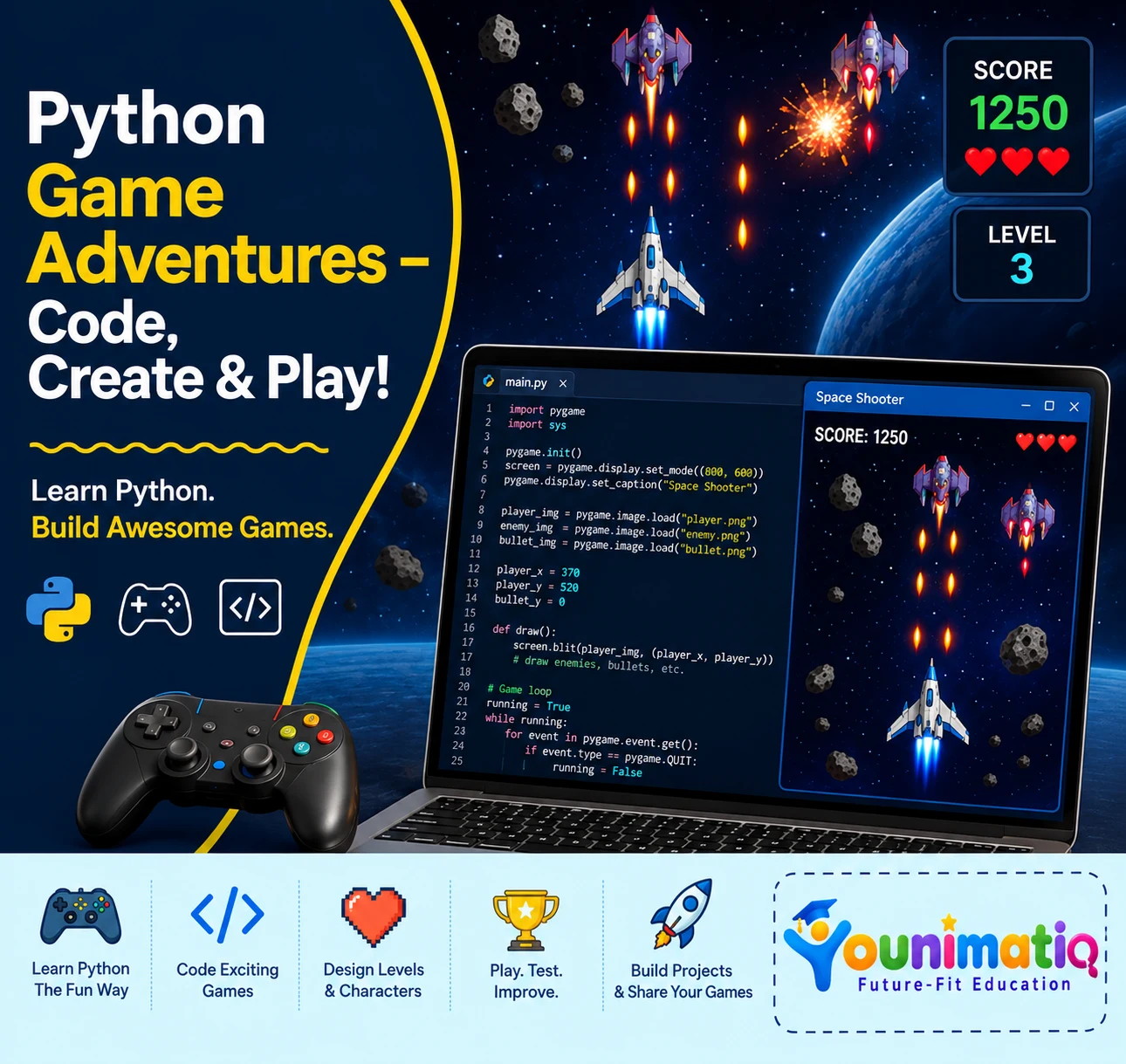
Python for Kids
Live interactive Coding program: Python classes for Kids. In this Younimatiq live class, students learn through projects, games, and guided practice with expert educators. Highlights include: Learn core concepts, Create hands-on projects, Practice with a live tutor, Showcase your progress. Book a $1 demo class to experience Younimatiq live teaching.
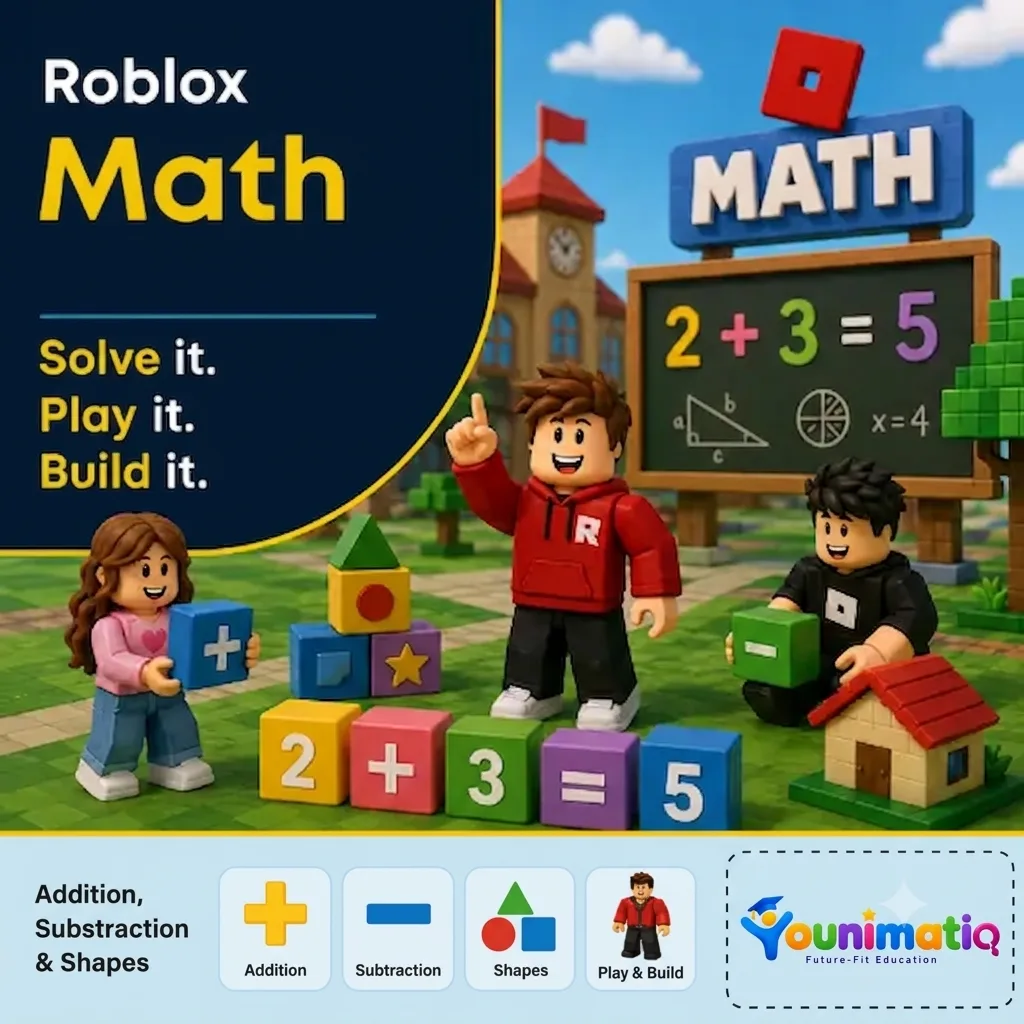
Roblox Math Quest: Numbers, Shapes & Story Problems
Roblox Math Quest: Numbers, Shapes & Story Problems transforms math into an exciting game-filled adventure where young learners explore numbers, addition, subtraction, shapes, and problem-solving through interactive Roblox challenges. Through hands-on activities, building tasks, and story-based missions, students develop confidence in math while strengthening logical thinking, spatial reasoning, and problem-solving skills in a fun and engaging environment.Class 1: Number World KickoffExplore numbers and counting through exciting Roblox adventures and interactive game challenges.Class 2: Addition AdventuresUse in-game scores, items, and rewards to practice addition and discover how numbers combine.Class 3: Subtraction QuestSolve exciting challenges by taking away items and using subtraction to overcome obstacles.Class 4: Shape SafariGo on a shape hunt to discover and identify 2D and 3D shapes hidden throughout Roblox worlds.Class 5: Geometry BuildersBuild and design creative structures while exploring patterns, symmetry, and spatial thinking.Class 6: Story Sum StudioSolve Roblox-themed story problems by applying math strategies step by step.Class 7: Math Challenge DayPut your skills to the test in a fun-filled challenge that combines numbers, operations, and geometry.Class 8: Math Quest ShowcaseCelebrate your learning journey by completing final challenges and showcasing your new math superpowers.
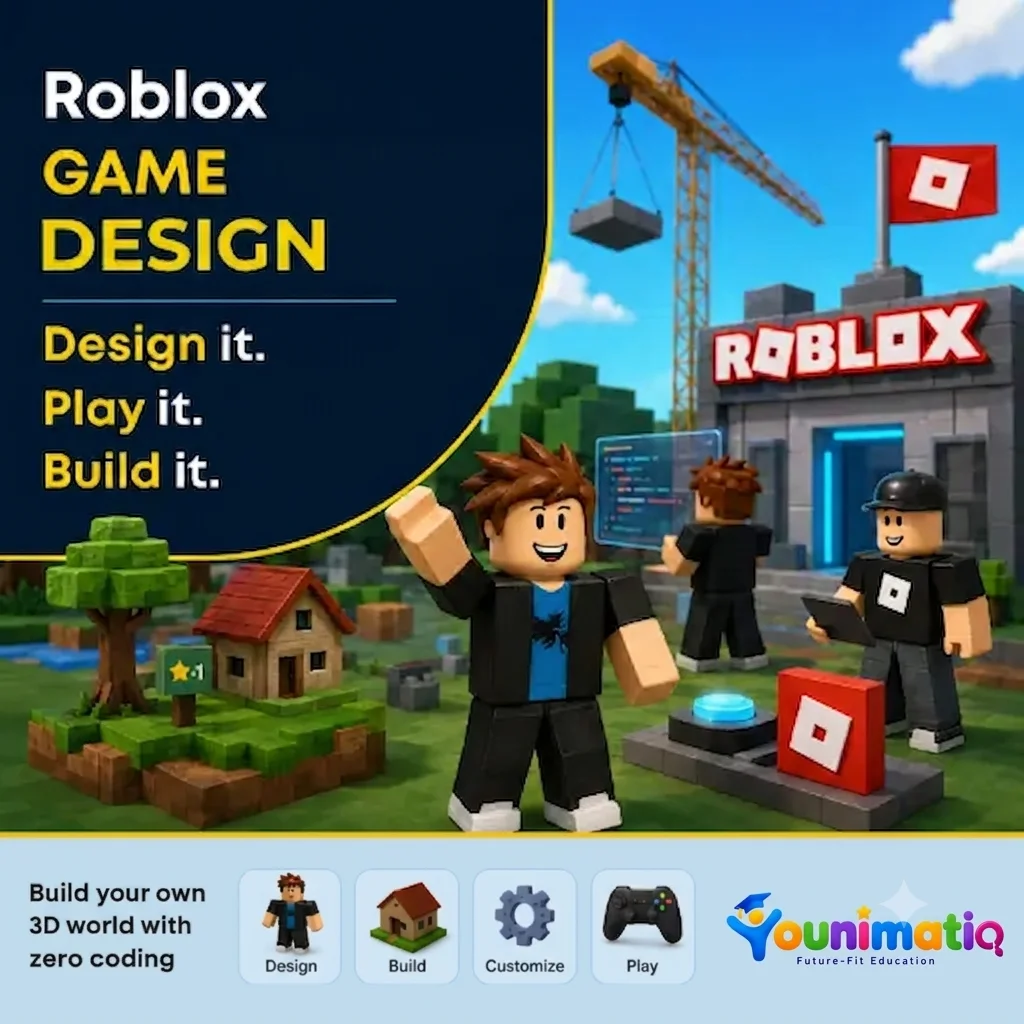
Roblox Game Design: Build Your Own 3D World with Zero Coding
Roblox Game Design: Build Your Own 3D World with Zero Coding gives young creators the opportunity to become game designers using Roblox Studio. Through hands-on building challenges, students learn to design landscapes, create structures, add props and lighting, and transform their ideas into immersive 3D worlds—all without writing a single line of code. The camp encourages creativity, design thinking, and confidence as students' progress from Roblox players to world builders.Class 1: Roblox Studio Setup & Creating 3D ModellingExplore Roblox Studio, learn essential tools and controls, and build your first 3D structures.Class 2: Terrain CreationUse terrain tools to sculpt mountains, hills, rivers, and landscapes that form the foundation of your world.Class 3: Build & DesignCreate unique buildings and environments using parts, colors, materials, and creative design techniques.Class 4: Create and Travel the Summer World ThemeChoose a theme and begin designing a cohesive world inspired by your imagination and storytelling ideas.Class 5: Props & DetailsBring your world to life by adding decorations, objects, and environmental details that make it feel realistic and engaging.Class 6: Lights & AtmosphereExperiment with lighting and visual effects to create different moods and enhance the overall experience.Class 7: Polish & PerfectRefine your designs, improve details, and add the finishing touches to prepare your world for presentation.Class 8: Showcase DayPresent your completed 3D world, explore classmates' creations, and celebrate your journey as a Roblox game designer.
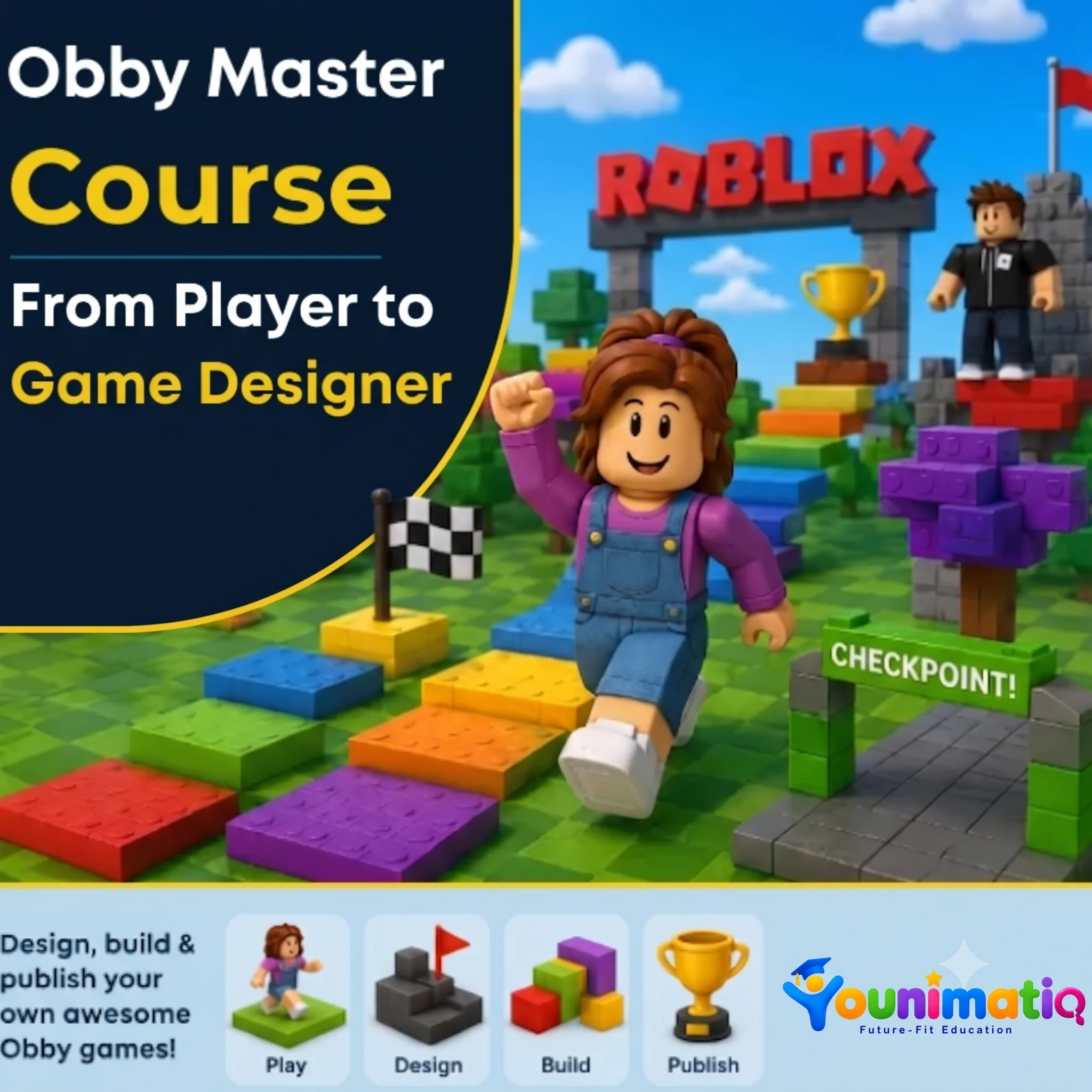
Obby Master Course: From Player to Game Designer
Obby Master Course: From Player to Game Designer transforms young Roblox fans into game designers as they build their very own obstacle course game from scratch. Through hands-on challenges, students learn level design, create exciting obstacles, build immersive themed worlds, and improve their games through testing and refinement. By the end of the camp, each learner will have designed, polished, and published a unique Roblox obby that showcases their creativity, problem-solving, and game design skills.Class 1: Welcome to the StudioExplore Roblox Studio, learn essential building tools, and create your first obstacle as a game designer.Class 2: The Art of the JumpDesign fun and challenging platform sequences by experimenting with jumps, spacing, and player movement.Class 3: Danger Zone — Traps & HazardsBuild exciting hazards such as lava pits, moving obstacles, and collapsing platforms to make gameplay more thrilling.Class 4: Checkpoint EngineeringCreate checkpoints and learn how smart progression systems keep players motivated and engaged.Class 5: Level ArchitecturePlan and organize multiple stages to create a complete and enjoyable obstacle course experience.Class 6: Theme Your WorldBring your obby to life by designing imaginative themed environments such as volcanoes, underwater worlds, or futuristic cities.Class 7: The Finishing TouchPlaytest your game, improve its design, and add final details that enhance the player experience.Class 8: Game Launch & ShowcasePublish your obby, explore classmates' creations, and celebrate becoming a Roblox game designer.
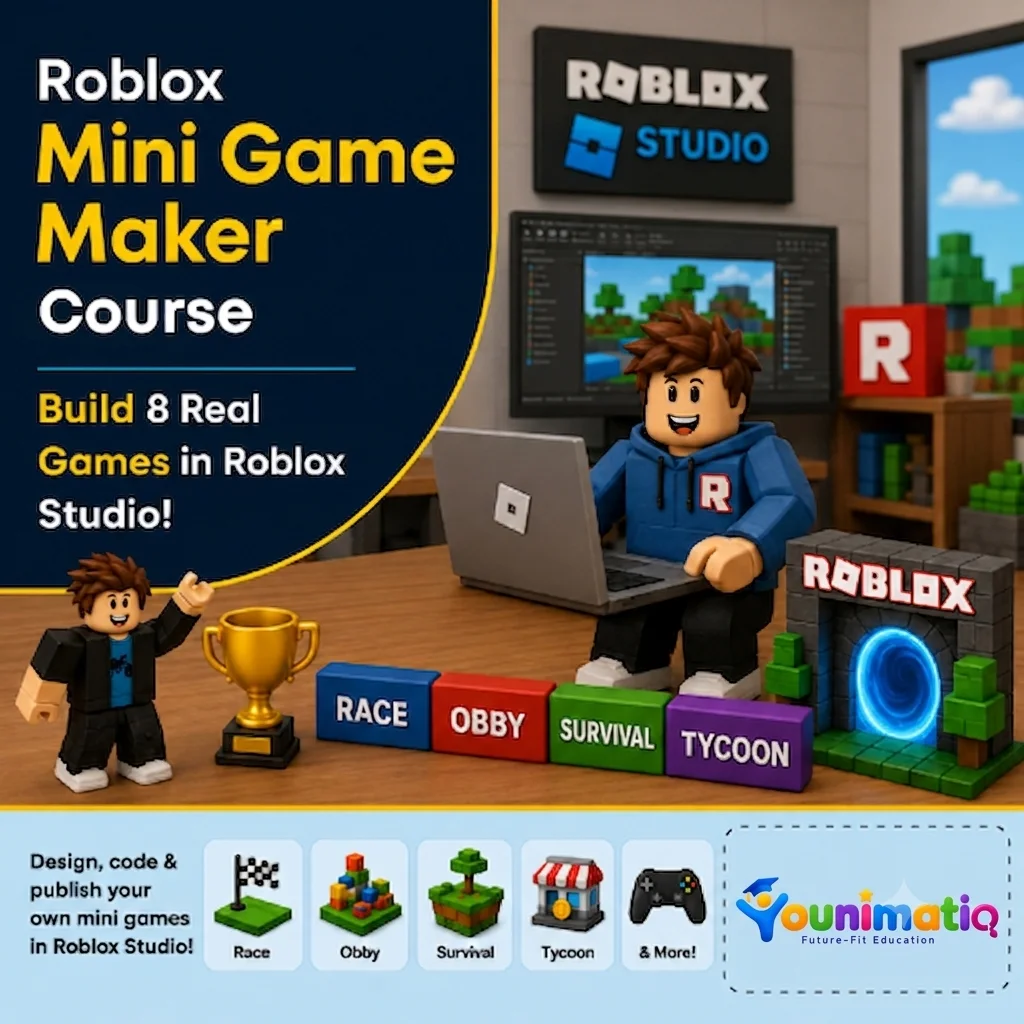
Roblox Mini Game Maker: Build 8 Real Games in Roblox Studio!
Roblox Mini Game Maker: Build 8 Real Games in Roblox Studio! gives students the exciting opportunity to become game developers by creating a new playable mini game in every class. Using Roblox Studio and beginner-friendly Lua scripting, learners design racetracks, battle arenas, shooting games, and survival challenges while developing coding logic, game design skills, creativity, and problem-solving abilities. By the end of the camp, students will have built eight original games and gained the confidence to think and create like real game developers.Class 1: Coin Collector FrenzyBuild your first Roblox game by collecting coins, tracking scores, and creating a countdown timer.Class 2: Speed Race TrackDesign an exciting race course and add finish lines, timers, and winning conditions.Class 3: Target Shooting RangeCreate an interactive shooting gallery where players score points by hitting targets.Class 4: Monster TagDevelop a multiplayer tag game where players chase, freeze, and avoid elimination.Class 5: Leaderboard Battle ArenaBuild an action-packed arena with live scoring, leaderboards, and winner announcements.Class 6: Floor is Lava!Design a survival challenge where disappearing platforms and rising lava test players' reactions.Class 7: Maze Escape ChallengeConstruct a maze filled with traps and create a timed escape adventure with a scripted exit.Class 8: Grand Mini Game ShowdownPlay, debug, improve, and showcase your mini games while celebrating your journey as a Roblox game creator.
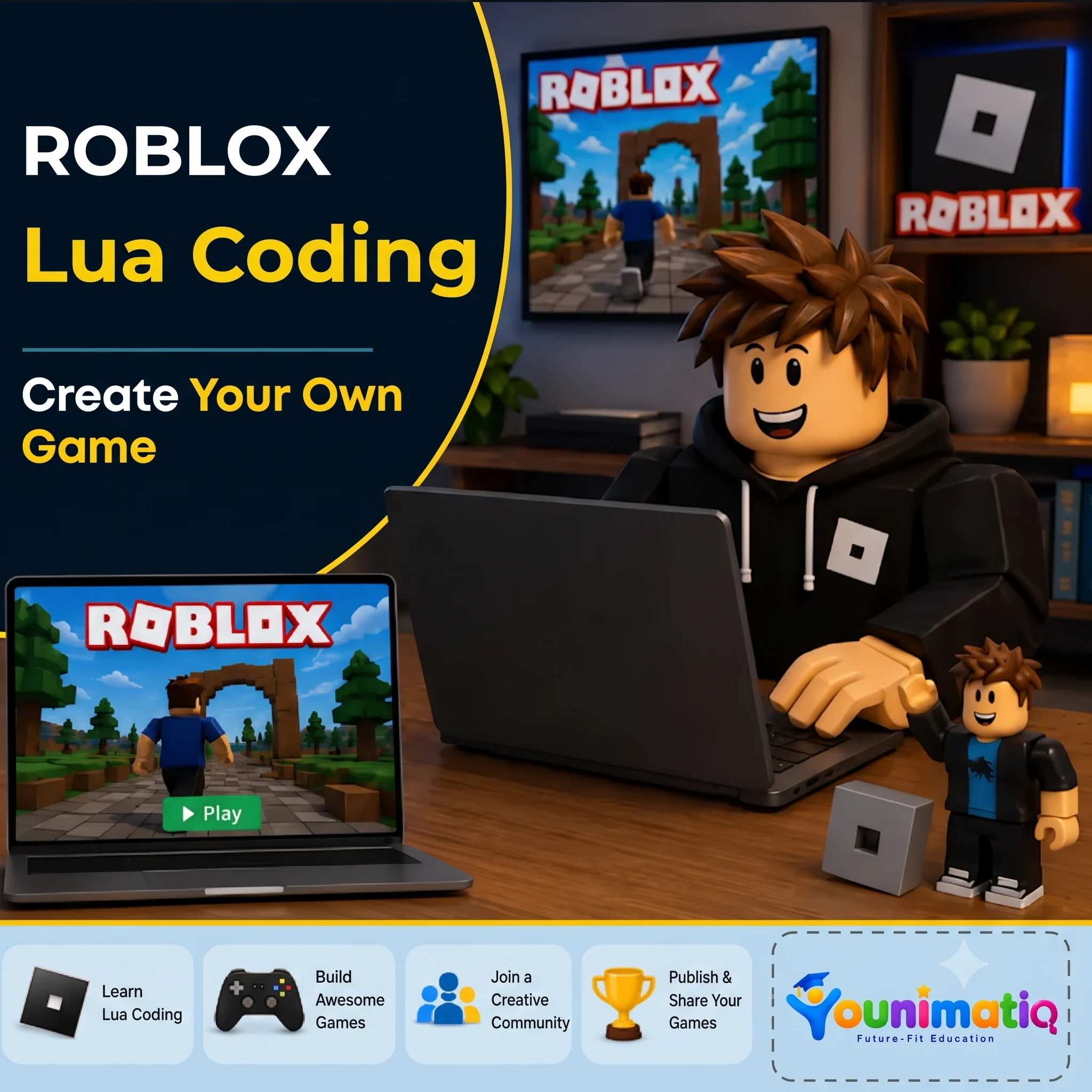
Roblox Lua Coding: Create Your Own Game
4-day intensive Lua coding camp Designed for 8-14 years. In this Younimatiq live class, students learn through projects, games, and guided practice with expert educators. Highlights include: Learn Lua Coding, Build Awesome Games, Join a Creative Community, Publish & Share. Book a $1 demo class to experience Younimatiq live teaching.
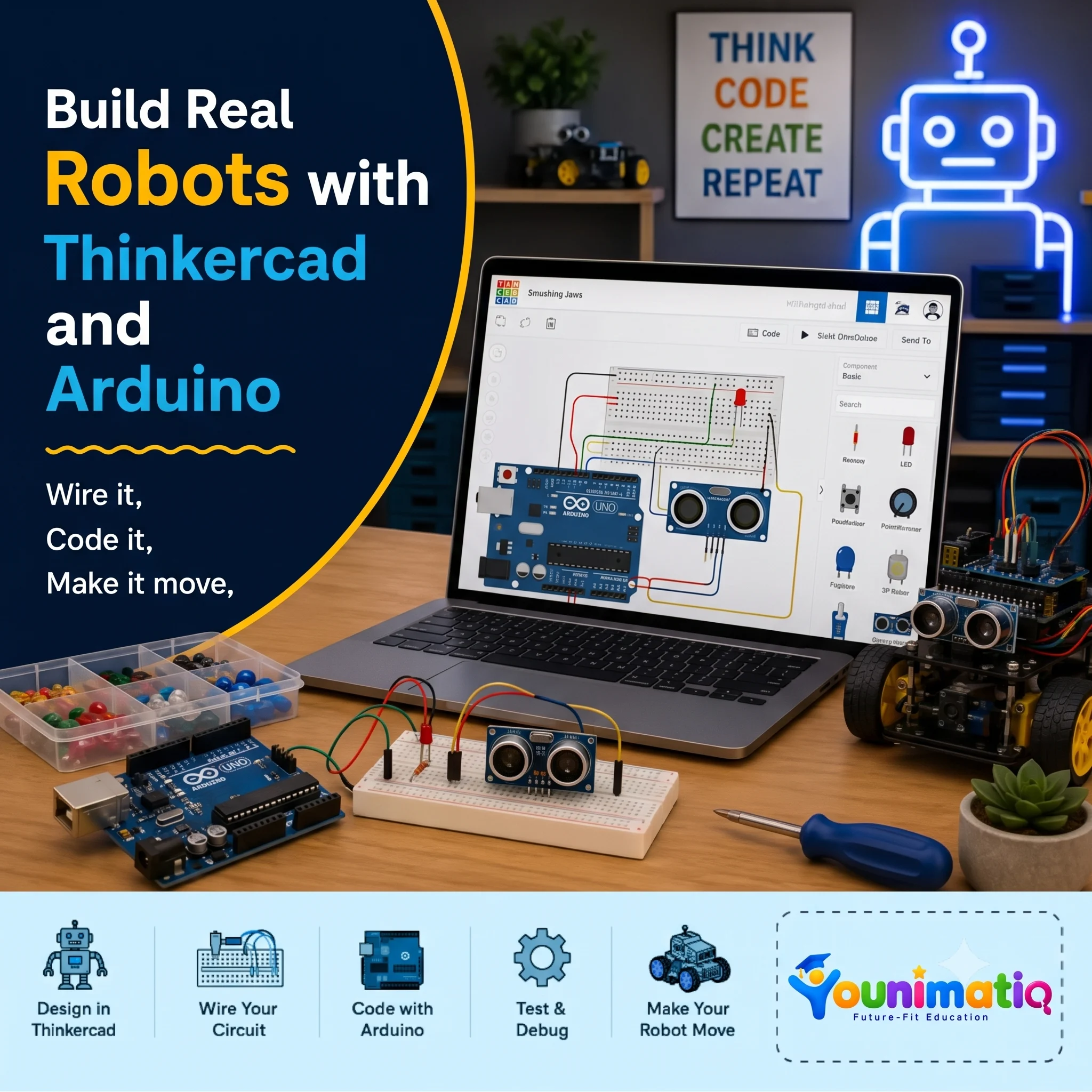
Arduino Robotics & STEM Lab
Arduino Robotics & STEM Lab: Build and Code! introduces students to the exciting world of electronics, coding, and robotics through hands-on engineering projects. This Arduino Robotics Course starts with simple circuits and progressing to sensors, displays, and intelligent systems, learners write real Arduino C/C++ code and discover how software can control physical devices. Along the way, they develop computational thinking, problem-solving, and engineering design skills while gaining the confidence to build and program their own robotic creations.Class 1: ARDUINO & ELECTRONICS BASICS Explore the Arduino board, build your first circuit, and write your first program to control an LED.Class 2: LED CONTROL LAB Learn how code controls hardware by creating blinking patterns and timing-based light effects.Class 3: RESCUE BEACON PROJECT Program an LED to transmit SOS signals using loops and timing functions inspired by Morse code.Class 4: RGB COLOR MIXING Combine coding, electronics, and math to create color-changing lights controlled by an adjustable knob. Class 5: ANALOG INPUTS & POTENTIOMETERS Discover how analog sensors work by reading live inputs and converting them into smooth digital controls. Class 6: TEMPERATURE SENSING Build a temperature-monitoring system that measures conditions and responds automatically to changing values. Class 7: EMOJI THERMOMETER DISPLAY Create an interactive thermometer that uses logic and symbols to display different temperature states. Class 8: SOUND SENSOR BASICS Use a sound sensor to detect noise levels and build a system that reacts to changes in the surrounding environment.
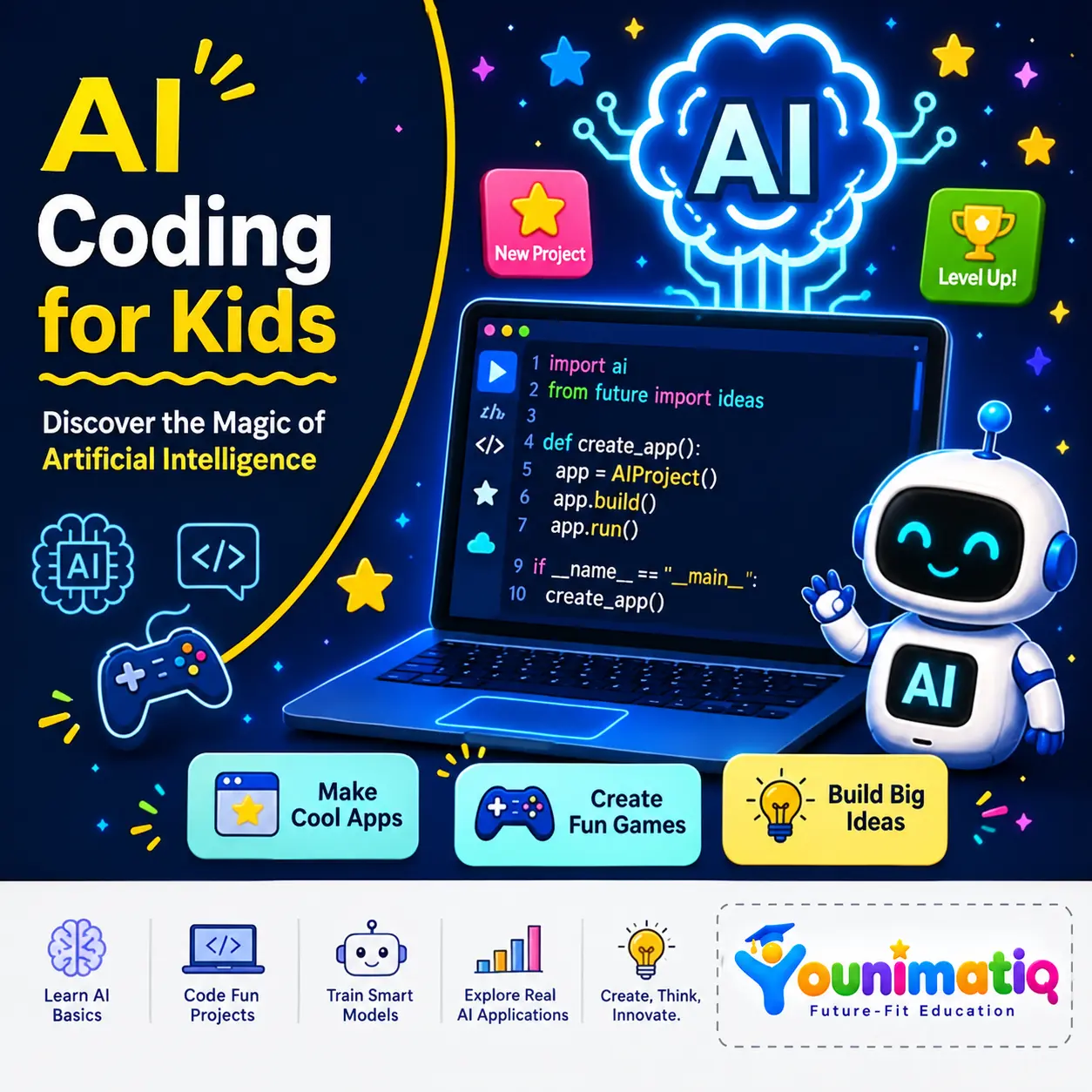
AI Coding for Kids – Discover the Magic of Artificial Intelligence
AI Coding for Kids – Discover the Magic of Artificial Intelligence introduces students to the fascinating world of AI through hands-on game design and creative coding projects. Using face detection, hand tracking, gesture recognition, and machine learning concepts, learners build interactive games that respond to their movements and expressions in real time. Throughout the camp, students develop computational thinking, creativity, and problem-solving skills while experiencing how artificial intelligence powers the technology around us.Class 1: Face Filter Quiz AppBuild an interactive quiz game that uses AI face detection to add fun masks and effects in real time.Class 2: AI Chase GameCreate an exciting chase game where AI tracks facial movements to control gameplay and score points.Class 3: Food Rush AI GameTrain an AI model to recognize mouth movements and use it to catch and eat virtual food.Class 4: Robot Clash — Ping Pong AI GameExplore hand tracking by creating a game controlled entirely through hand movements and gestures.Class 5: Safeguard the AIverseDesign a security system that uses hand shapes and landmark measurements to grant or deny access.Class 6: Reach the PowercoreBuild a gesture-controlled game that uses pinch recognition and physics effects to move objects and complete challenges.Class 7: Guard the PowercoreDevelop a fast-paced defense game featuring hand controls, countdown timers, and live score tracking.Class 8: AI Spacecraft Battle — The Final Challenge!Combine everything learned to create an AI-powered space battle game controlled by hand gestures, scoring systems, and interactive effects.
Introduction to machine learning, train an image classifier (animals or objects) using Machine Learning for Kids
Live interactive Coding program: Learn Machine Learning, Introduction to machine learning, train an image classifier (animals or objects) using Machine Learning for Kids. In this Younimatiq live class, students learn through projects, games, and guided practice with expert educators. Highlights include: Learn core concepts, Create hands-on projects, Practice with a live tutor, Showcase your progress. Book a $1 demo class to experience Younimatiq live teaching.
Scratch Coding for Beginners: Create Video Games & Animations (Level 1)
Live interactive Coding program: Scratch Coding for Beginners: Create Video Games & Animations (Level 1). In this Younimatiq live class, students learn through projects, games, and guided practice with expert educators. Highlights include: Learn core concepts, Create hands-on projects, Practice with a live tutor, Showcase your progress. Book a $1 demo class to experience Younimatiq live teaching.
Scratch Summer Camp: Build Games, Stories, Music & Fun AI Projects
Live interactive Coding program: Scratch Summer Camp: Build Games, Stories, Music & Fun AI Projects. In this Younimatiq live class, students learn through projects, games, and guided practice with expert educators. Highlights include: Learn core concepts, Create hands-on projects, Practice with a live tutor, Showcase your progress, Camp-style project showcase. Book a $1 demo class to experience Younimatiq live teaching.