Course Catalog
Explore All Courses
Find the perfect online class for your child's age and interests.
Filter By Category
- AI Mastery
- Chess
- Computer Science
- English
- Game Design
- Halloween
- Math
- Minecraft
- Minecraft Reimagined
- Roblox
- Robotics
- Science
- Coding
- AI powered Robotics
- Arts & Animation
- Lifeskills
- Book Reading Club
- Roblox - LUA Coding
- Python Game Design
- ScratchJr
- AI Game Design
- Minecraft English
- Minecraft Science
- Minecraft Math
- Minecraft Redstone
- Minecraft Coding
- 3D Modelling
Showing 1–8 of 8
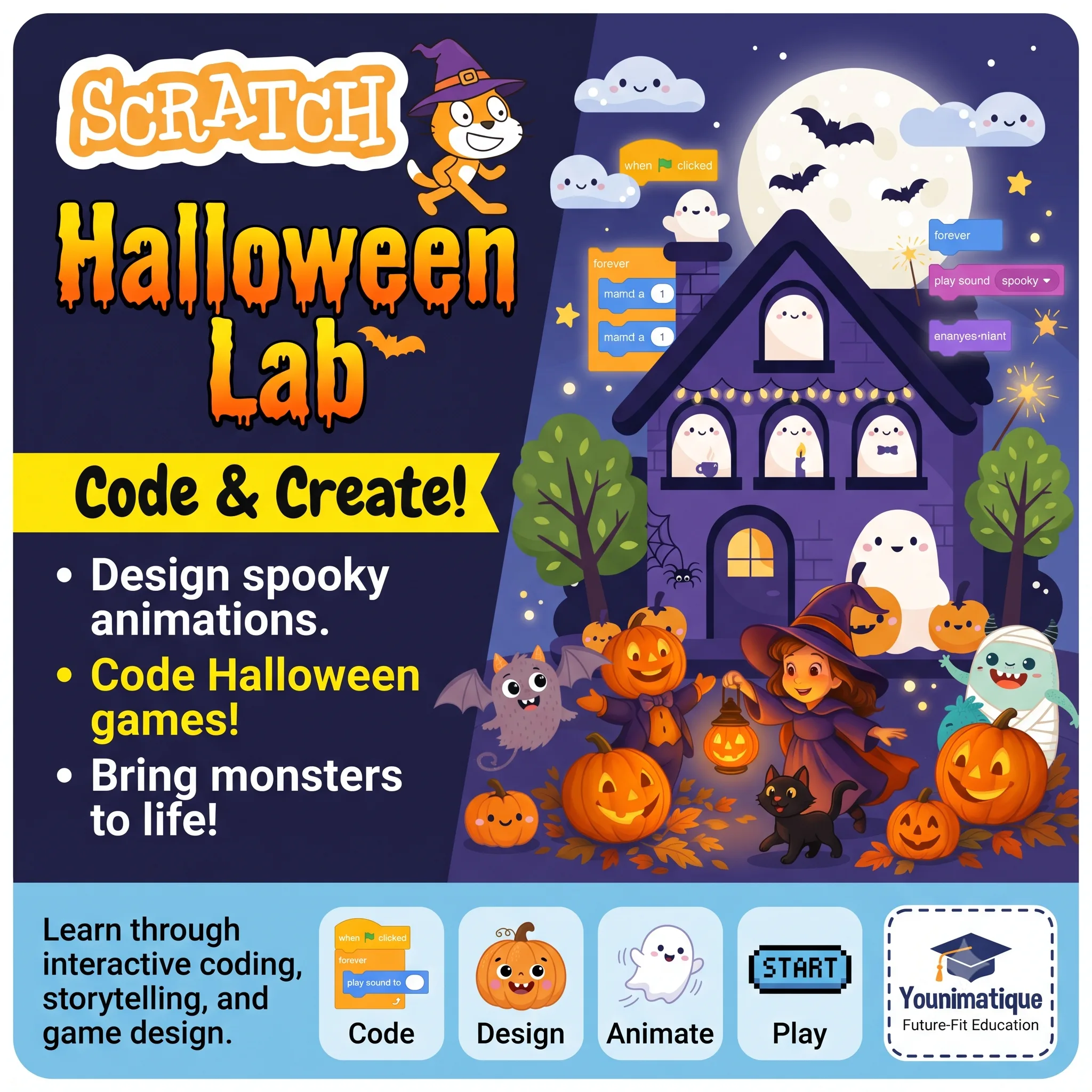
Scratch Halloween StoryLab: Spooky Stories, Animation & Coding
A Halloween-themed storytelling and coding course where children create a spooky-but-fun animated adventure in Scratch. Students invent characters, write dialogue, animate ghosts and pumpkins, design haunted settings, and code interactive choices to move their story forward. Learning outcomesBy the end of the course, students will be able to:Tell a story: Create characters, settings, dialogue, a central problem, a plot twist, and an ending.Animate creatively: Use sprites, costumes, movement, backdrops, sound, and timing to create 2D animations.Code in Scratch: Apply events, sequences, loops, conditions, broadcasts, sensing, and variables.Build interactive experiences: Create a story with choices, puzzles, and a simple playable mini-game.Think like a creator: Debug problems, improve their work, and present a completed digital project.
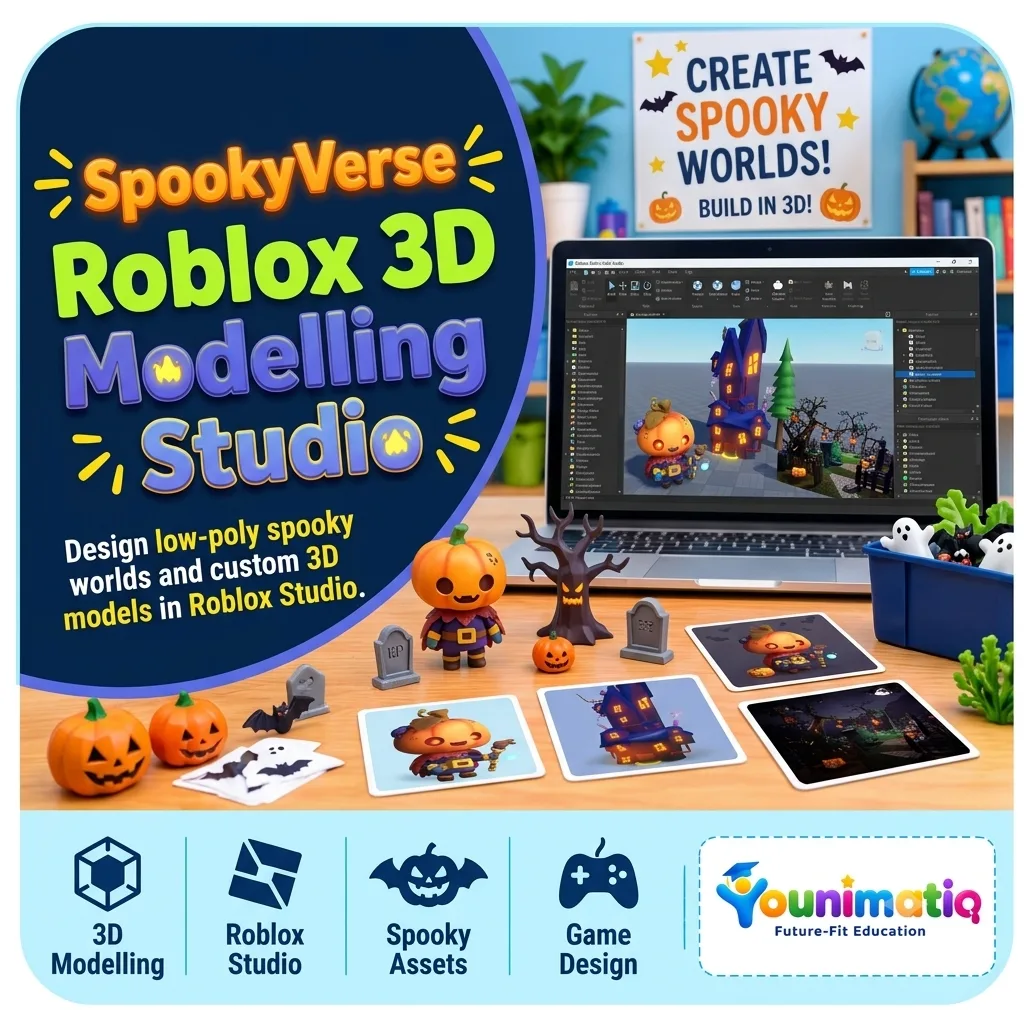
SpookyVerse: Roblox 3D Modelling Studio
By the end of 8 classes, every learner will have designed and built a personalised Halloween world in Roblox Studio, complete with original 3D props, a haunted environment, and a final showcase.Learning outcomesBuild 3D objects using Roblox Studio Parts, shapes, scaling, rotation, and materials.Understand basic 3D modelling concepts: form, proportion, colour, texture, and composition.Create original Halloween-themed props and architectural elements.Design a cohesive, navigable haunted world using lighting, terrain, and environmental storytelling.Present a finished 3D creation and explain their design decisions.
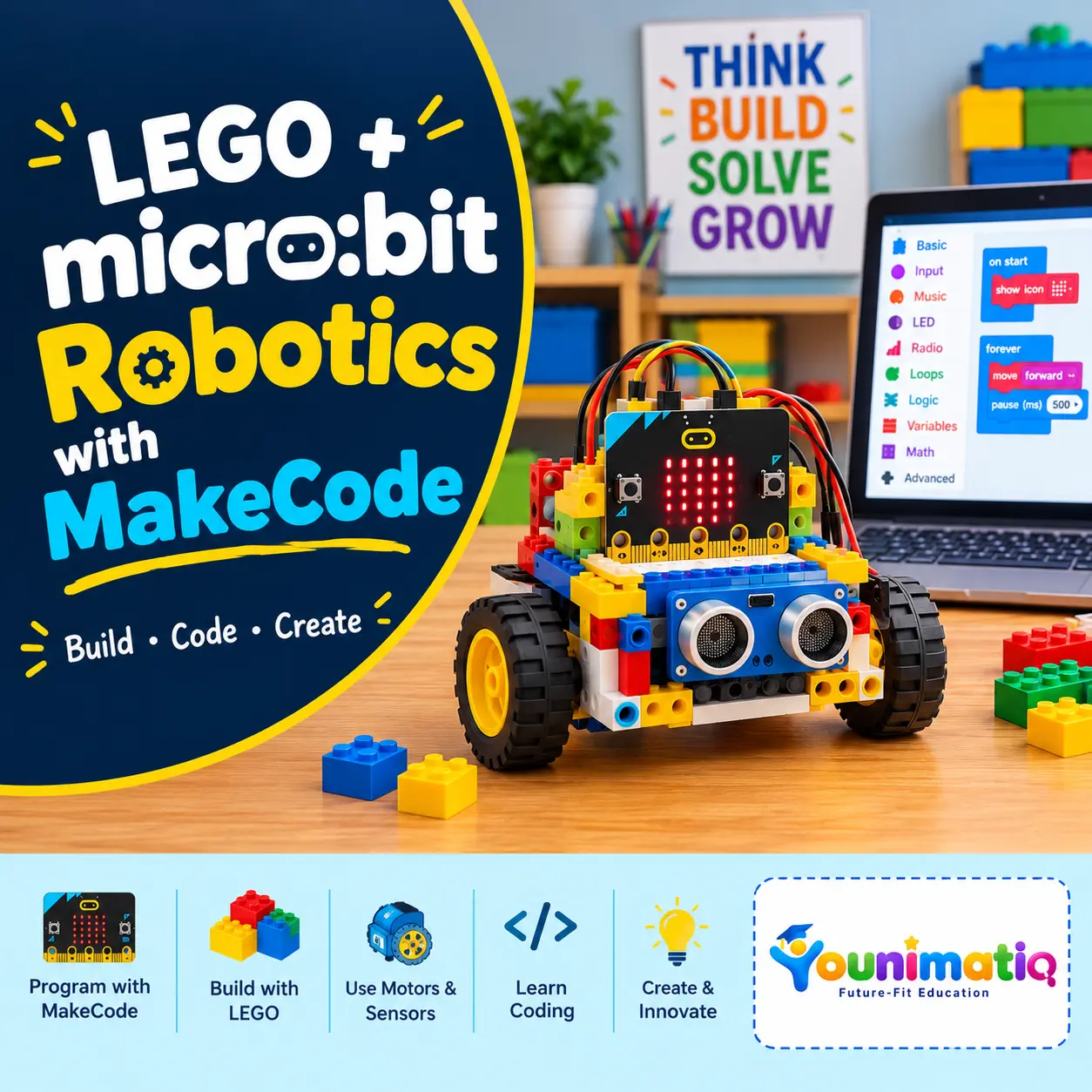
LEGO + micro:bit Robotics
LEGO + micro:bit Robotics with MakeCode is an 8-class beginner robotics program where students learn coding, engineering, and robotics by building interactive LEGO creations controlled by the micro:bit. Students progress from simple MakeCode programs and LEGO projects to motors, sensors, autonomous robots, and real-world robotics challenges—developing problem-solving, logical thinking, coding, and engineering skills along the way.Class 1: Meet micro:bit & MakeCode – Interactive LEGO Name BadgeExplore the micro:bit and MakeCode by creating an interactive LEGO name badge using buttons, LEDs, and animations.Class 2: Inputs, Outputs & Logic – LEGO Reaction GameLearn how inputs, outputs, events, and simple conditions work by building and coding a LEGO reaction game.Class 3: Smart LEGO Traffic Light – Mini Smart City JunctionBuild a mini city junction and program a LEGO traffic light using events, timing, and multiple outputs.Class 4: Build Your First Robot – LEGO micro:bit Robot CarBuild your first micro:bit-powered LEGO robot and program it to move forward, backward, and respond to commands.Class 5: Robot Navigation – LEGO Maze ChallengeUse motors, turns, loops, and step-by-step algorithms to program a robot through a LEGO maze.Class 6: Smart Sensor Robot – Obstacle-Avoiding RobotAdd sensors and IF/ELSE logic to create a robot that can detect obstacles and make autonomous decisions.Class 7: Robotics Mission – LEGO Delivery RobotCombine motors, sensors, loops, and problem-solving to build a robot that completes a real-world-inspired delivery mission.Class 8: Young Roboticist Challenge – Build Your Own Smart RobotDesign, build, code, debug, and present an original smart robot that solves a robotics challenge.
Minecraft Math Quest: Build, Solve & Explore | Grades 3–4
Make math an adventure with Minecraft Math! In this interactive course, students learn and practice important math concepts by building, exploring, and solving challenges in a Minecraft world. They’ll apply multiplication, division, fractions, geometry, measurement, coordinates, patterns, and early algebra to real in-game situations. Through creative building projects and problem-solving missions, students develop stronger mathematical thinking, spatial reasoning, logical skills, and confidence—while learning through a game they enjoy.Class 1: Multiplication Builders – Growing the VillageBuild a thriving Minecraft village while exploring multiplication through equal groups, arrays, and repeated addition.Class 2: Division Detectives – The Animal Rescue CenterRescue and organize animals by sharing and grouping resources equally to solve division challenges.Class 3: Fraction Kingdom – Building with Parts of a WholeCreate castles and designs using fractions to understand parts of a whole and compare equivalent fractions.Class 4: Geometry City – Architects in ActionBecome a Minecraft architect by designing structures using 2D and 3D shapes, perimeter, and area.Class 5: Measurement Engineers – Building to ScaleMeasure and construct buildings to exact dimensions while exploring length, area, and volume.Class 6: Coordinates & Treasure Maps – The Lost TreasureNavigate through Minecraft using coordinates and grid references to uncover hidden treasures.Class 7: Patterns, Algebra & Redstone LogicDiscover patterns and early algebra by creating sequences and simple Redstone-powered builds.Class 8: Minecraft Math Mega Challenge – Build Your Own Math WorldBring together all your math skills to design and build an exciting Minecraft world filled with mathematical challenges.
Roblox Game Design: Build Your Own 3D World with Zero Coding
Roblox Game Design: Build Your Own 3D World with Zero Coding gives young creators the opportunity to become game designers using Roblox Studio. Through hands-on building challenges, students learn to design landscapes, create structures, add props and lighting, and transform their ideas into immersive 3D worlds—all without writing a single line of code. The camp encourages creativity, design thinking, and confidence as students' progress from Roblox players to world builders.Class 1: Roblox Studio Setup & Creating 3D ModellingExplore Roblox Studio, learn essential tools and controls, and build your first 3D structures.Class 2: Terrain CreationUse terrain tools to sculpt mountains, hills, rivers, and landscapes that form the foundation of your world.Class 3: Build & DesignCreate unique buildings and environments using parts, colors, materials, and creative design techniques.Class 4: Create and Travel the Summer World ThemeChoose a theme and begin designing a cohesive world inspired by your imagination and storytelling ideas.Class 5: Props & DetailsBring your world to life by adding decorations, objects, and environmental details that make it feel realistic and engaging.Class 6: Lights & AtmosphereExperiment with lighting and visual effects to create different moods and enhance the overall experience.Class 7: Polish & PerfectRefine your designs, improve details, and add the finishing touches to prepare your world for presentation.Class 8: Showcase DayPresent your completed 3D world, explore classmates' creations, and celebrate your journey as a Roblox game designer.
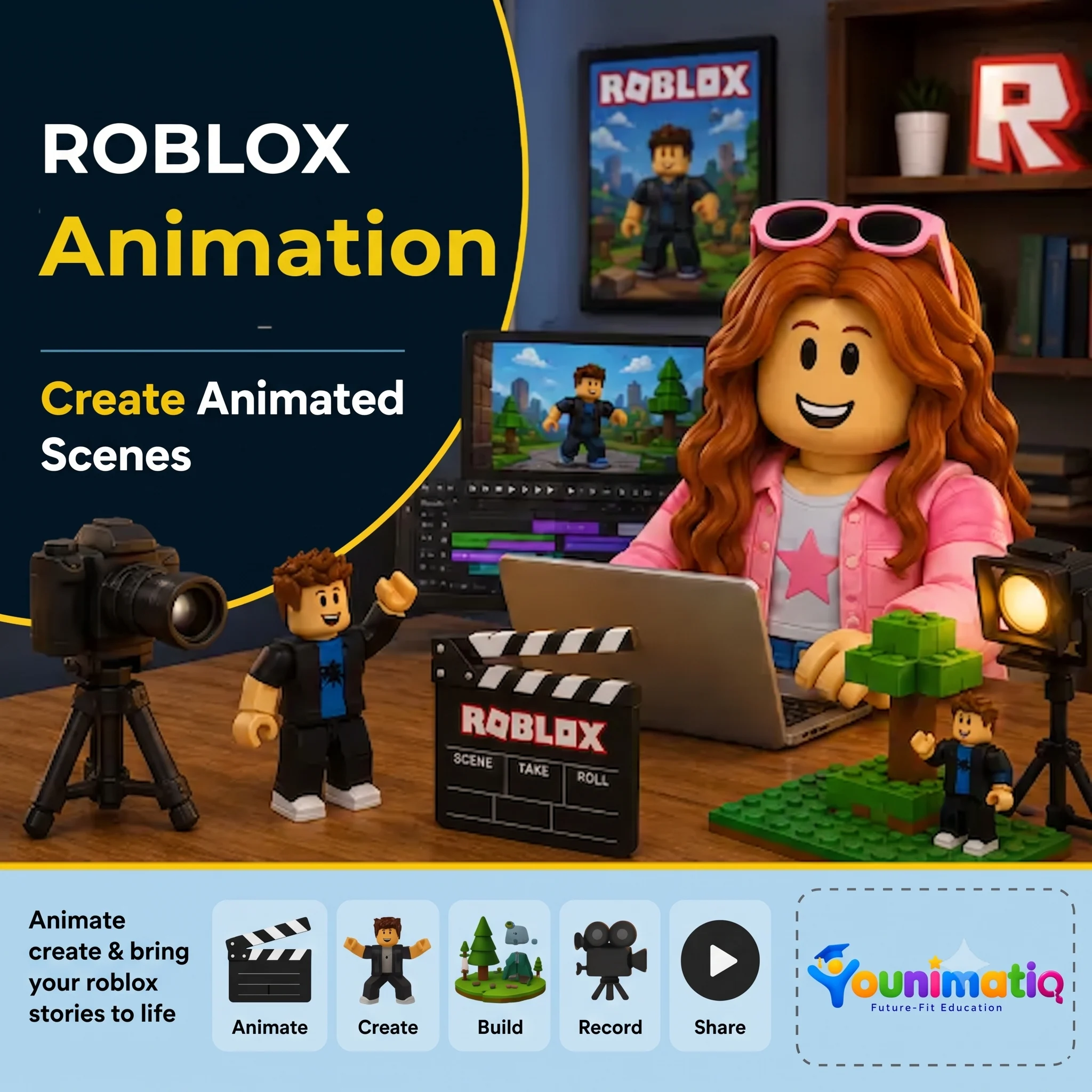
Roblox Animation
Create Animated Scenes — Animate, create & bring your Roblox stories to life! Designed for 8-12 years. In this Younimatiq live class, students learn through projects, games, and guided practice with expert educators. Highlights include: Animate, Create, Build, Record, Share. Book a $1 demo class to experience Younimatiq live teaching.
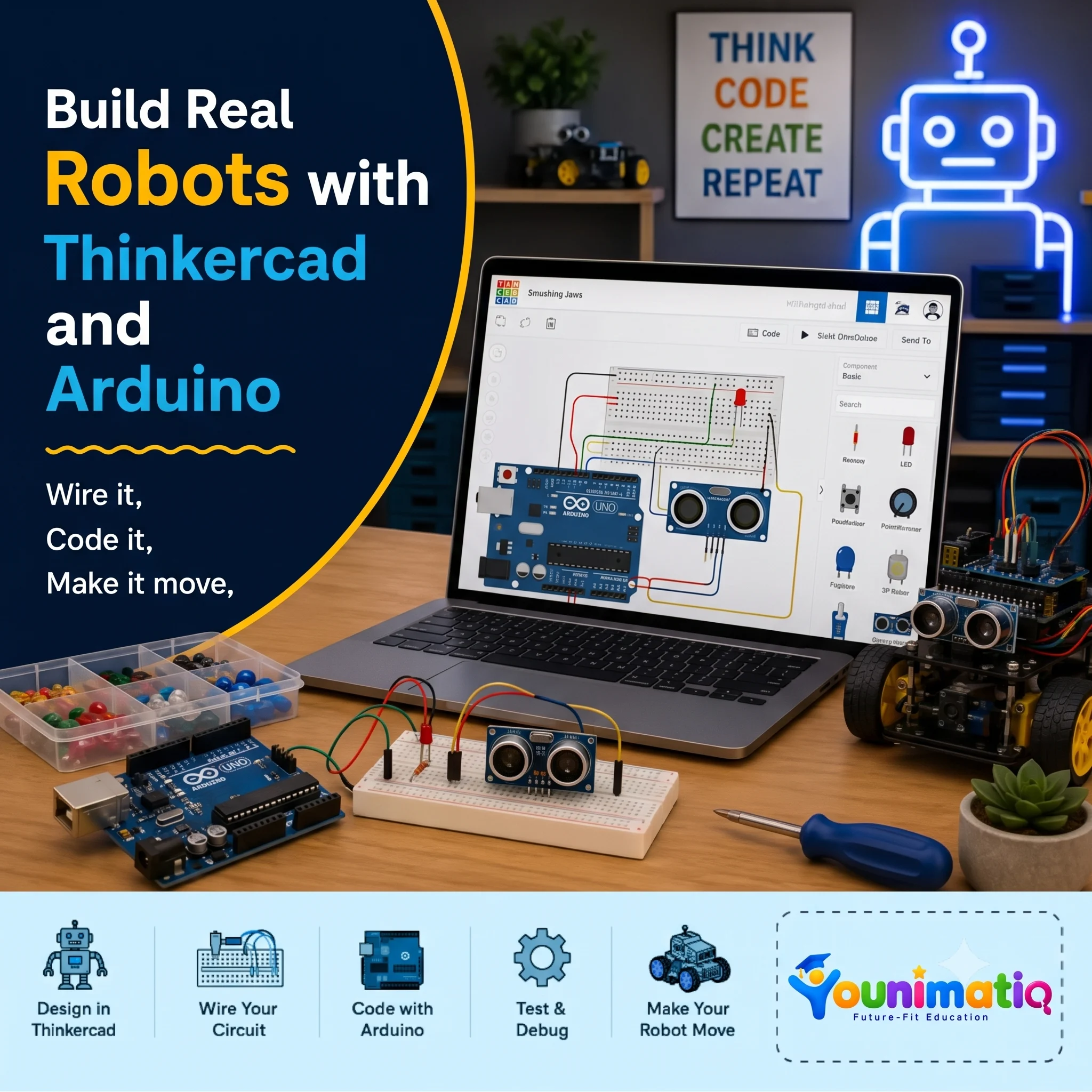
Arduino Robotics & STEM Lab
Arduino Robotics & STEM Lab: Build and Code! introduces students to the exciting world of electronics, coding, and robotics through hands-on engineering projects. This Arduino Robotics Course starts with simple circuits and progressing to sensors, displays, and intelligent systems, learners write real Arduino C/C++ code and discover how software can control physical devices. Along the way, they develop computational thinking, problem-solving, and engineering design skills while gaining the confidence to build and program their own robotic creations.Class 1: ARDUINO & ELECTRONICS BASICS Explore the Arduino board, build your first circuit, and write your first program to control an LED.Class 2: LED CONTROL LAB Learn how code controls hardware by creating blinking patterns and timing-based light effects.Class 3: RESCUE BEACON PROJECT Program an LED to transmit SOS signals using loops and timing functions inspired by Morse code.Class 4: RGB COLOR MIXING Combine coding, electronics, and math to create color-changing lights controlled by an adjustable knob. Class 5: ANALOG INPUTS & POTENTIOMETERS Discover how analog sensors work by reading live inputs and converting them into smooth digital controls. Class 6: TEMPERATURE SENSING Build a temperature-monitoring system that measures conditions and responds automatically to changing values. Class 7: EMOJI THERMOMETER DISPLAY Create an interactive thermometer that uses logic and symbols to display different temperature states. Class 8: SOUND SENSOR BASICS Use a sound sensor to detect noise levels and build a system that reacts to changes in the surrounding environment.
Scratch Coding for Beginners: Create Video Games & Animations (Level 1)
Live interactive Coding program: Scratch Coding for Beginners: Create Video Games & Animations (Level 1). In this Younimatiq live class, students learn through projects, games, and guided practice with expert educators. Highlights include: Learn core concepts, Create hands-on projects, Practice with a live tutor, Showcase your progress. Book a $1 demo class to experience Younimatiq live teaching.