Ages Grades 6 - 8
Grades 6–8 Program
Courses designed for Grades 6–8 (ages Grades 6 - 8) — interactive, age-appropriate learning adventures.
Showing 13–23 of 23
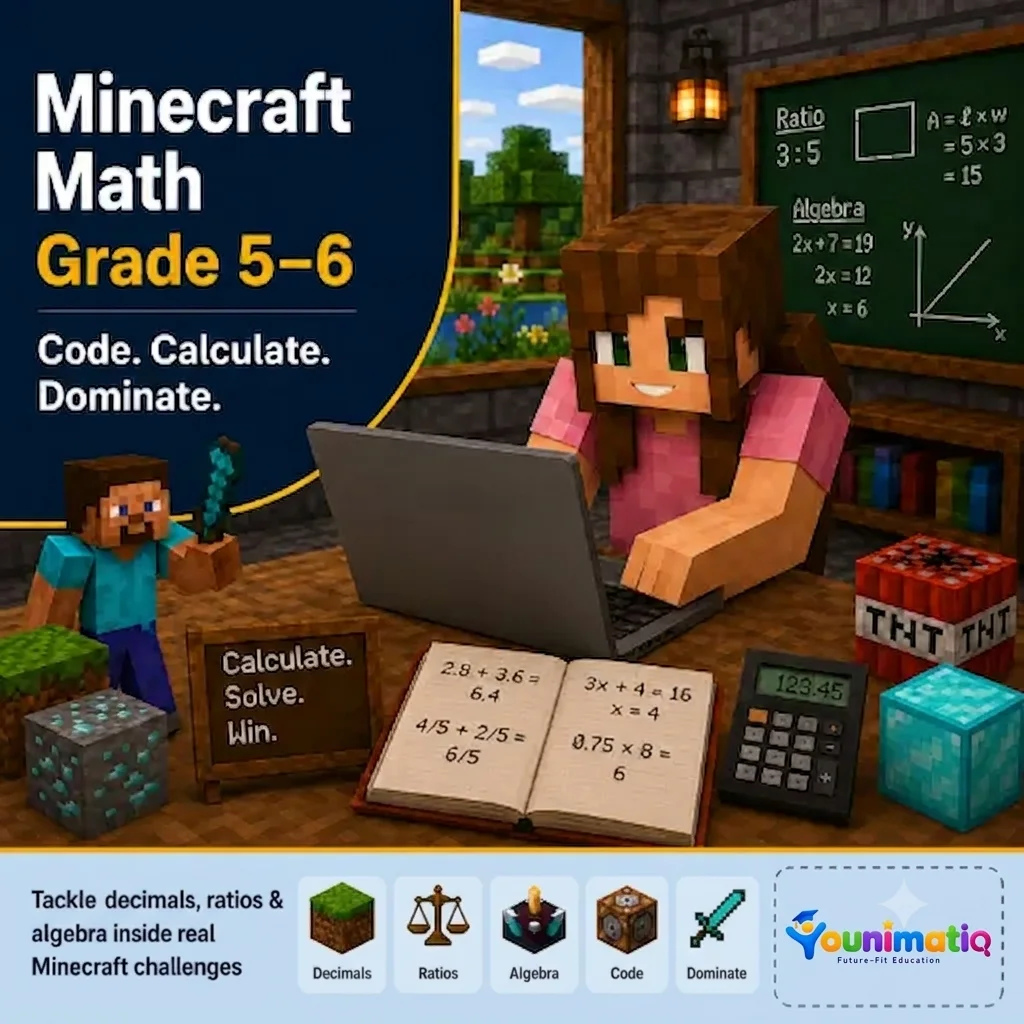
Minecraft Math Quest: Build, Solve & Explore | Grades 5–6
Turn screen time into learning time with Minecraft Math for Grades 5–6! In this exciting 8-class Homeschool Minecraft Math course helps students explore fractions, decimals, percentages, geometry, algebra, coordinates, and data through creative Minecraft building challenges, real-world scenarios, and problem-solving adventures. Each class makes advanced math concepts visual, interactive, and fun while building critical thinking and collaboration skills.Class 1: Fraction & Decimal ArchitectsDesign Minecraft structures while exploring fractions, decimals, and how they relate to one another.Class 2: Percentage Mall & Business DistrictBuild shops and businesses while calculating discounts, profits, and percentage changes in realistic scenarios.Class 3: Ratio & Scale BuildersCreate proportional builds by applying ratios and scale factors to Minecraft designs.Class 4: Geometry & Area EngineersConstruct and measure buildings while investigating perimeter, area, volume, and 3D shapes.Class 5: Coordinate Quest & Treasure MapsNavigate the Minecraft world using coordinates to find locations and complete treasure map challenges.Class 6: Algebra AcademyUnlock early algebra by creating patterns, solving equations, and working with variables through Minecraft activities.Class 7: Data Scientists & Redstone LogicCollect and analyze data, create graphs, and explore probability through Redstone-powered experiments.Class 8: Minecraft Smart City ChallengeCombine all your math skills to design, justify, and present an innovative Minecraft Smart City.
Minecraft Science Explorers Course: Atoms, Reactions & Creations
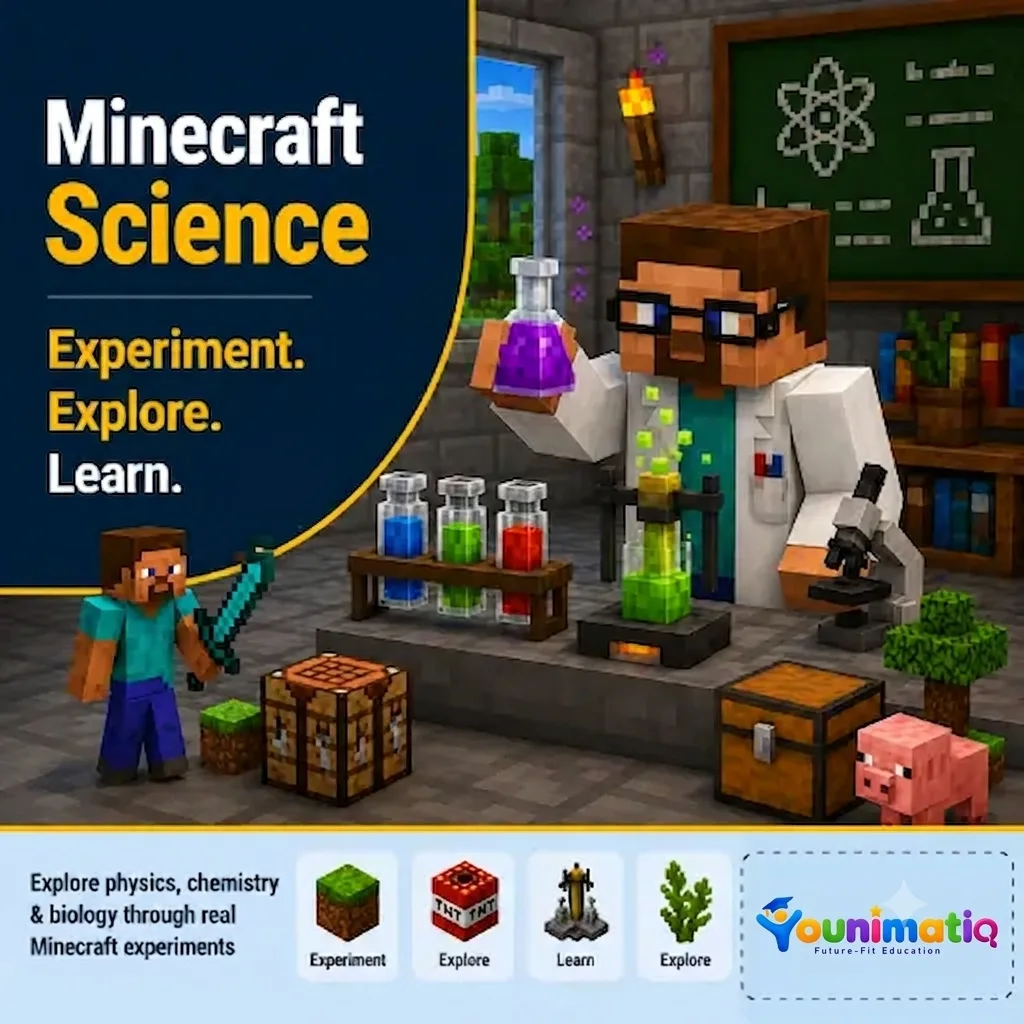
Minecraft Science Explorers Course: Atoms, Reactions & Creations transforms Minecraft into an interactive science lab where students explore the fascinating world of chemistry through hands-on experiments and creative challenges. Using Minecraft Education's Chemistry Resource Pack, learners investigate atoms, elements, compounds, mixtures, and chemical reactions while developing scientific inquiry, critical thinking, and problem-solving skills.Class 1: Welcome to the Minecraft Chemistry LabDiscover Minecraft's chemistry tools and explore how atoms and elements are the building blocks of everything around us.Class 2: Meet the ElementsInvestigate common elements and learn how their unique properties make up the materials we use every day.Class 3: Building Molecules and CompoundsCombine atoms to create molecules and compounds while exploring familiar substances such as water and salt.Class 4: Mixing and Separating MatterExperiment with mixtures and pure substances to understand how materials can be combined and separated.Class 5: Chemical Reactions in ActionConduct exciting experiments to observe how chemical reactions create new substances and produce visible changes.Class 6: Fun with Minecraft Chemistry CreationsApply chemistry concepts to create unique Minecraft items and solve challenges through multi-step experiments.Class 7: Super Science BuildersUse chemistry-created materials to tackle engineering challenges and improve designs through scientific reasoning.Class 8: Chemistry Master ChallengeBring together your chemistry knowledge to design, investigate, and showcase an original chemistry-themed Minecraft project.
Python for Kids
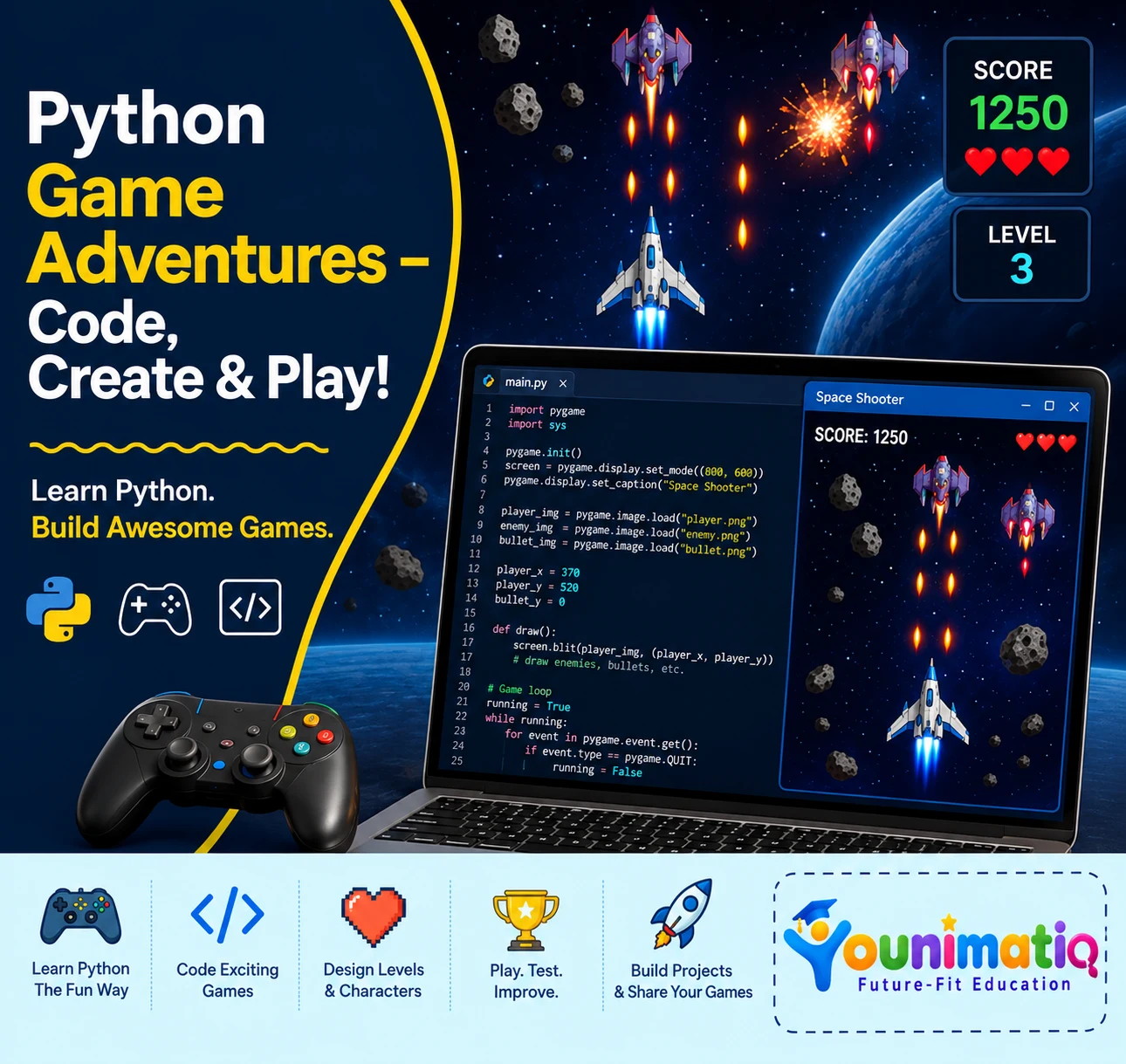
Live interactive Coding program: Python classes for Kids. In this Younimatiq live class, students learn through projects, games, and guided practice with expert educators. Highlights include: Learn core concepts, Create hands-on projects, Practice with a live tutor, Showcase your progress. Book a $1 demo class to experience Younimatiq live teaching.
Roblox Game Design: Build Your Own 3D World with Zero Coding
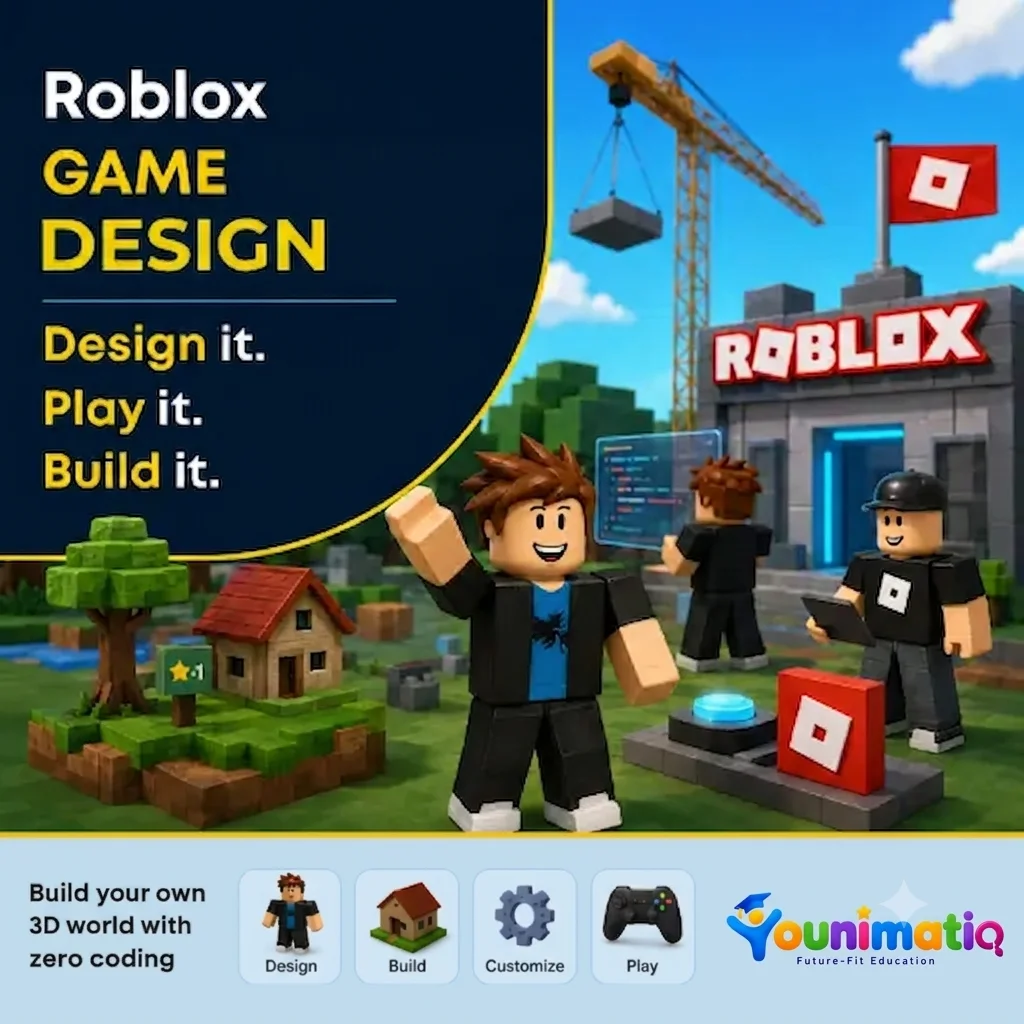
Roblox Game Design: Build Your Own 3D World with Zero Coding gives young creators the opportunity to become game designers using Roblox Studio. Through hands-on building challenges, students learn to design landscapes, create structures, add props and lighting, and transform their ideas into immersive 3D worlds—all without writing a single line of code. The camp encourages creativity, design thinking, and confidence as students' progress from Roblox players to world builders.Class 1: Roblox Studio Setup & Creating 3D ModellingExplore Roblox Studio, learn essential tools and controls, and build your first 3D structures.Class 2: Terrain CreationUse terrain tools to sculpt mountains, hills, rivers, and landscapes that form the foundation of your world.Class 3: Build & DesignCreate unique buildings and environments using parts, colors, materials, and creative design techniques.Class 4: Create and Travel the Summer World ThemeChoose a theme and begin designing a cohesive world inspired by your imagination and storytelling ideas.Class 5: Props & DetailsBring your world to life by adding decorations, objects, and environmental details that make it feel realistic and engaging.Class 6: Lights & AtmosphereExperiment with lighting and visual effects to create different moods and enhance the overall experience.Class 7: Polish & PerfectRefine your designs, improve details, and add the finishing touches to prepare your world for presentation.Class 8: Showcase DayPresent your completed 3D world, explore classmates' creations, and celebrate your journey as a Roblox game designer.
Roblox Mini Game Maker: Build 8 Real Games in Roblox Studio!
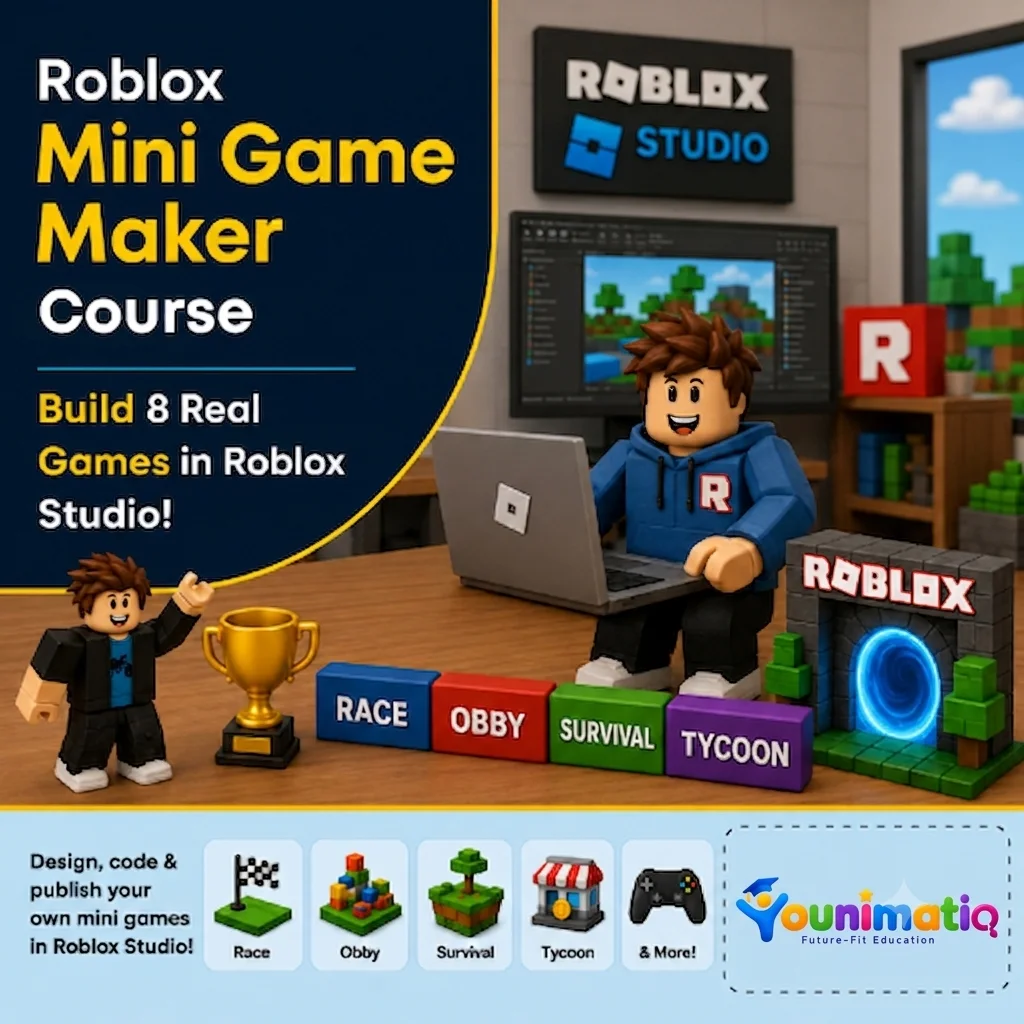
Roblox Mini Game Maker: Build 8 Real Games in Roblox Studio! gives students the exciting opportunity to become game developers by creating a new playable mini game in every class. Using Roblox Studio and beginner-friendly Lua scripting, learners design racetracks, battle arenas, shooting games, and survival challenges while developing coding logic, game design skills, creativity, and problem-solving abilities. By the end of the camp, students will have built eight original games and gained the confidence to think and create like real game developers.Class 1: Coin Collector FrenzyBuild your first Roblox game by collecting coins, tracking scores, and creating a countdown timer.Class 2: Speed Race TrackDesign an exciting race course and add finish lines, timers, and winning conditions.Class 3: Target Shooting RangeCreate an interactive shooting gallery where players score points by hitting targets.Class 4: Monster TagDevelop a multiplayer tag game where players chase, freeze, and avoid elimination.Class 5: Leaderboard Battle ArenaBuild an action-packed arena with live scoring, leaderboards, and winner announcements.Class 6: Floor is Lava!Design a survival challenge where disappearing platforms and rising lava test players' reactions.Class 7: Maze Escape ChallengeConstruct a maze filled with traps and create a timed escape adventure with a scripted exit.Class 8: Grand Mini Game ShowdownPlay, debug, improve, and showcase your mini games while celebrating your journey as a Roblox game creator.
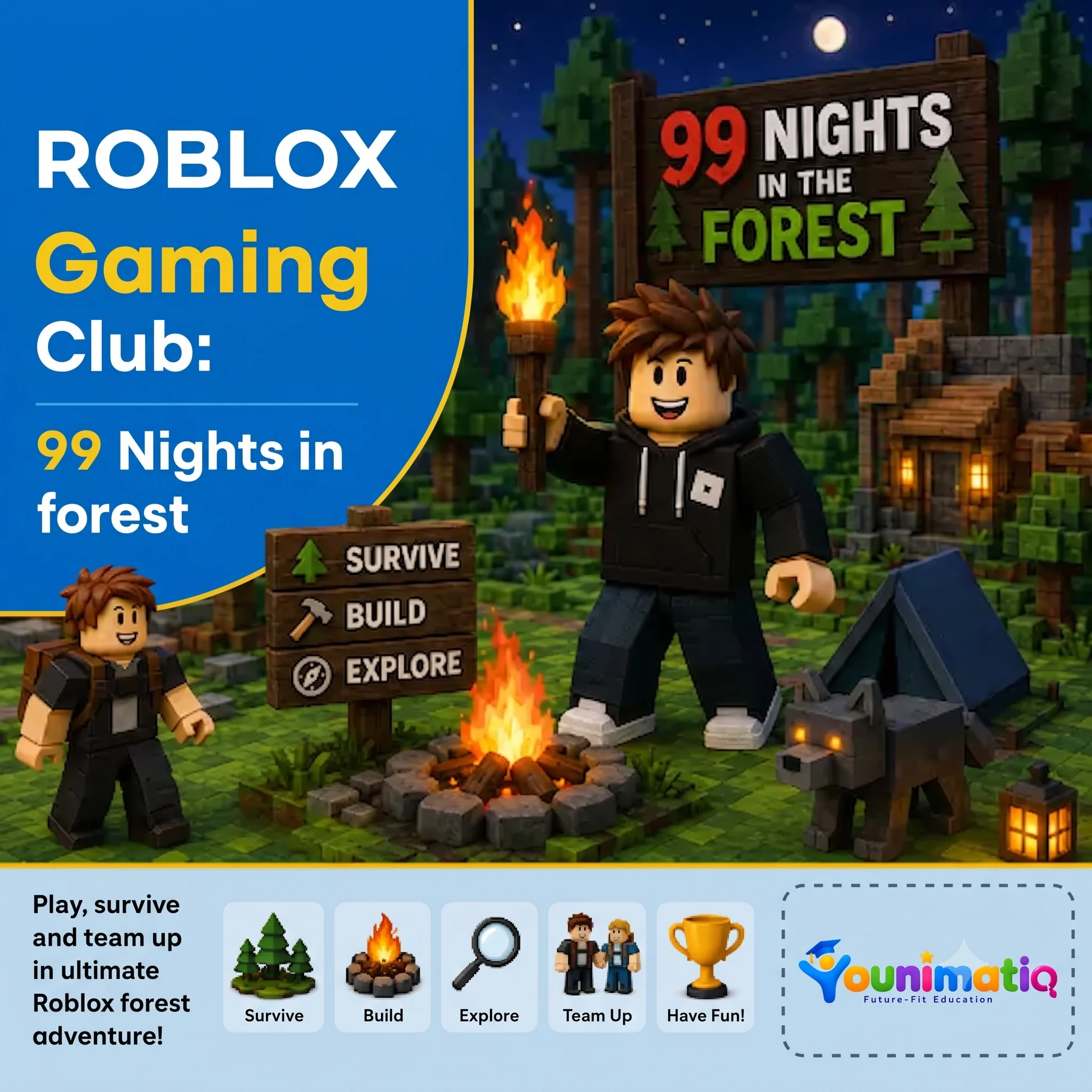
Roblox Gaming Club: 99 Nights in the Forest
Play, survive & team up in the ultimate Roblox forest adventure! Designed for 7-12 years. In this Younimatiq live class, students learn through projects, games, and guided practice with expert educators. Highlights include: Survive, Build, Explore, Team Up. Book a $1 demo class to experience Younimatiq live teaching.
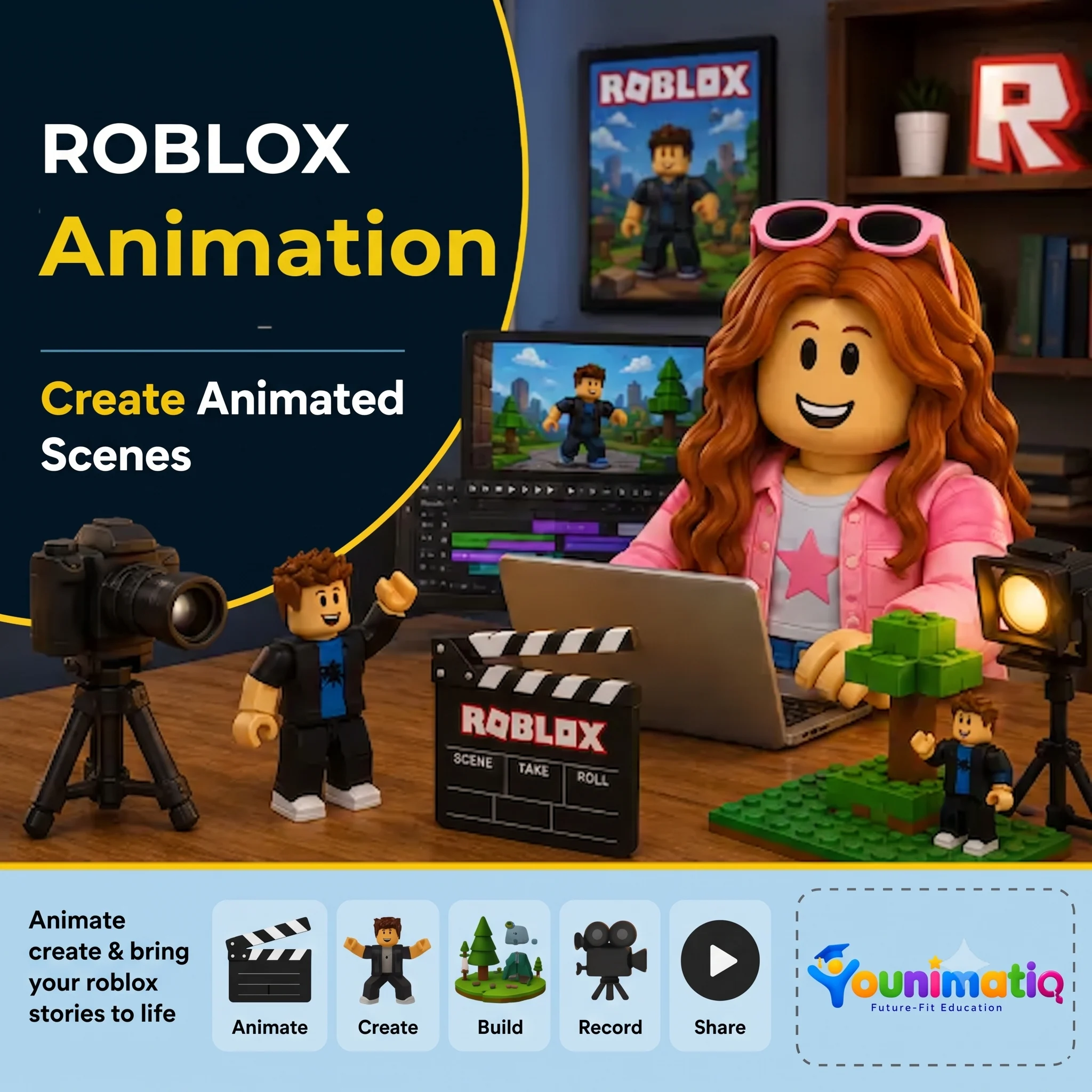
Roblox Animation
Create Animated Scenes — Animate, create & bring your Roblox stories to life! Designed for 8-12 years. In this Younimatiq live class, students learn through projects, games, and guided practice with expert educators. Highlights include: Animate, Create, Build, Record, Share. Book a $1 demo class to experience Younimatiq live teaching.
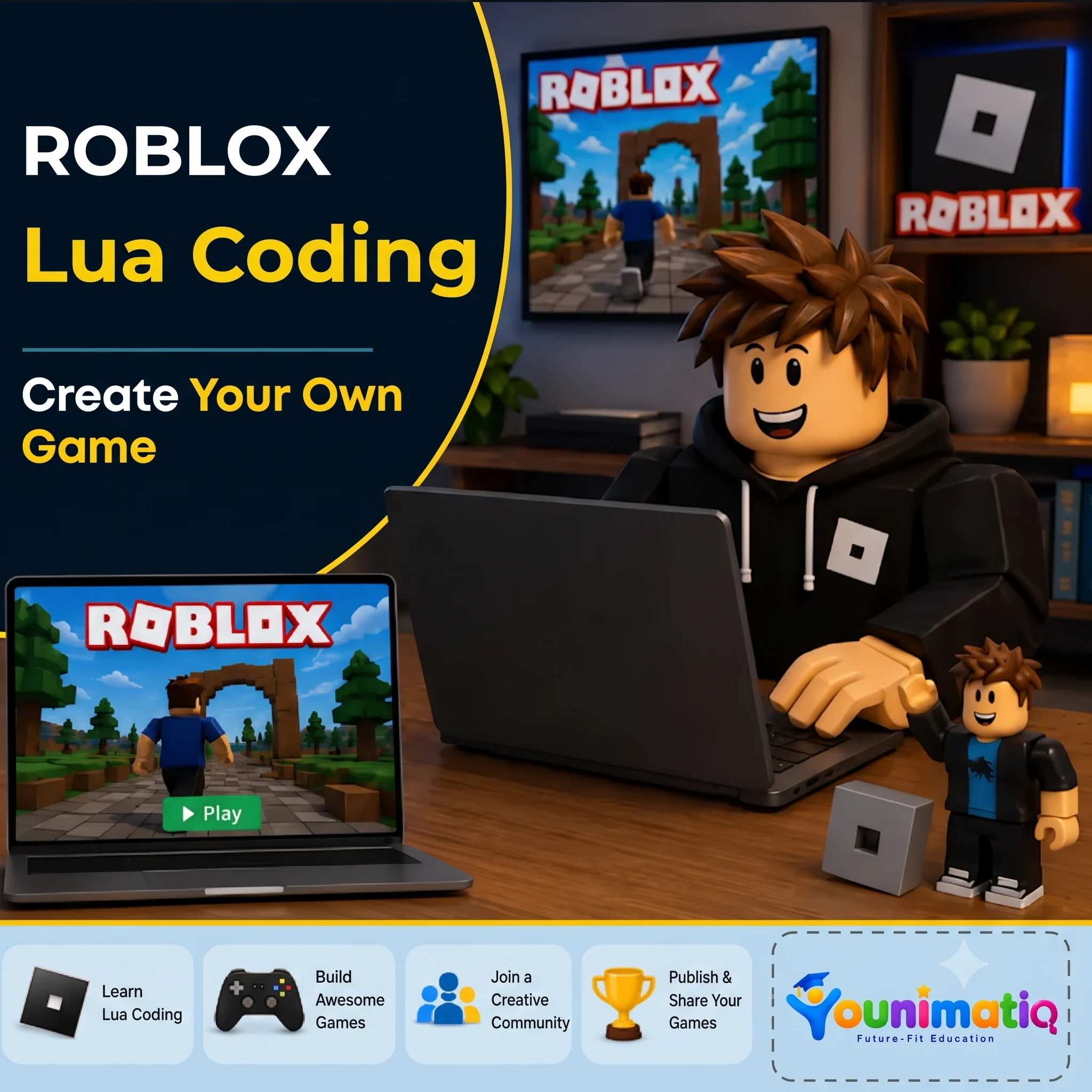
Roblox Lua Coding: Create Your Own Game
4-day intensive Lua coding camp Designed for 8-14 years. In this Younimatiq live class, students learn through projects, games, and guided practice with expert educators. Highlights include: Learn Lua Coding, Build Awesome Games, Join a Creative Community, Publish & Share. Book a $1 demo class to experience Younimatiq live teaching.
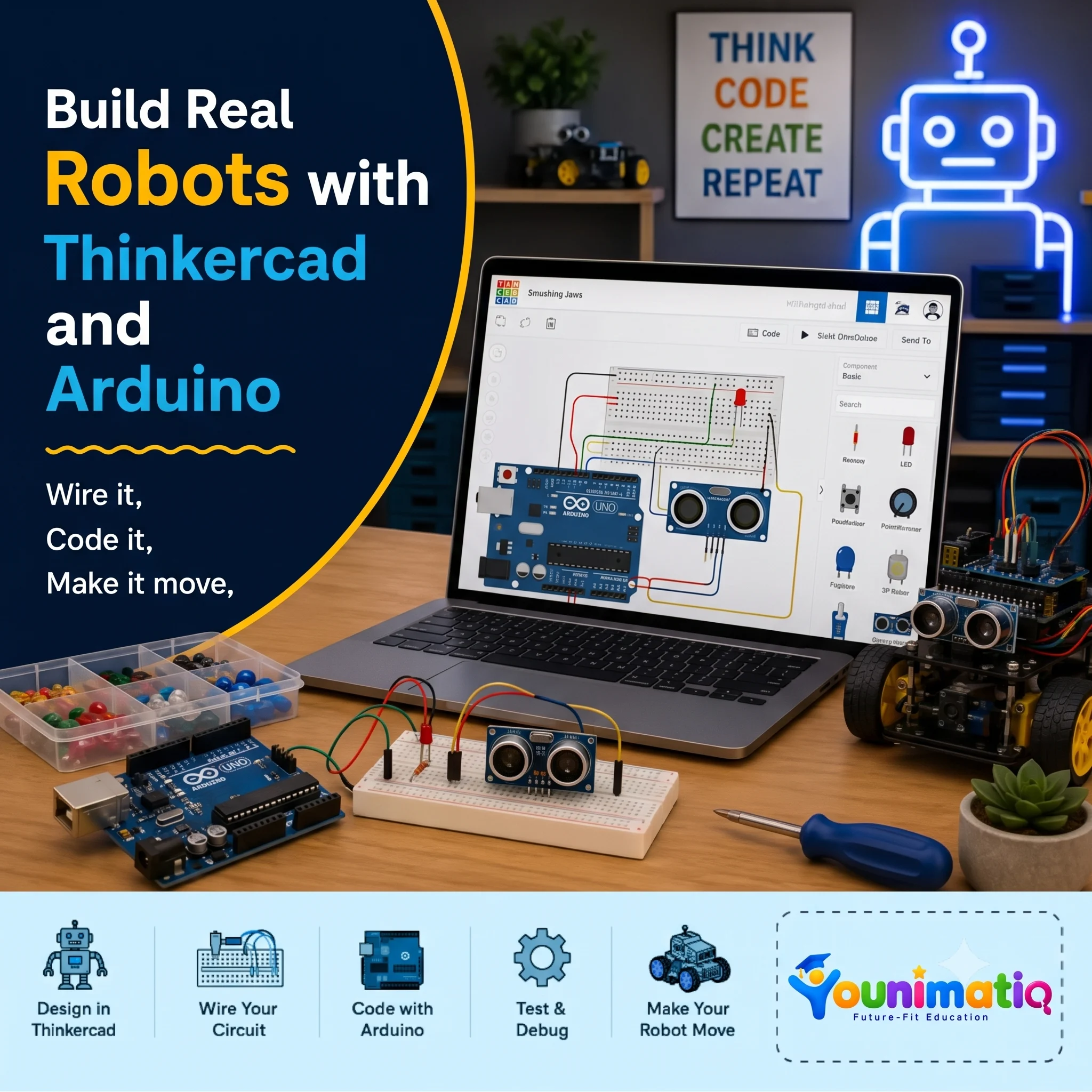
Arduino Robotics & STEM Lab
Arduino Robotics & STEM Lab: Build and Code! introduces students to the exciting world of electronics, coding, and robotics through hands-on engineering projects. This Arduino Robotics Course starts with simple circuits and progressing to sensors, displays, and intelligent systems, learners write real Arduino C/C++ code and discover how software can control physical devices. Along the way, they develop computational thinking, problem-solving, and engineering design skills while gaining the confidence to build and program their own robotic creations.Class 1: ARDUINO & ELECTRONICS BASICS Explore the Arduino board, build your first circuit, and write your first program to control an LED.Class 2: LED CONTROL LAB Learn how code controls hardware by creating blinking patterns and timing-based light effects.Class 3: RESCUE BEACON PROJECT Program an LED to transmit SOS signals using loops and timing functions inspired by Morse code.Class 4: RGB COLOR MIXING Combine coding, electronics, and math to create color-changing lights controlled by an adjustable knob. Class 5: ANALOG INPUTS & POTENTIOMETERS Discover how analog sensors work by reading live inputs and converting them into smooth digital controls. Class 6: TEMPERATURE SENSING Build a temperature-monitoring system that measures conditions and responds automatically to changing values. Class 7: EMOJI THERMOMETER DISPLAY Create an interactive thermometer that uses logic and symbols to display different temperature states. Class 8: SOUND SENSOR BASICS Use a sound sensor to detect noise levels and build a system that reacts to changes in the surrounding environment.
Introduction to machine learning, train an image classifier (animals or objects) using Machine Learning for Kids
Live interactive Coding program: Learn Machine Learning, Introduction to machine learning, train an image classifier (animals or objects) using Machine Learning for Kids. In this Younimatiq live class, students learn through projects, games, and guided practice with expert educators. Highlights include: Learn core concepts, Create hands-on projects, Practice with a live tutor, Showcase your progress. Book a $1 demo class to experience Younimatiq live teaching.
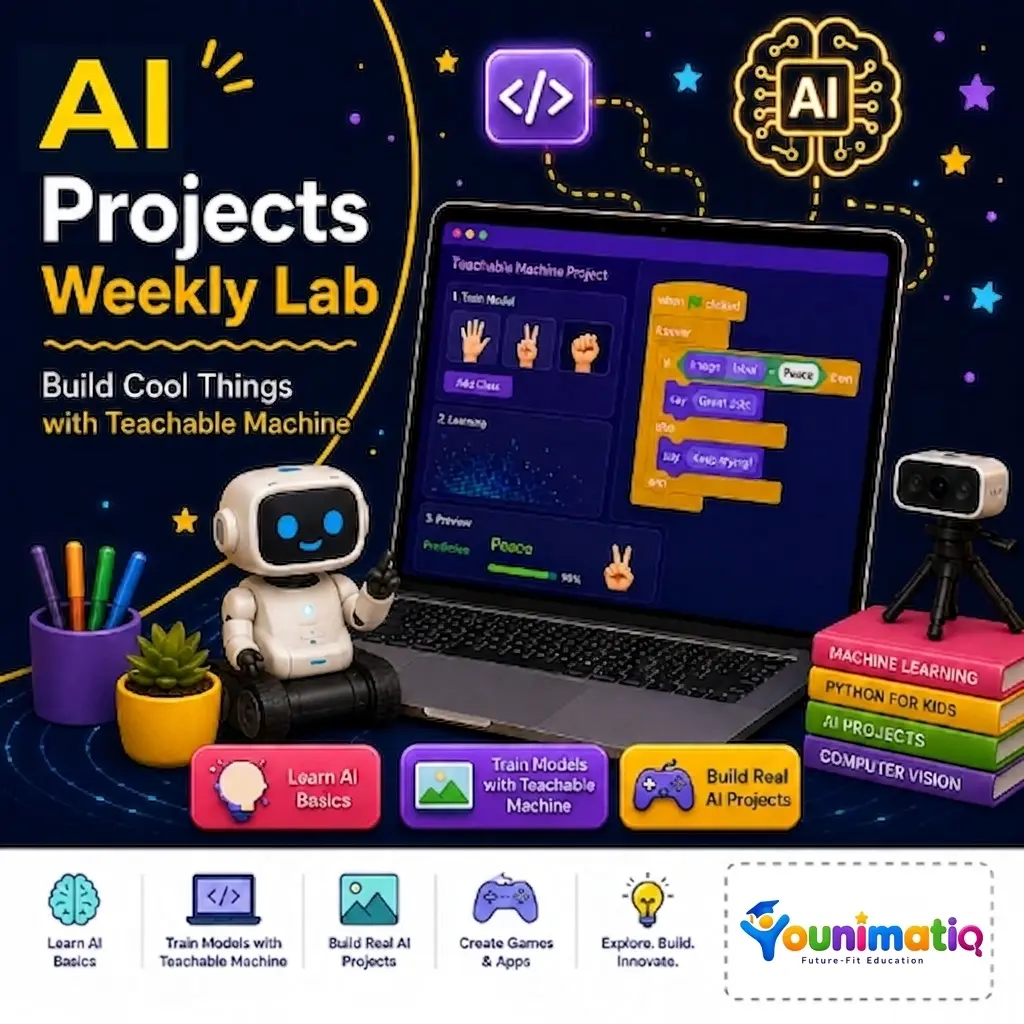
Weekly AI Inventors Course: Train, Test & Build with Teachable Machine
Weekly AI Inventors Course: Train, Test & Build with Teachable Machine Give your child a hands-on introduction to Artificial Intelligence through exciting weekly projects using Google's Teachable Machine. In this creative summer camp, learners train AI models using images, sounds, and body movements, discover how machine learning makes predictions, and build their own interactive AI-powered applications. Through experimentation and project-based learning, students develop computational thinking, problem-solving, creativity, and confidence as young AI innovators.Class 1: What Is Machine Learning?Train your first AI model to recognize and classify different objects using images.Class 2: Improving Model AccuracyImprove your AI by adding more examples and making its predictions more accurate.Class 3: Sound ClassificationBuild an AI model that can listen to and identify different sounds.Class 4: Pose Detection BasicsCreate an interactive project that responds to body poses and movements.Class 5: Testing Model Bias & AccuracyDiscover why AI makes mistakes and learn how to make models fairer and more reliable.Class 6: Exporting ModelsTurn your trained AI model into a real web application that others can use.Class 7: Creative AI Game ProjectDesign and build your own AI-powered game or interactive experience.Class 8: Final Demo WeekCreate and present a fully custom AI application that showcases everything you have learned.