Grade 4 Program | Younimatiq

Ages Ages 9-10

Grade 4 Program

Courses designed for Grade 4 (ages Ages 9-10) — interactive, age-appropriate learning adventures.

Showing 25–32 of 32

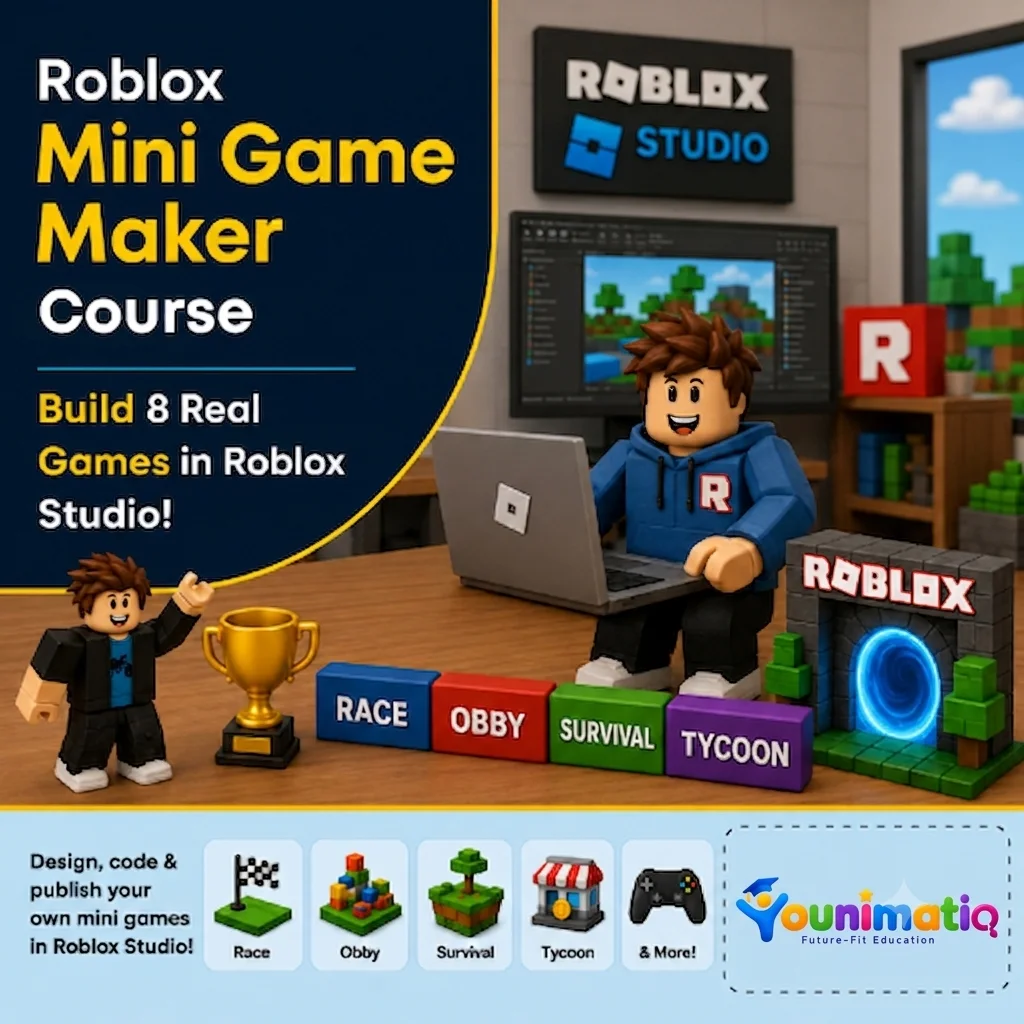
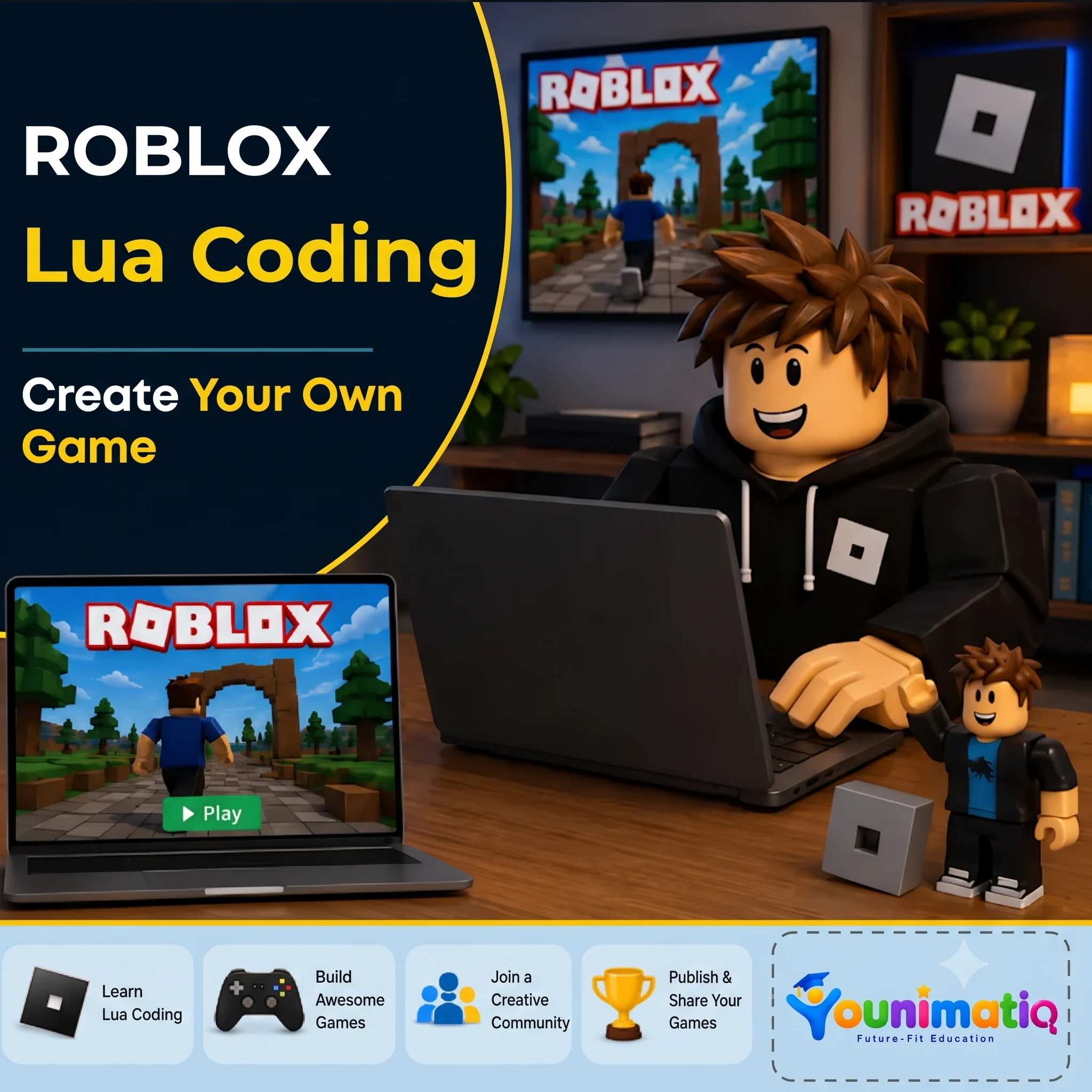
Roblox Mini Game Maker: Build 8 Real Games in Roblox Studio!
Live Class Game Design Roblox

Roblox Mini Game Maker: Build 8 Real Games in Roblox Studio!

Roblox Mini Game Maker: Build 8 Real Games in Roblox Studio! gives students the exciting opportunity to become game developers by creating a new playable mini game in every class. Using Roblox Studio and beginner-friendly Lua scripting, learners design racetracks, battle arenas, shooting games, and survival challenges while developing coding logic, game design skills, creativity, and problem-solving abilities. By the end of the camp, students will have built eight original games and gained the confidence to think and create like real game developers.Class 1: Coin Collector FrenzyBuild your first Roblox game by collecting coins, tracking scores, and creating a countdown timer.Class 2: Speed Race TrackDesign an exciting race course and add finish lines, timers, and winning conditions.Class 3: Target Shooting RangeCreate an interactive shooting gallery where players score points by hitting targets.Class 4: Monster TagDevelop a multiplayer tag game where players chase, freeze, and avoid elimination.Class 5: Leaderboard Battle ArenaBuild an action-packed arena with live scoring, leaderboards, and winner announcements.Class 6: Floor is Lava!Design a survival challenge where disappearing platforms and rising lava test players' reactions.Class 7: Maze Escape ChallengeConstruct a maze filled with traps and create a timed escape adventure with a scripted exit.Class 8: Grand Mini Game ShowdownPlay, debug, improve, and showcase your mini games while celebrating your journey as a Roblox game creator.

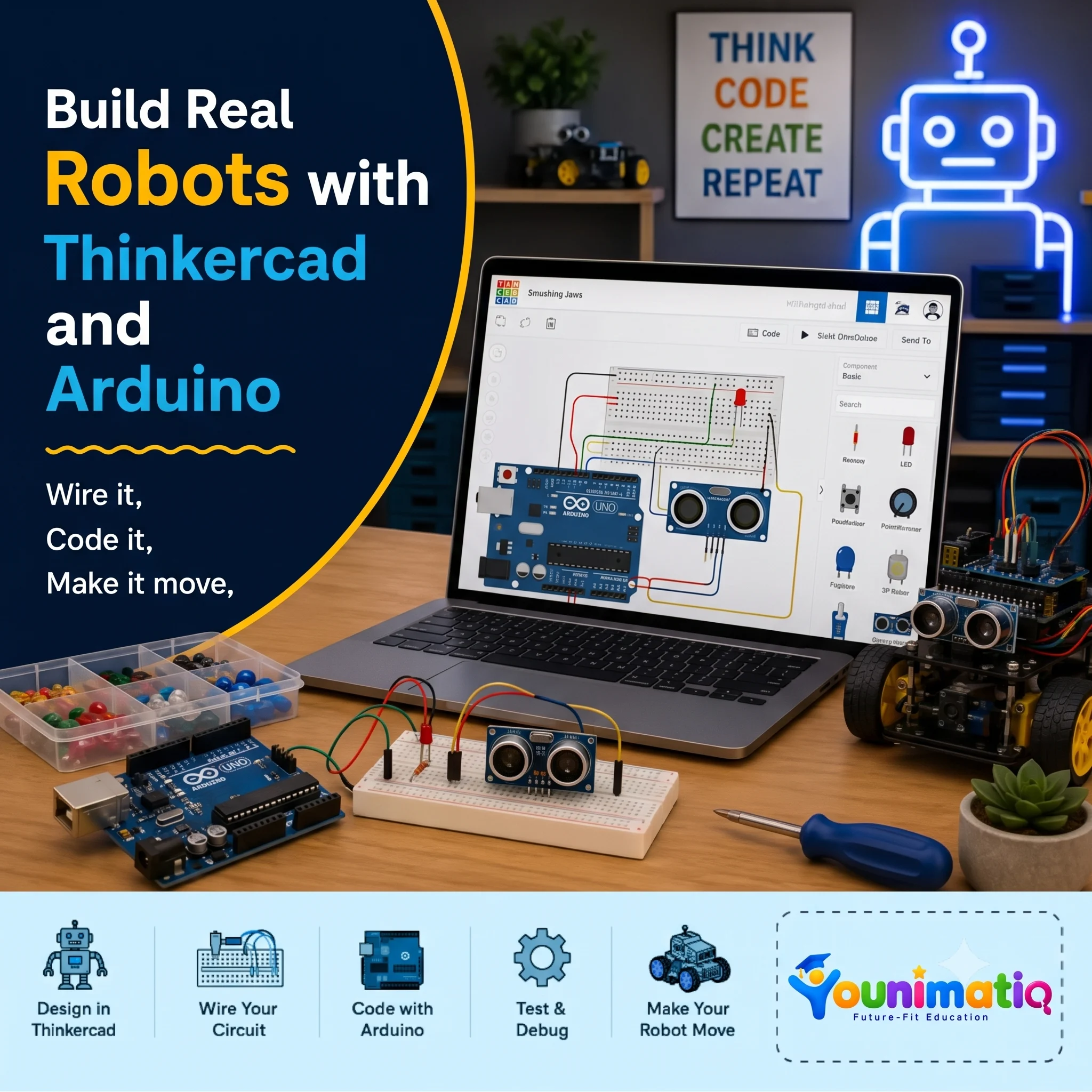
Arduino Robotics & STEM Lab
Live Class Coding AI powered Robotics

Arduino Robotics & STEM Lab

Arduino Robotics & STEM Lab: Build and Code! introduces students to the exciting world of electronics, coding, and robotics through hands-on engineering projects. This Arduino Robotics Course starts with simple circuits and progressing to sensors, displays, and intelligent systems, learners write real Arduino C/C++ code and discover how software can control physical devices. Along the way, they develop computational thinking, problem-solving, and engineering design skills while gaining the confidence to build and program their own robotic creations.Class 1: ARDUINO & ELECTRONICS BASICS Explore the Arduino board, build your first circuit, and write your first program to control an LED.Class 2: LED CONTROL LAB Learn how code controls hardware by creating blinking patterns and timing-based light effects.Class 3: RESCUE BEACON PROJECT Program an LED to transmit SOS signals using loops and timing functions inspired by Morse code.Class 4: RGB COLOR MIXING Combine coding, electronics, and math to create color-changing lights controlled by an adjustable knob. Class 5: ANALOG INPUTS & POTENTIOMETERS Discover how analog sensors work by reading live inputs and converting them into smooth digital controls. Class 6: TEMPERATURE SENSING Build a temperature-monitoring system that measures conditions and responds automatically to changing values. Class 7: EMOJI THERMOMETER DISPLAY Create an interactive thermometer that uses logic and symbols to display different temperature states. Class 8: SOUND SENSOR BASICS Use a sound sensor to detect noise levels and build a system that reacts to changes in the surrounding environment.

Weekly AI Inventors Course: Train, Test & Build with Teachable Machine
Live Class Coding AI Game Design

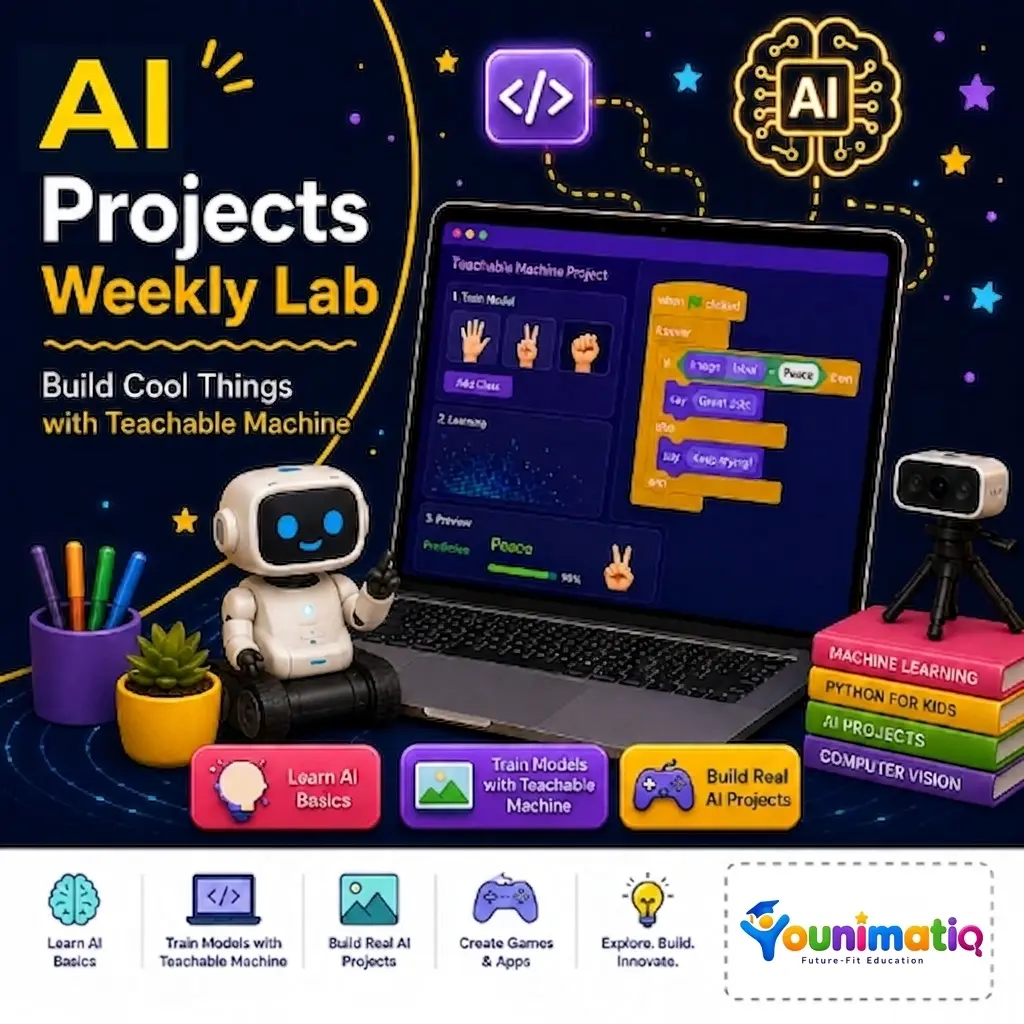
Weekly AI Inventors Course: Train, Test & Build with Teachable Machine

Weekly AI Inventors Course: Train, Test & Build with Teachable Machine Give your child a hands-on introduction to Artificial Intelligence through exciting weekly projects using Google's Teachable Machine. In this creative summer camp, learners train AI models using images, sounds, and body movements, discover how machine learning makes predictions, and build their own interactive AI-powered applications. Through experimentation and project-based learning, students develop computational thinking, problem-solving, creativity, and confidence as young AI innovators.Class 1: What Is Machine Learning?Train your first AI model to recognize and classify different objects using images.Class 2: Improving Model AccuracyImprove your AI by adding more examples and making its predictions more accurate.Class 3: Sound ClassificationBuild an AI model that can listen to and identify different sounds.Class 4: Pose Detection BasicsCreate an interactive project that responds to body poses and movements.Class 5: Testing Model Bias & AccuracyDiscover why AI makes mistakes and learn how to make models fairer and more reliable.Class 6: Exporting ModelsTurn your trained AI model into a real web application that others can use.Class 7: Creative AI Game ProjectDesign and build your own AI-powered game or interactive experience.Class 8: Final Demo WeekCreate and present a fully custom AI application that showcases everything you have learned.

Book a Free Class

Tell us a bit about your child to book a free demo class for the selected course.

how_to_reg All tutors are background-checked