Ages Ages 8-10
8-10 Program
Courses designed for 8-10 (ages Ages 8-10) — interactive, age-appropriate learning adventures.
Showing 37–41 of 41
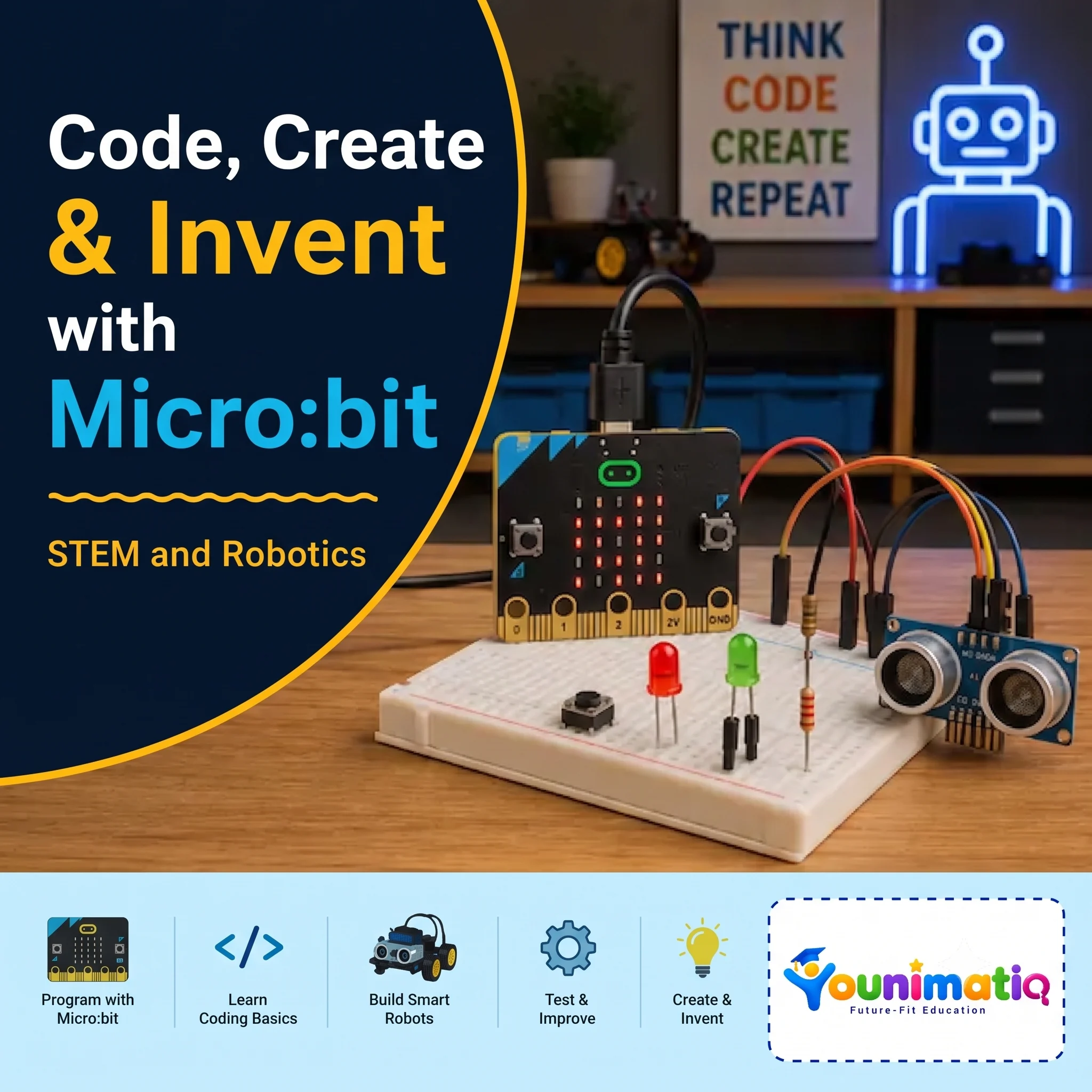
STEAM & Robotics Course: Code, Create & Invent with Micro:bit
Code, Create & Invent with Micro:bit Designed for 10-15 years. In this Younimatiq live class, students learn through projects, games, and guided practice with expert educators. Highlights include: Program with Micro:bit, Learn Coding Basics, Build Smart Robots, Create & Invent. Book a $1 demo class to experience Younimatiq live teaching.
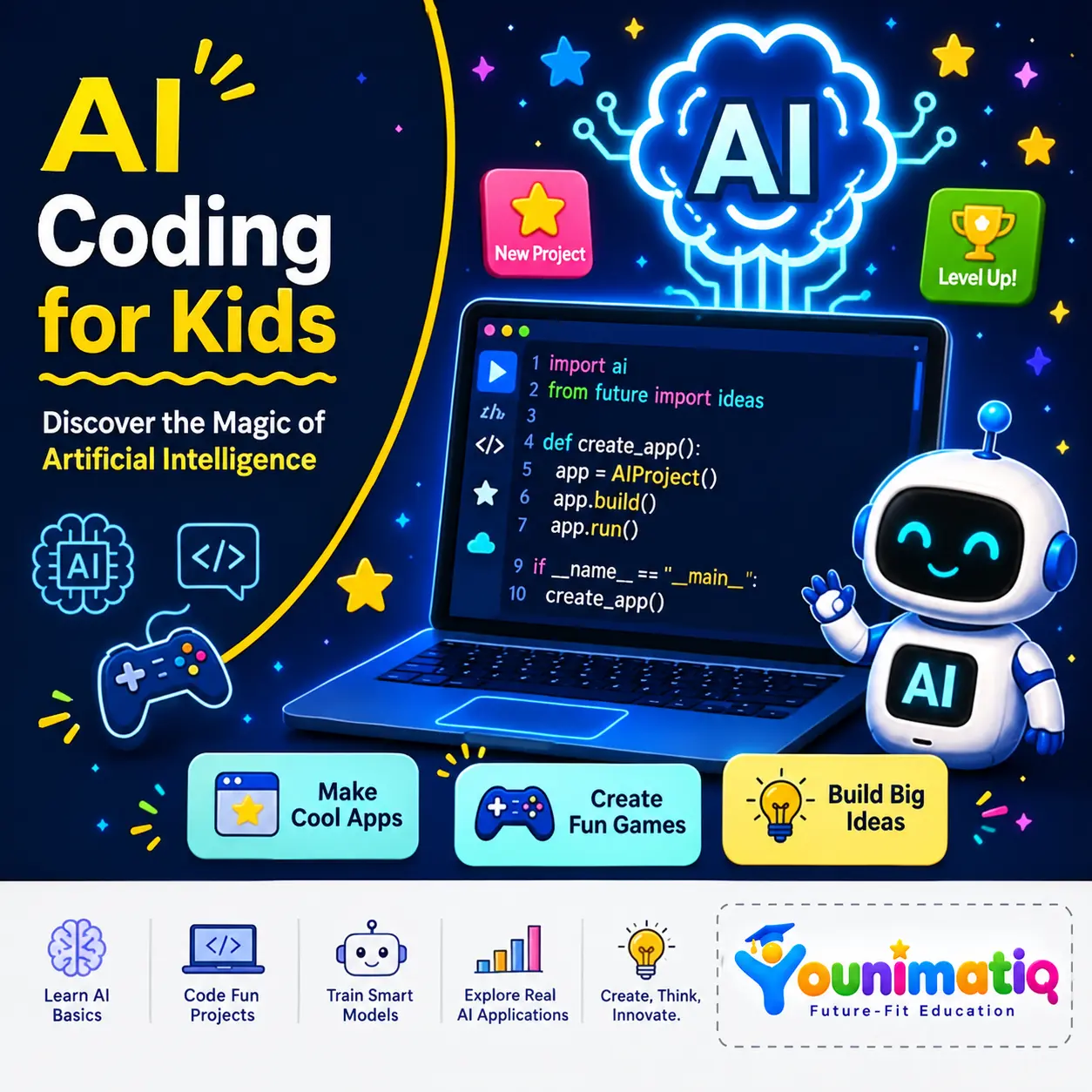
AI Coding for Kids – Discover the Magic of Artificial Intelligence (Ages 6-10)
AI Coding for Kids – Discover the Magic of Artificial Intelligence introduces students to the fascinating world of AI through hands-on game design and creative coding projects. Using face detection, hand tracking, gesture recognition, and machine learning concepts, learners build interactive games that respond to their movements and expressions in real time. Throughout the camp, students develop computational thinking, creativity, and problem-solving skills while experiencing how artificial intelligence powers the technology around us.Class 1: Face Filter Quiz AppBuild an interactive quiz game that uses AI face detection to add fun masks and effects in real time.Class 2: AI Chase GameCreate an exciting chase game where AI tracks facial movements to control gameplay and score points.Class 3: Food Rush AI GameTrain an AI model to recognize mouth movements and use it to catch and eat virtual food.Class 4: Robot Clash — Ping Pong AI GameExplore hand tracking by creating a game controlled entirely through hand movements and gestures.Class 5: Safeguard the AIverseDesign a security system that uses hand shapes and landmark measurements to grant or deny access.Class 6: Reach the PowercoreBuild a gesture-controlled game that uses pinch recognition and physics effects to move objects and complete challenges.Class 7: Guard the PowercoreDevelop a fast-paced defense game featuring hand controls, countdown timers, and live score tracking.Class 8: AI Spacecraft Battle — The Final Challenge!Combine everything learned to create an AI-powered space battle game controlled by hand gestures, scoring systems, and interactive effects.
Introduction to machine learning, train an image classifier (animals or objects) using Machine Learning for Kids
Live interactive Coding program: Introduction to machine learning, train an image classifier (animals or objects) using Machine Learning for Kids. In this Younimatiq live class, students learn through projects, games, and guided practice with expert educators. Highlights include: Learn core concepts, Create hands-on projects, Practice with a live tutor, Showcase your progress. Book a $1 demo class to experience Younimatiq live teaching.
Scratch Coding for Beginners: Create Video Games & Animations (Level 1)
Live interactive Coding program: Scratch Coding for Beginners: Create Video Games & Animations (Level 1). In this Younimatiq live class, students learn through projects, games, and guided practice with expert educators. Highlights include: Learn core concepts, Create hands-on projects, Practice with a live tutor, Showcase your progress. Book a $1 demo class to experience Younimatiq live teaching.
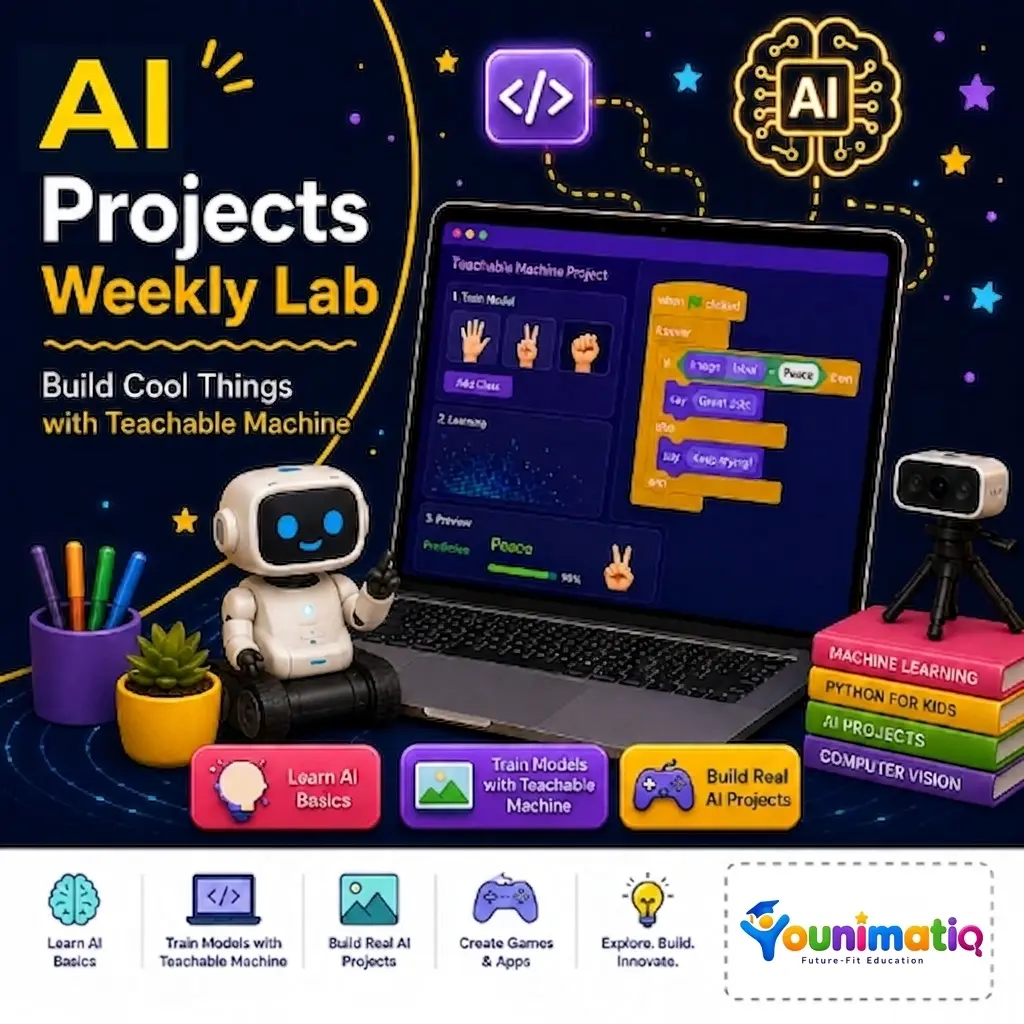
Weekly AI Inventors Course: Train, Test & Build with Teachable Machine
Weekly AI Inventors Course: Train, Test & Build with Teachable Machine Give your child a hands-on introduction to Artificial Intelligence through exciting weekly projects using Google's Teachable Machine. In this creative summer camp, learners train AI models using images, sounds, and body movements, discover how machine learning makes predictions, and build their own interactive AI-powered applications. Through experimentation and project-based learning, students develop computational thinking, problem-solving, creativity, and confidence as young AI innovators.Class 1: What Is Machine Learning?Train your first AI model to recognize and classify different objects using images.Class 2: Improving Model AccuracyImprove your AI by adding more examples and making its predictions more accurate.Class 3: Sound ClassificationBuild an AI model that can listen to and identify different sounds.Class 4: Pose Detection BasicsCreate an interactive project that responds to body poses and movements.Class 5: Testing Model Bias & AccuracyDiscover why AI makes mistakes and learn how to make models fairer and more reliable.Class 6: Exporting ModelsTurn your trained AI model into a real web application that others can use.Class 7: Creative AI Game ProjectDesign and build your own AI-powered game or interactive experience.Class 8: Final Demo WeekCreate and present a fully custom AI application that showcases everything you have learned.