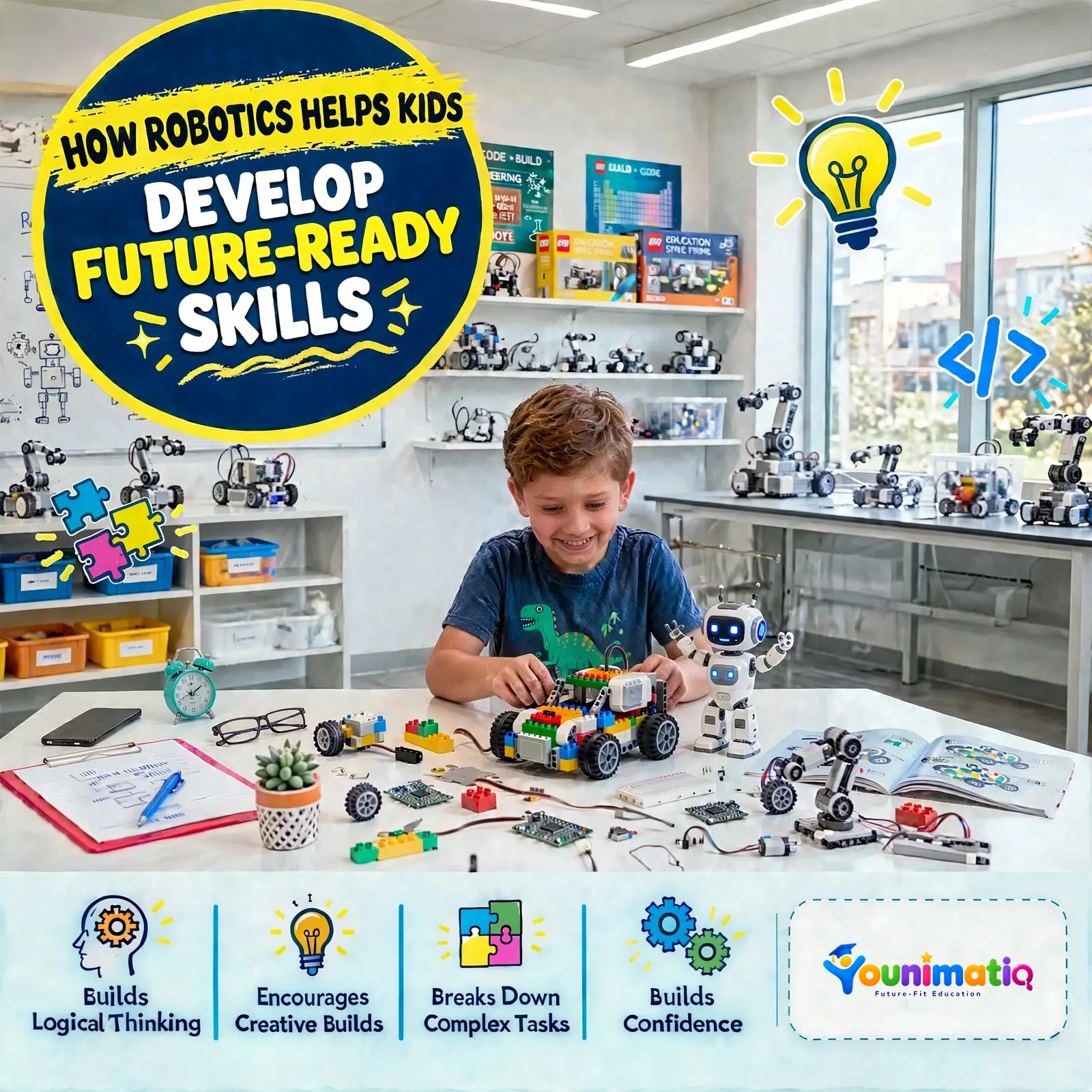
A robot that follows instructions, avoids an obstacle, or switches on a light when someone enters a room can spark a child's curiosity. They may start wondering how it works, what makes it move, and whether they can build something similar themselves.
That's where robotics for kids becomes an interesting learning opportunity. Children can explore science, technology, engineering, and coding through hands-on projects rather than learning every concept from a textbook.
If your child is curious about machines, enjoys building things, or likes solving puzzles, robotics can be a practical place to start. You don't need to be an engineer to help them get started, either.
What Is Robotics?
Robotics involves designing, building, and programming machines that perform specific tasks. These machines can range from simple moving models to robots that use sensors to respond to their surroundings.
For kids, robotics usually starts with basic activities. They might build a model, program a small robot to move forward, or use a sensor to detect an object.
As they gain experience, children can explore more advanced ideas, such as automation, electronic circuits, and robots that make decisions based on programmed instructions.
The goal at the beginner level isn't to build a complicated robot. It's to understand how different parts work together and learn how to turn an idea into something that works.
What Can Kids Learn Through Robotics?
Robotics brings several subjects together in a way children can see and test for themselves.
1. Basic coding
Robots need instructions to perform tasks. Children learn to arrange commands in the correct order and understand how changing an instruction can change the result.
For example, a child might program a robot to move forward, turn left, and stop at a specific point.
2. Problem-solving
Robots don't always behave as expected. A robot might turn too early, follow the wrong path, or fail to detect an obstacle.
Children learn to identify the problem, test possible solutions, and adjust their instructions.
3. Science and engineering
Robotics introduces practical concepts such as motion, force, electricity, sensors, and mechanical parts. Children begin to understand how these ideas work together in a real system.
4. Logical thinking
A robot follows instructions, so the order of those instructions matters. Kids learn to break a large task into smaller steps and think through what should happen next.
5. Creativity and design
Robotics isn't limited to following a set of instructions. Children can design their own machines, decide what a robot should do, and find different ways to solve a challenge.
How to Get Started With Robotics for Beginners
You don't have to start with an expensive robot kit or advanced programming language. A simple, structured introduction can help your child discover whether robotics interests them.
Step 1: Start With a Simple Project
Choose a project with a clear goal. For example, your child could design a model traffic light, create a paper circuit with glowing LED lights, or program a virtual robot to navigate a maze.
A finished project gives beginners something concrete to work toward. It also makes it easier to understand what they've learned.
Step 2: Introduce Coding Gradually
Begin with simple instructions, sequences, and basic logic. Block-based coding can be a useful starting point because children can arrange visual commands without needing to memorize programming syntax.
Once they understand how instructions work, they can gradually explore loops, conditions, sensors, and text-based coding when appropriate.
Step 3: Let Your Child Experiment
Give your child room to change things and test ideas. Ask questions such as, "What do you think will happen if we change this instruction?" or "How could we make the robot stop before it hits the wall?"
The process of testing and correcting mistakes is an important part of learning robotics.
Step 4: Build on Their Interests
A child who enjoys cars might like a robot that follows a path. Someone who enjoys games might prefer coding a virtual robot or completing a maze challenge.
Connecting robotics to an existing interest can make the first few projects easier to approach.
Step 5: Increase the Challenge Slowly
Once your child understands the basics, introduce more complex projects. They might add a sensor, combine several commands, or design a robot that completes a specific task.
Let their understanding guide the next step instead of rushing toward advanced equipment or programming.
Does Your Child Need a Robot Kit?
Not necessarily. The right starting point depends on your child's age, interests, experience, and the type of project they want to create.
Here are three options to consider:
- Paper-based electronics: Children can use simple circuits, LEDs, batteries, and switches to create interactive crafts. This introduces basic electrical concepts without requiring a complete robot.
- Virtual robotics simulators: These let children experiment with coding and robot behavior on a computer. They can be useful for learning before working with physical components.
- Physical robotics kits: These may include building parts, motors, sensors, and a programmable controller. They're useful when children are ready to explore how software controls physical movement.
Before buying a kit, check the recommended age range, required components, software compatibility, and whether an adult needs to help with assembly.
For beginners, it's often better to start with a manageable project than to buy equipment your child may not yet know how to use.
How Old Should a Child Be to Start Robotics?
There isn't one perfect age for every child. The best starting point depends on their developmental stage, interests, and the complexity of the activity.
Younger children can begin with simple building activities, visual instructions, and supervised experiments with basic circuits. As they grow, they may be ready for block-based programming, sensors, motors, and more involved engineering challenges.
Older beginners can also start with the fundamentals. They don't need previous coding experience to begin learning robotics.
Look for activities that match your child's current abilities while giving them room to learn something new.
How Can Parents Support Robotics Learning at Home?
You don't need technical expertise to support your child's progress. A few simple habits can make a difference.
- Encourage questions. Let your child explore why something works instead of focusing only on the final result.
- Treat mistakes as part of the process. When a project fails, help your child identify what happened and test a possible fix.
- Ask them to explain their project. Questions such as "What does this sensor do?" encourage children to think about the choices they made.
- Make time for independent exploration. Give your child opportunities to modify a project or come up with a new idea.
- Choose guided learning when needed. A structured class can help children learn concepts in order, get feedback, and work through challenges with an instructor.
If a project involves scissors, small electronic components, or coin-cell batteries, provide age-appropriate supervision and follow the activity's safety instructions.
Explore Hands-On STEM Projects With YOUNIMATIQ
Children often learn more confidently when they can apply a concept to something they create. YOUNIMATIQ offers live, instructor-led online learning with a project-based approach across robotics, coding, and other STEM subjects.
For families looking for a creative introduction to electronics, the Spooky Robotics: Build, Create & Animate! course is a Halloween-themed option worth exploring.
The course page describes projects that introduce children to basic circuits through paper crafts. Students can create glowing pumpkins, haunted houses, interactive greeting cards, and other Halloween designs using LEDs, conductive tape, batteries, and switches.
Through these activities, children can explore:
- Circuit basics: Understand how open and closed circuits work.
- Electronics: Learn how batteries, LEDs, and switches work together.
- Design and creativity: Combine paper engineering with simple electronic components.
- Troubleshooting: Test circuit connections and investigate why a light may not turn on.
- Project development: Create a final Halloween-themed design that combines multiple elements.
The course page describes guided, live online learning and does not require students to have advanced electronics knowledge.
One important distinction for parents: the listed projects focus on paper crafts and basic electronics rather than building a motorized robot. This can still be a useful first step toward understanding the electrical principles used in more advanced robotics.
You can review the course details and project outline here.
Frequently Asked Questions
Is robotics difficult for beginners?
No. Beginners can start with simple building activities, visual coding, or basic electronics. The key is to choose a project that matches the child's current skills and introduce more challenging concepts gradually.
Does my child need to know coding before learning robotics?
No. Many beginner activities introduce coding alongside the project. Children can learn basic instructions and logic as they discover how a robot or electronic system works.
Is robotics useful for kids who aren't interested in engineering?
It can be. Robotics combines creativity, logical thinking, design, and problem-solving. A child who enjoys games, art, building, or puzzles may find a project that interests them even if they haven't considered engineering before.
Should I choose an online robotics class or a physical robotics kit?
Both can be useful. A kit gives children the opportunity to build with physical components, while an online class can provide structured lessons, instructor guidance, and project feedback. Some online programs also use simulators, so physical hardware isn't always necessary to begin.
Consider your child's learning preferences, the course format, and the materials required before choosing.
Help Your Child Take the First Step
Robotics doesn't have to begin with a complicated machine. It can start with a few simple instructions, a glowing LED, or a small project that encourages your child to ask questions.
As children build, test, and improve their creations, they begin to see how science, coding, and engineering connect.
Start with a project your child finds interesting, give them room to experiment, and let their curiosity guide what comes next. With the right introduction, a small first project can open the door to many more possibilities.
